
Greetings, Heroes.
Here is a guide on how to install Google Play Games PC.
To play ODIN:VALHALLA RISING on PC, you have to install and launch Google Play Games PC, so please follow the guide below.
[How to Install Google Play Games PC]
1) Go to the [ODIN:VALHALLA RISING Google Play Games] page and click [Install on Windows] to download the Google Play Games launcher.
※ If you cannot see the install button, please check your country setting in your Google Play Store account.
When you install ODIN:VALHALLA RISING for Windows from Google Play, the latest version of Google Play Games PC will be installed automatically.
Even if ODIN:VALHALLA RISING is already installed on your PC, please proceed with the setup to install/update to the latest version of Google Play Games PC.
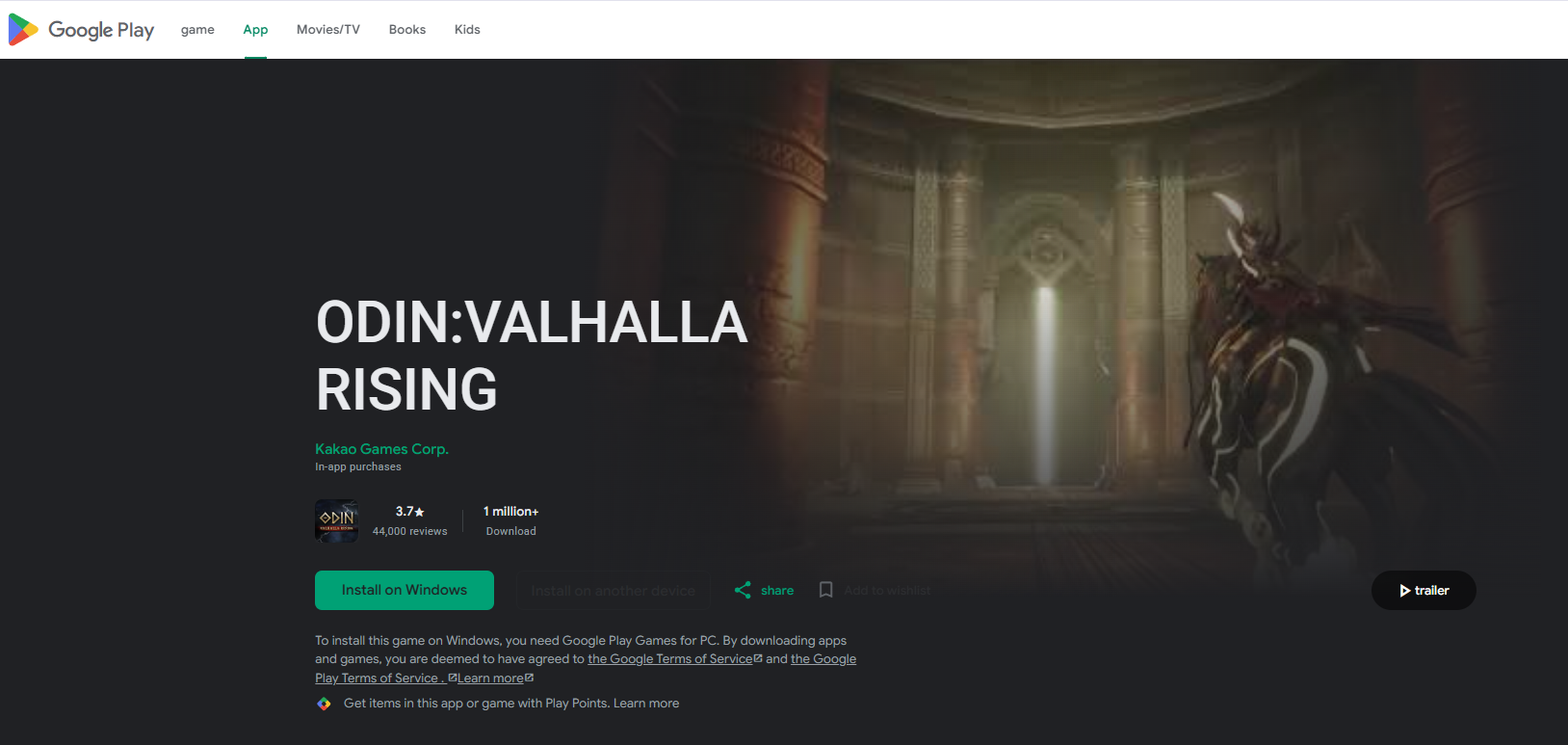
- If you do not have Google Play Games (PC), the latest version will be installed and if it is already installed, it will be updated to the latest version.
※ Age verification may be required depending on your account, and you must complete it to proceed with the installation.
2) After opening Google Play Games (PC), please log in using the Google account that will be linked to ODIN:VALHALLA RISING PC version.
3) After launching Google Play Games (PC), click the [Install] button to install the ODIN:VALHALLA RISING launcher.
4) After running the ODIN:VALHALLA RISING launcher, you can log in with your game account.
※ Cautions
- If you log out or close Google Play Games PC, gameplay may not function properly.
- If the game fails to launch, please restart Google Play Games PC, log in, and try again.
- For any problems related to Google Play Games PC for ODIN:VALHALLA RISING, please refer to the [FAQ].
If you face any difficulties while installing, please submit your request via 1:1 customer support inquiry.
We hope you review these updates so your gameplay remains uninterrupted.
Thank you.