Norns Schedule is a feature that allows you to automatically perform various activities, including Revival and XP Restoration.
You can activate the selected features that will run until 09:00 (UTC+0) every day by using a special currency,
and AUTO battle will activate at your current location when the schedule ends
■ Contents
1. Norns Schedule Features
2. How to Use Norns Schedule
1. Norns Schedule Features
◈ Available Schedule Features
- The content available for the Norns Schedule feature is as follows.
| Feature | Details |
Consumables AUTO Purchase | If any designated consumable item is completely depleted, your character will return to town, purchase the designated consumables from the Consumable Merchant, then return to the previous location and resume AUTO battle. |
| · The feature will not be available if you have not designated a consumable from the Consumable Merchant. |
| · The Norns Coin will be consumed for each AUTO Purchase. |
Item AUTO Dismantle | Items that meet your dismantling conditions will be automatically dismantled when your bag is full. |
| · Locked / Enhanced items are excluded from AUTO Dismantle, |
| and the cost is determined by the number of AUTO Dismantle attempts rather than the number of items dismantled. |
Elite Dungeon AUTO Run | Switch to AUTO battle after moving to a random location of the dungeon. |
| Leaves the dungeon once all free entry time has been used. Re-entering the dungeon before 04:00 will not consume any extra Norns Coins. |
| · You can select the Dungeon's Phase/Floor by pushing the Details button in the features menu. |
| · Norns Coin will be consumed for each Dungeon Entry. |
Party Dungeon AUTO Run | Select the Party Dungeon and its difficulty to perform an AUTO-run. |
| · The Free Entries will be used before using any entry tickets. |
| · The feature will only be available for Private-Solo parties. |
Main Quest AUTO Run | Performs a Main Quest AUTO run. |
| The Schedule feature will end when you are defeated by the Quest Boss or at the Quest Party Dungeon. |
| · Norns Coin will be consumed for each quest completion. |
| · You can use the AUTO Fast Travel feature with Gold. |
AUTO Revive / XP Restore | AUTO Revive and XP Restore will be available when your character dies. |
| · Automatically revives up to the configured number of times (up to 20 times per day), recovers HP to the configured Potion Use HP threshold, then returns to the previous location and resumes AUTO Battle. |
| · If you do not have enough Gold for the XP Restore, only the Auto Revive function will be performed up to the configured number of times. |
| · Diamonds will be required when you revive in a Brute State. |
| · Norns Coin will be consumed for each Revive. |
AUTO Counterattack | Automatically counterattacks when attacked by another player. |
| After activation, AUTO Counterattack remains active for a certain period without consuming additional Norn Coins. |
| · Can be activated up to 3 times per day. |
| · Norn Coins are consumed each time the AUTO Counterattack is activated. |
AUTO Teleport | Teleports you when attacked by another player while your HP is at or below the configured threshold. |
| After teleporting, you can choose where to return. |
| · If a World / Region is designated, you will return to one of the Regions at or below the designated Region level within the selected World. |
| · If a World / Region is not designated, you will return to your previous location. |
| · AUTO Battle will resume after returning. |
| · Can be used up to the configured daily limit (maximum 5 times per day). |
2. How to Use Norns Schedule
◈ Schedule Feature Settings
- The Norns Schedule menu will be available by clicking the Norns Schedule icon in the bottom-right area of the main screen.
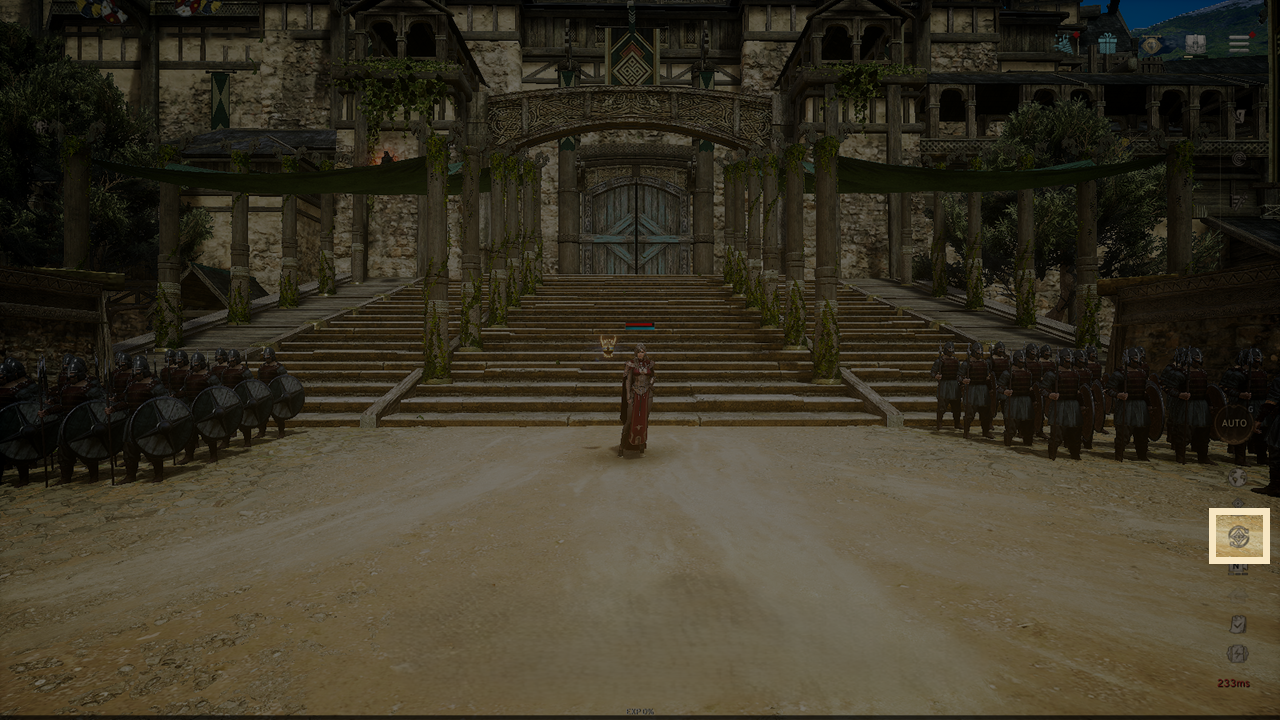
- The Schedule will activate when you select the available schedule features in the left section of the list and click the Start button at the bottom of the list.

◈ Schedule Feature Progress
- The scheduled features will start operating according to the selected features in the list, and the current progress pop-up will be displayed on the left side of the main screen.
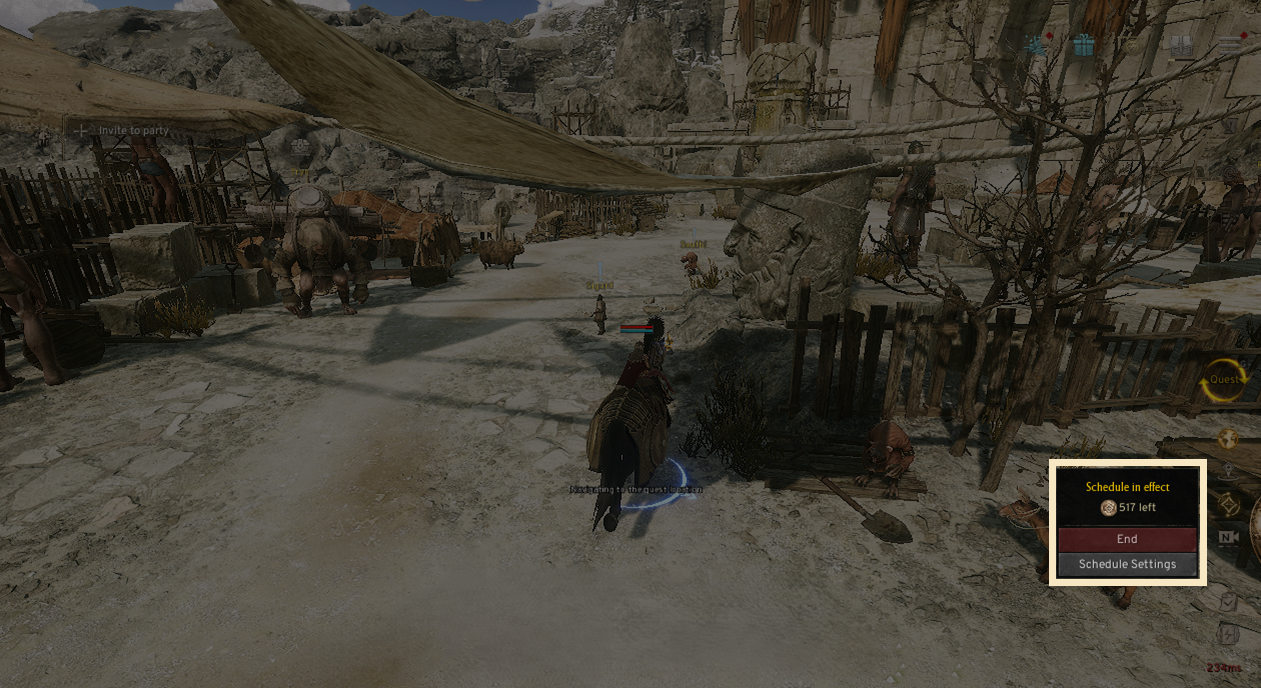
! The schedule will operate in the same order as the scheduled feature list.
! If a manual control is detected while the schedule is operating, the feature will pause for a short time, and if there are no other manual controls for 5 seconds, the feature will resume its scheduled list.
◈ Schedule Feature End
- The Schedule Feature will end under certain conditions, and a schedule result pop-up will appear when the feature ends.
- The AUTO battle feature will activate at your current location when the schedule ends
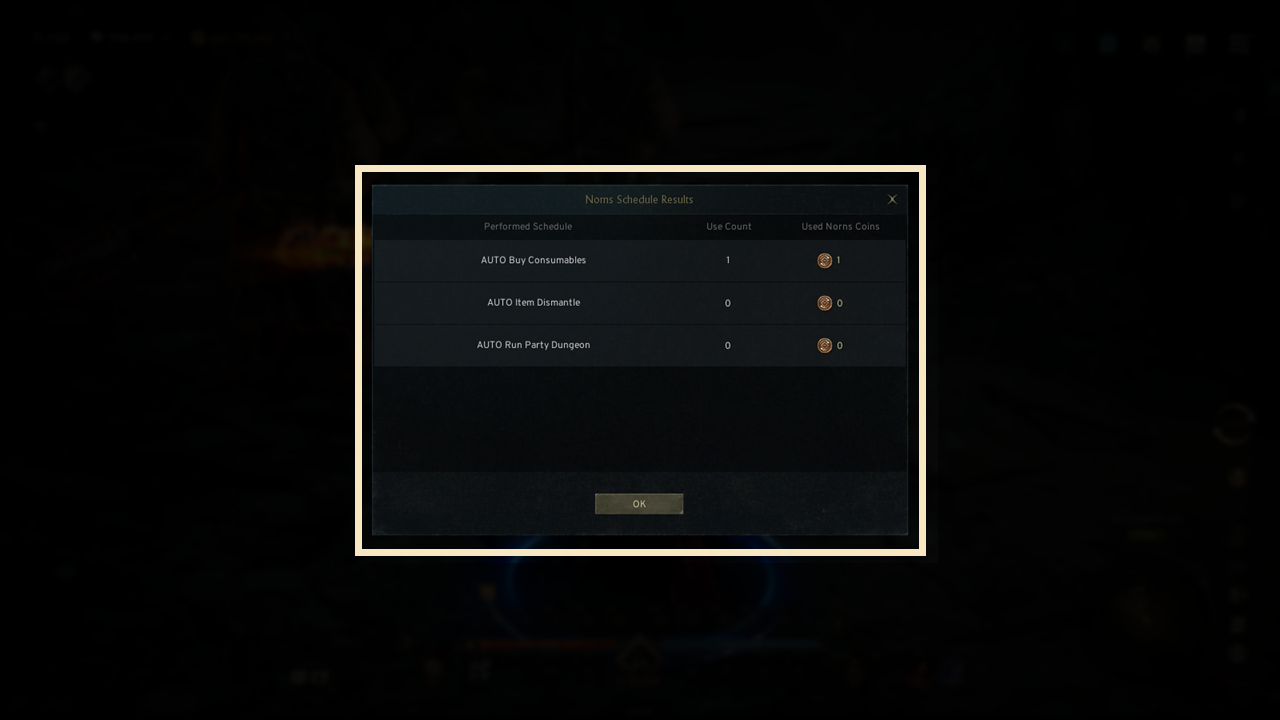
! All of the scheduled features will end at 09:00 (UTC+0) every day.
! If you die after using all of the selected AUTO revive counts, all of the scheduled features will end.
! If any of the currencies that are required for the Consumables AUTO Purchase feature are depleted, all of the scheduled features will end.
! The feature will end when you die during the Main Quest AUTO Run.
! The feature will end when the Norns Coin required for the scheduled feature is depleted.
