
We would like to guide you through the upcoming Server Merge, where two or more servers will be combined into one.
Details on how the Server Merge will proceed and the changes taking effect can be found below.
■ Contents
1. Server Merge Process
2. Login Data Selection Rules for Server Merge
3. Server Data Selection after Server Merge
1. Server Merge Process
- If characters exist on all servers subject to the Server Merge, you will be able to select which character data to access after the Server Merge.
ex) If you have characters on both Vanaheim02 and Vanaheim05 Servers, which are subject to the Server Merge, you will select a server to log in to, and you may switch between them freely after a one-hour cooldown.
- Certain content entries will be restricted, and data will be reset due to the Server Merge.
2. Login Data Selection Rules for Server Merge
- If characters exist on all servers subject to the Server Merge, you will have to select the server's data that you would like to log into.
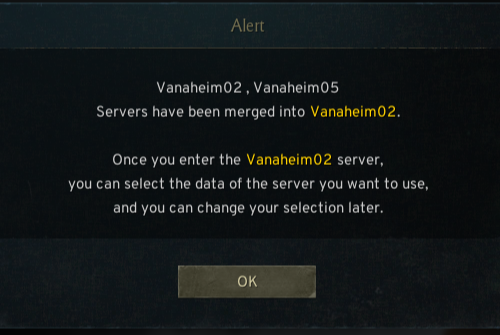
- If characters exist on all servers subject to the Server Merge, you will be able to select the data to log in.
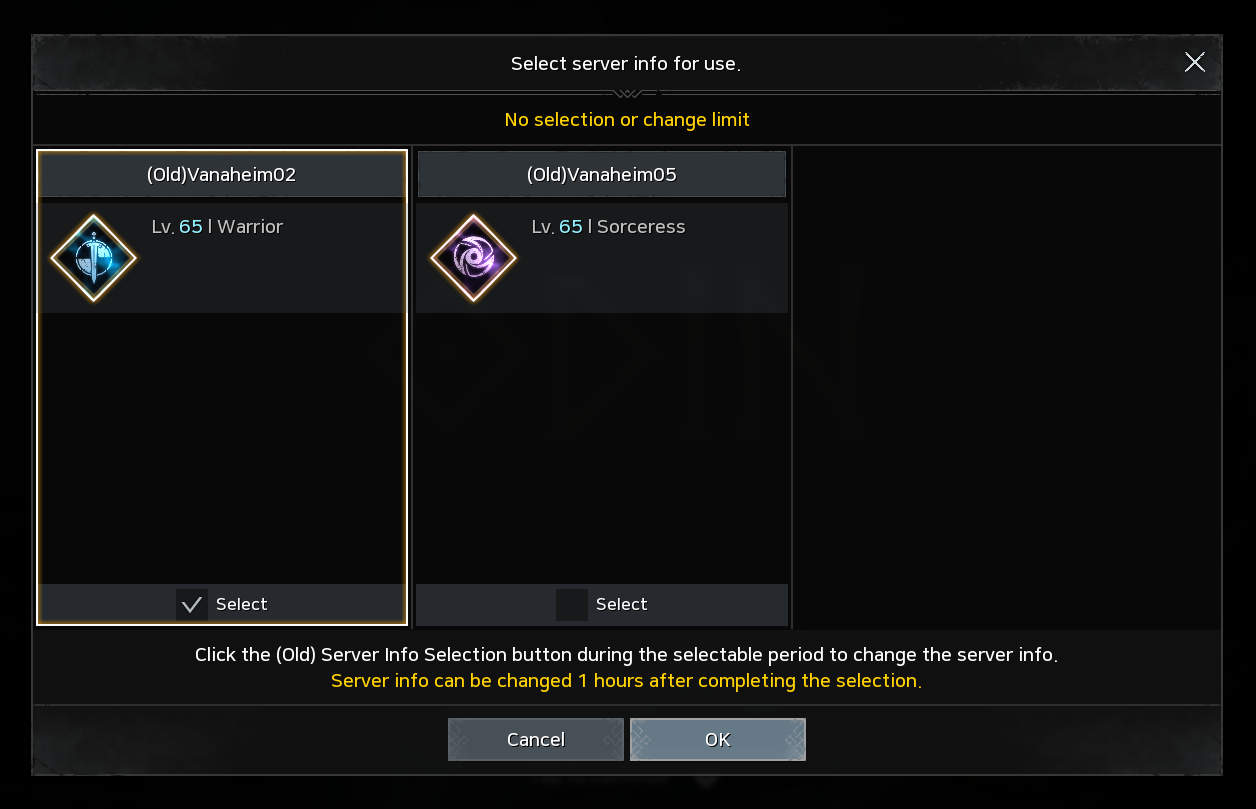
- Check the character details of each server, and select the data that you wish to log in to.
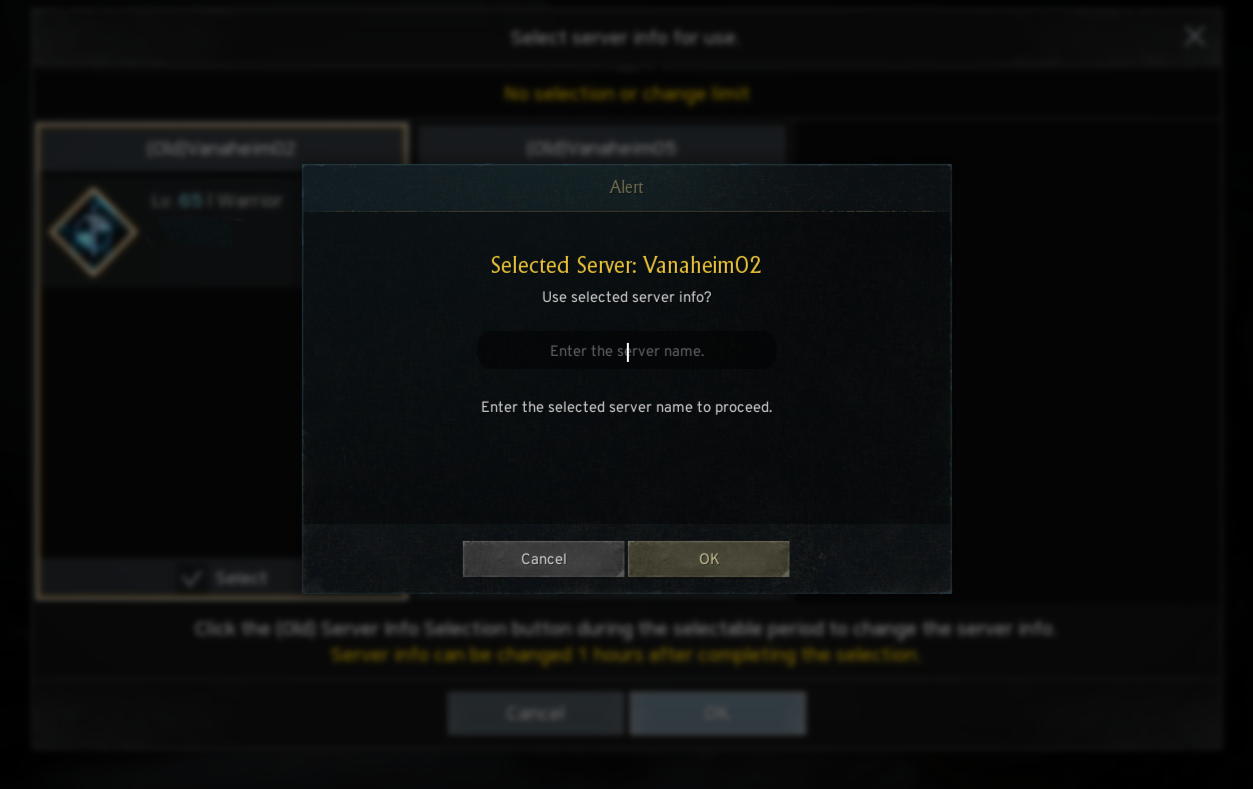
- Type in the name of the server that you wish to log in to confirm your selection.
- If confirmed, you will proceed to the character selection screen of the selected server's data.
! After the Server Merge, you may switch between your server data and log in freely after a one-hour cooldown.
3. Server Data Selection after Server Merge
- You can still log in to the server data that you did not select during the first merged server data selection.
- After a one-hour cooldown, you can change the server data that you wish to log in to whenever you want.
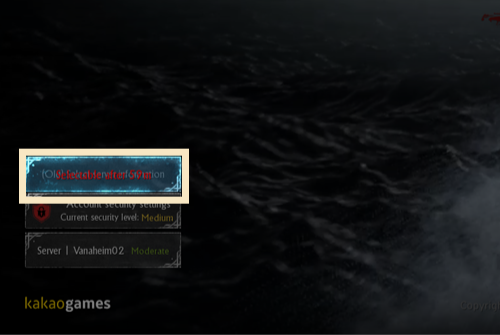
- The time left until the change is available will be displayed on the server change button.
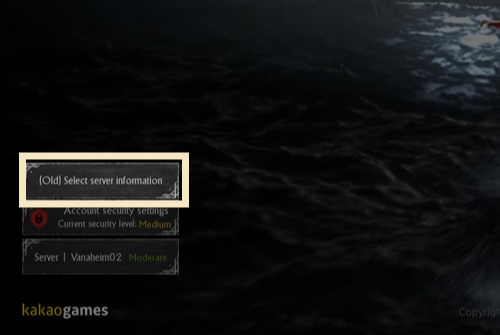
- After the one-hour cooldown, you can select the data that you wish to log in to, just like when you selected the log-in data before.