Underground Prison - World Dungeon is a world-level elite dungeon where players from all servers are gathered into a single space and matched randomly.
Within the dungeon, you can engage in both PvP and PvE, and freely form world-level guild hostilities and alliances, enabling more intense and extreme battles.
Enter the Underground Prison right now to experience the clash between servers and gain enhanced rewards!
■ Contents
1. Lobby Entry
2. How to Enter and Start
3. Rules
4. Exit and Leave
5. Time Recharge
6. Guild Hostility & Alliance Registration
1. Lobby Entry
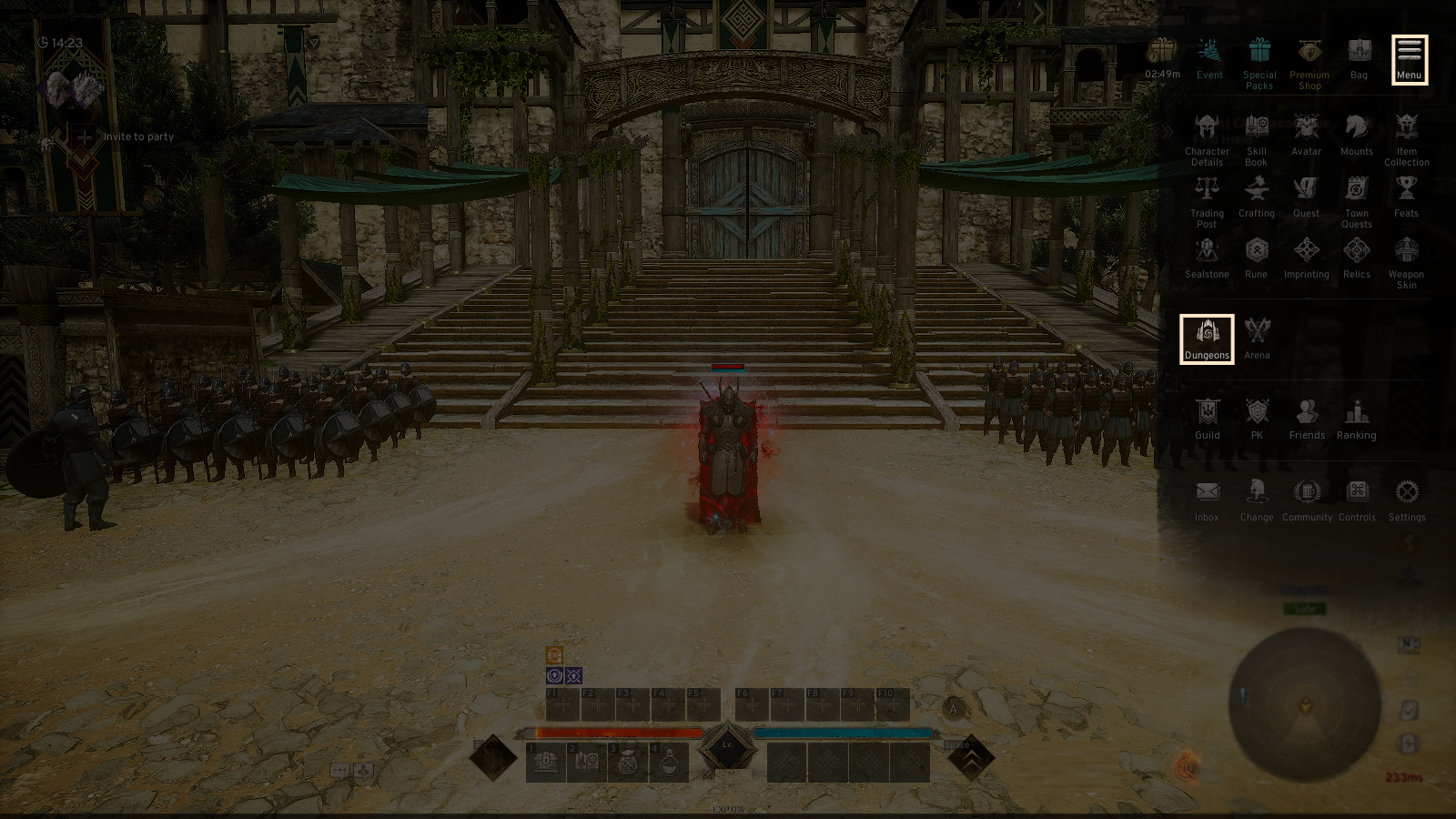
- Select the top right [Menu(≡)] - [Dungeon] -[Elite Dungeon] to enter the Dungeon Lobby.
2. How to Enter and Start
◈ Lobby Screen
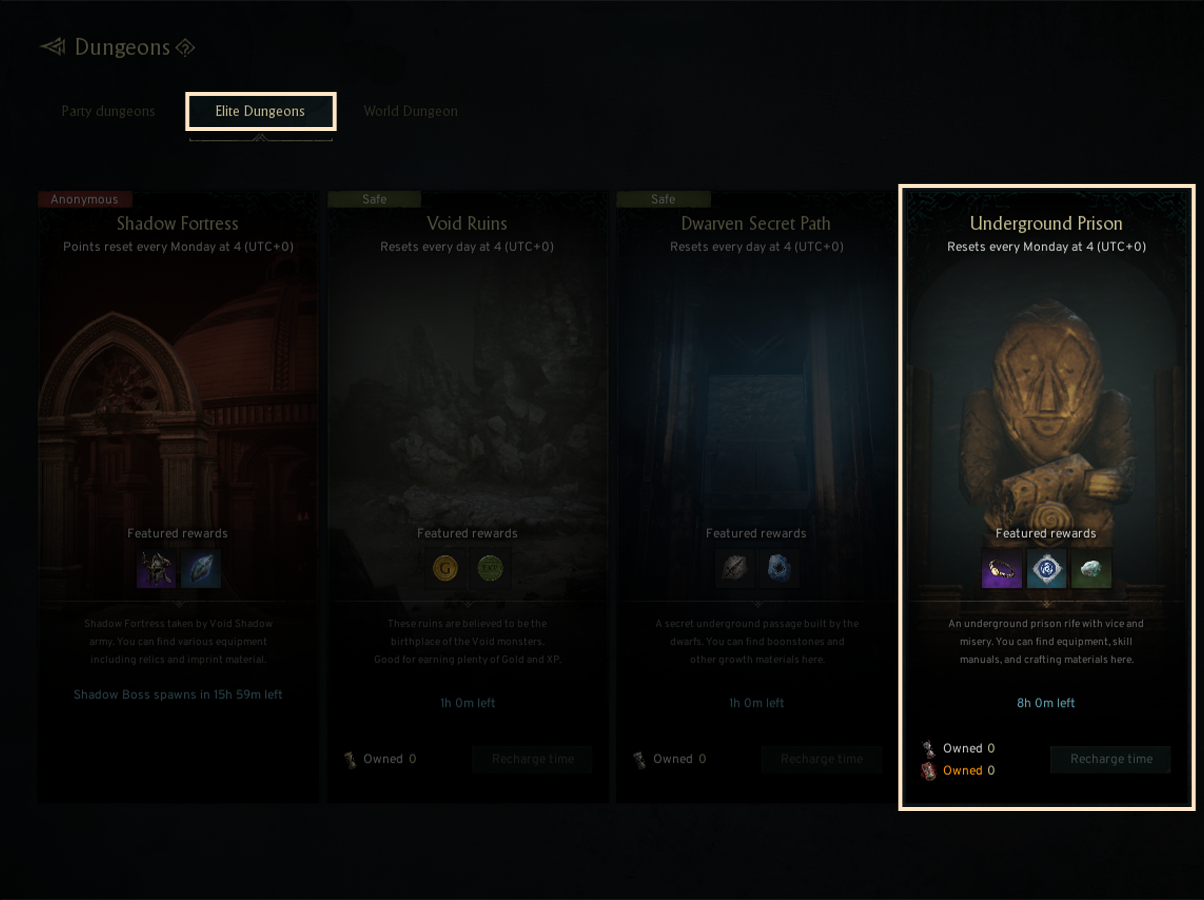
- You can find the details, such as the Required CP, Main Rewards List, PK Status, and Participation Rate, in the Lobby Screen where you enter by selecting the [Lowest Level - Hall of Chaos (World)] dungeon from the Underground Prison Dungeon list.
◈ The Required Combat Power to Enter the World Underground Prison
- Required Combat Power: 30,000
- Recommended CP: 35,000
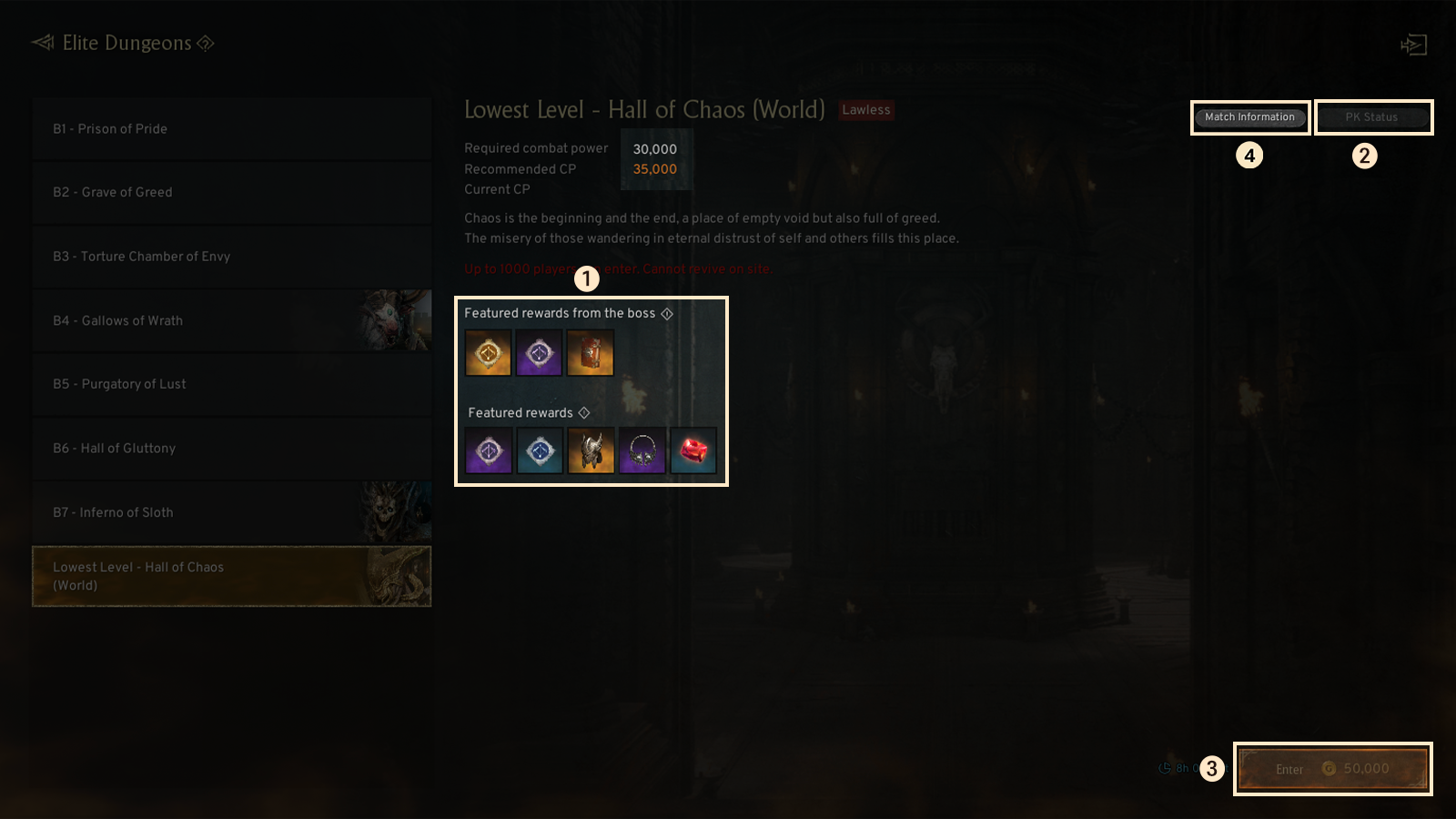
① Featured Rewards
- You can check the featured rewards from the boss and normal monsters.
② PK Status
- You can check the PK status, such as each character's ranking, server/guild status, and the number of kills similar to the World Dungeon.
③ Participation Rate
- The dungeon's occupation is limited, and the Participation Rate will be displayed as ‘Sparse’, ‘Crowded’, or ‘Full’ according to the current participation rate.
- If the participation rate is 'Full', entries will be restricted.
- If the dungeon's occupation if at it's max rate, the number of entries allowed will be equal to the nunber the exited players.
- Enter the dungeon by pressing the 'Enter' button in exchange of a cetain amount of Gold, same as the other previous Elite Dungeons.
④ Match Information
- You can check the info of the currently matched server.
- Server matching takes place at 04:00 on the 1st day of each month.
- The Matchmaking Info button will not be displayed if only one world is matched.
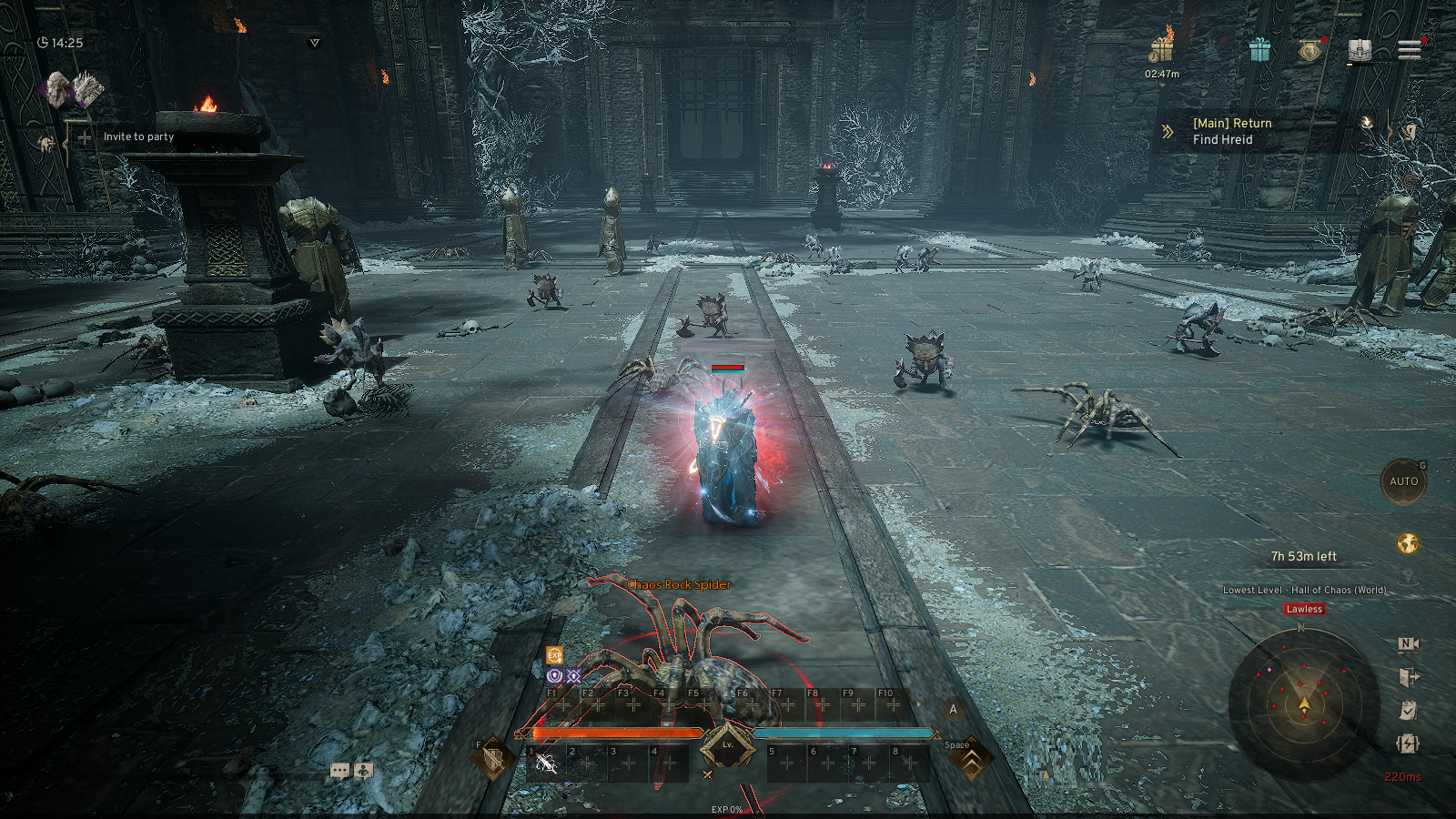
- After entering the dungeon, move to the monster's location.
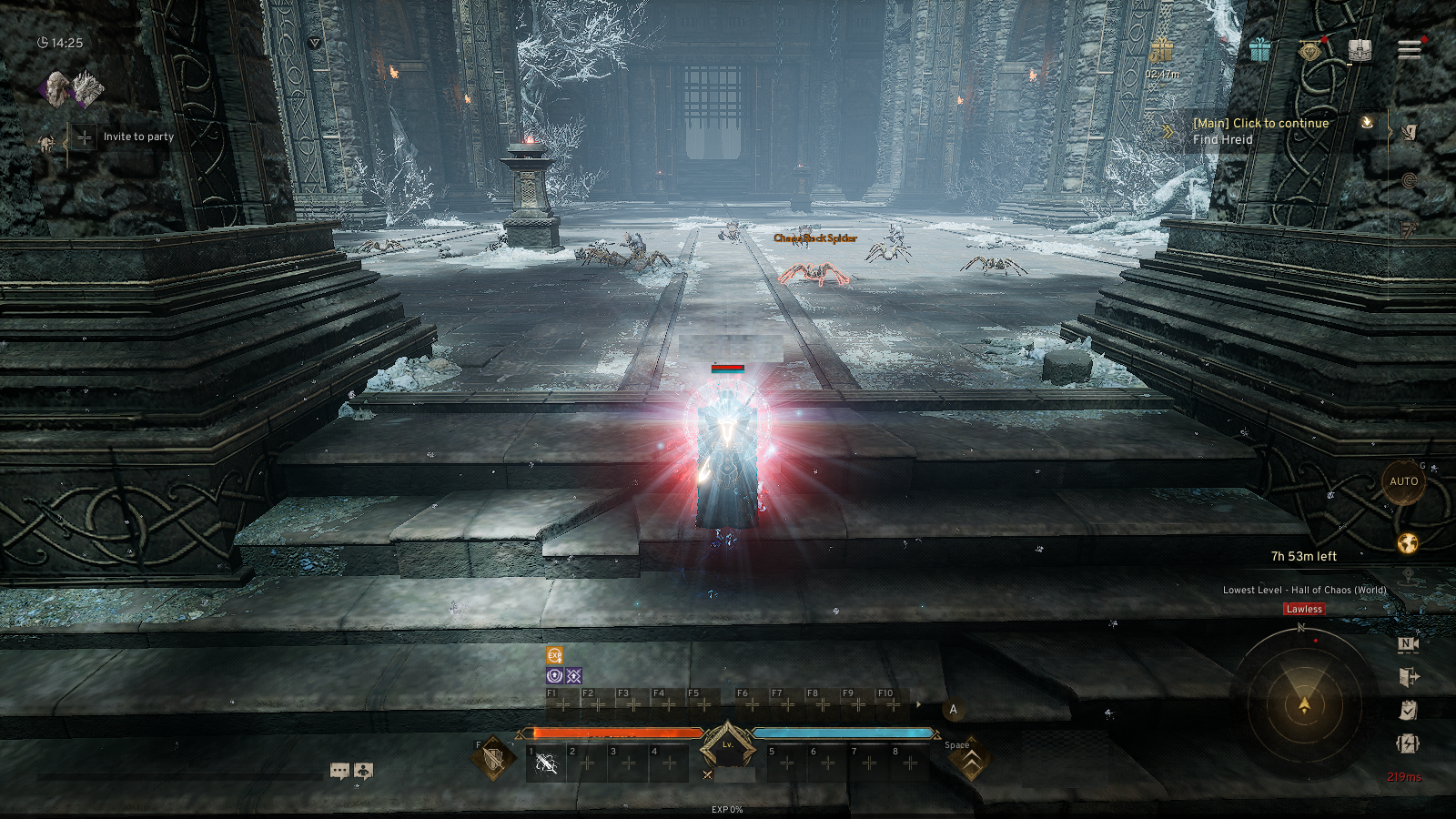
- Gain various rewards by defeating the appearing monsters during the limited dungeon crawl time.
3. Rules
◈ Certain Content Restrictions and Adjustments
- Up to 1,000 players can enter the Elite Dungeon - Underground Prison (World Dungeon) in each world.
- Certain content, such as Trading Post, Event, and Guild Auction will be restricted.
◈ Matchmaking Rules
- The matchmaking for Elite Dungeon - Underground Prison (World Dungeon) will be conducted randomly into multiple group factions across servers within the same server region.
- The matchmaking will be conducted within the same server region of each US & EUROPE, or ASIA region.
- Server matching takes place at 04:00 on the 1st day of each month for 10 minutes, and entry will be available after the matchmaking is completed.
- The Spawn Time of all Boss monsters will be reset after the matchmaking of the Underground Prison (World Dungeon) is complete.
- The entry limit is applied per matched group, and inside the dungeon, you will only encounter players from the servers matched within the same group.
- World Elite Chat is available only within the same group, and communication with other groups is not possible.
- In the PK Status, the Group Server Rankings display only the servers included in the current matching.
◈ Guild Hostility and Alliance Rules
- The Hostility and Alliance status of other characters will be displayed in the Elite Dungeon - Underground Prison (World Dungeon).
- Regardless of whether the dungeon has started or ended, hostile and allied guilds can be registered on a worldwide basis.
- The Alliance and Hostile Guild lists are persistent and are not reset weekly.
◈ Death and Revival in the Dungeon
- If you die inside the dungeon, [Revive on site] is not available.
- If you do not revive within 3 minutes after the revival timer expires, you will be removed from the dungeon and revived in town.
◈ Brute & Butcher Rules
- When engaging in PK, your status changes to Brute, but your Butcher points does not increase.
- However, defeating monsters will reduce your Butcher points.
4. Exit and Leave
◈ Exit and Leave
- If you wish to leave the dungeon while it is in progress, you may freely exit by selecting the [Leave] button.
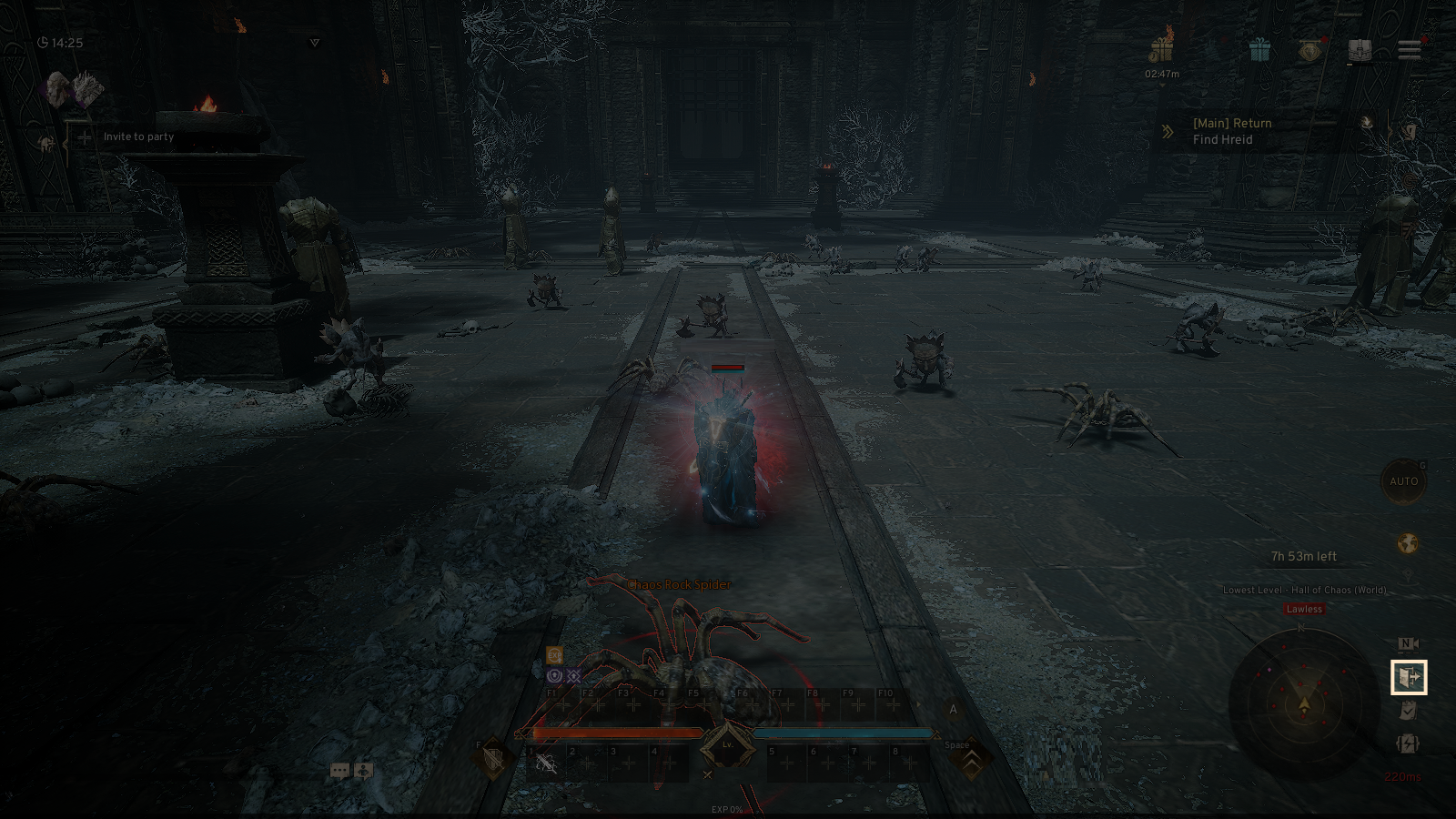
- If all of the available dungeon crawl time is consumed, you will be automatically moved outside the dungeon.
- When exiting the dungeon, you will be returned to your location prior to entry.
5. Time Recharge
◈ If your free time is insufficient, you can recharge the dungeon entry time using a separate item.
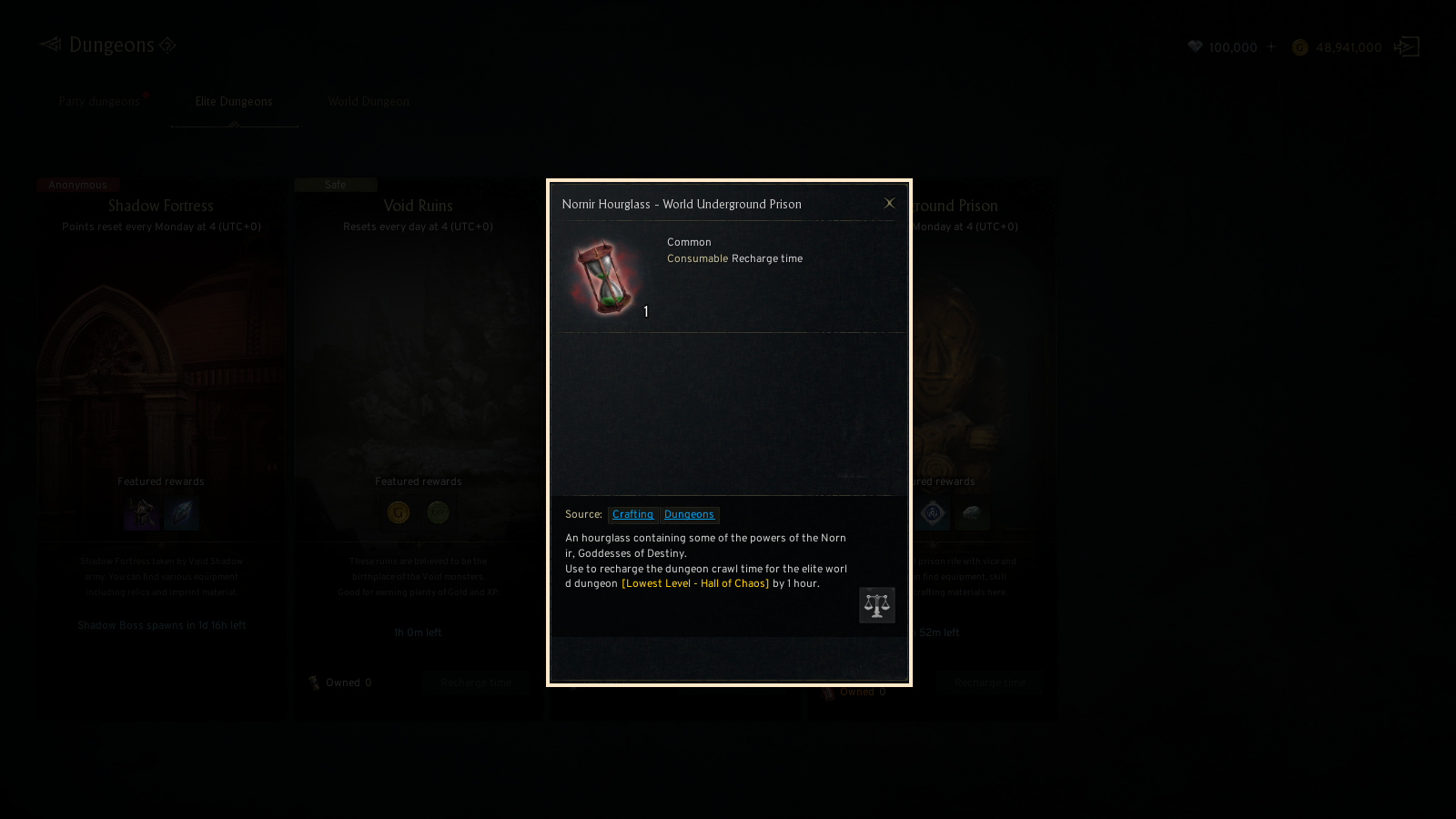
- Free entry time is shared with the existing Underground Prison free entry time.
- Recharged time is not shared with Underground Prison Floors.
- Detailed information on recharge items can be checked by tapping the hourglass icon in the dungeon list.
- If you enter the dungeon after recharging additional time while free time is still available, free time will be consumed first.
- The time recharge feature will be restricted if your remaining recharged time exceeds a certain limit.
- Time consumption begins immediately upon entering the Underground Prison (World Dungeon). However, time consumption is paused while your character is in a dead state inside the dungeon.
6. Guild Hostility & Alliance Registration
◈ Hostility & Alliance Registration
- You can register guild hostilities and alliances without entering the Guild menu.
- The Guild Master or Vice Guild Master can target a player from another guild and select [Menu] at the top of the screen to register hostility or request an alliance.
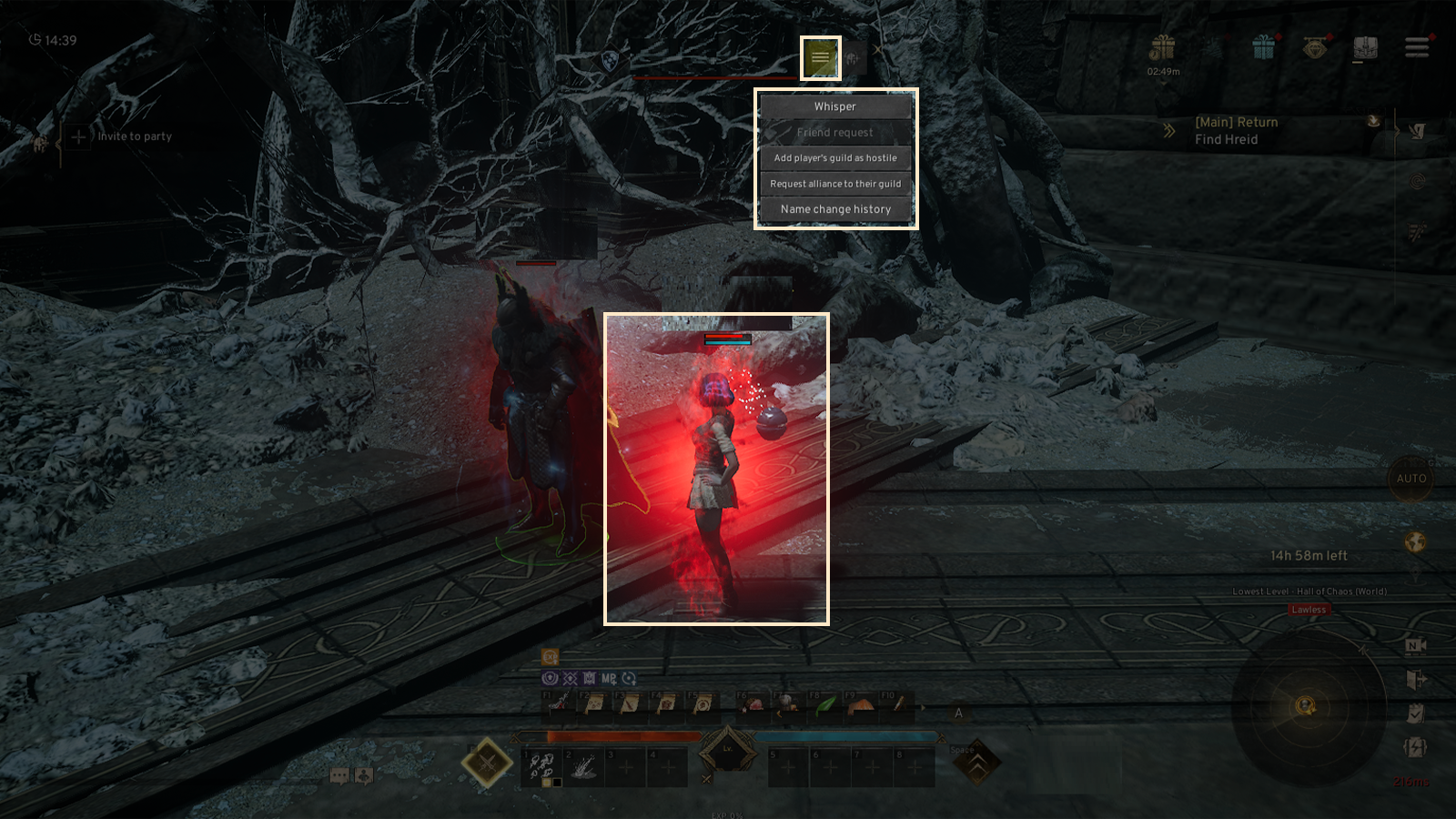
◈ Hostility & Alliance Registration in Chat Window
- The Guild Master can click a character name in the chat window to register hostility or request an alliance with that character’s guild.
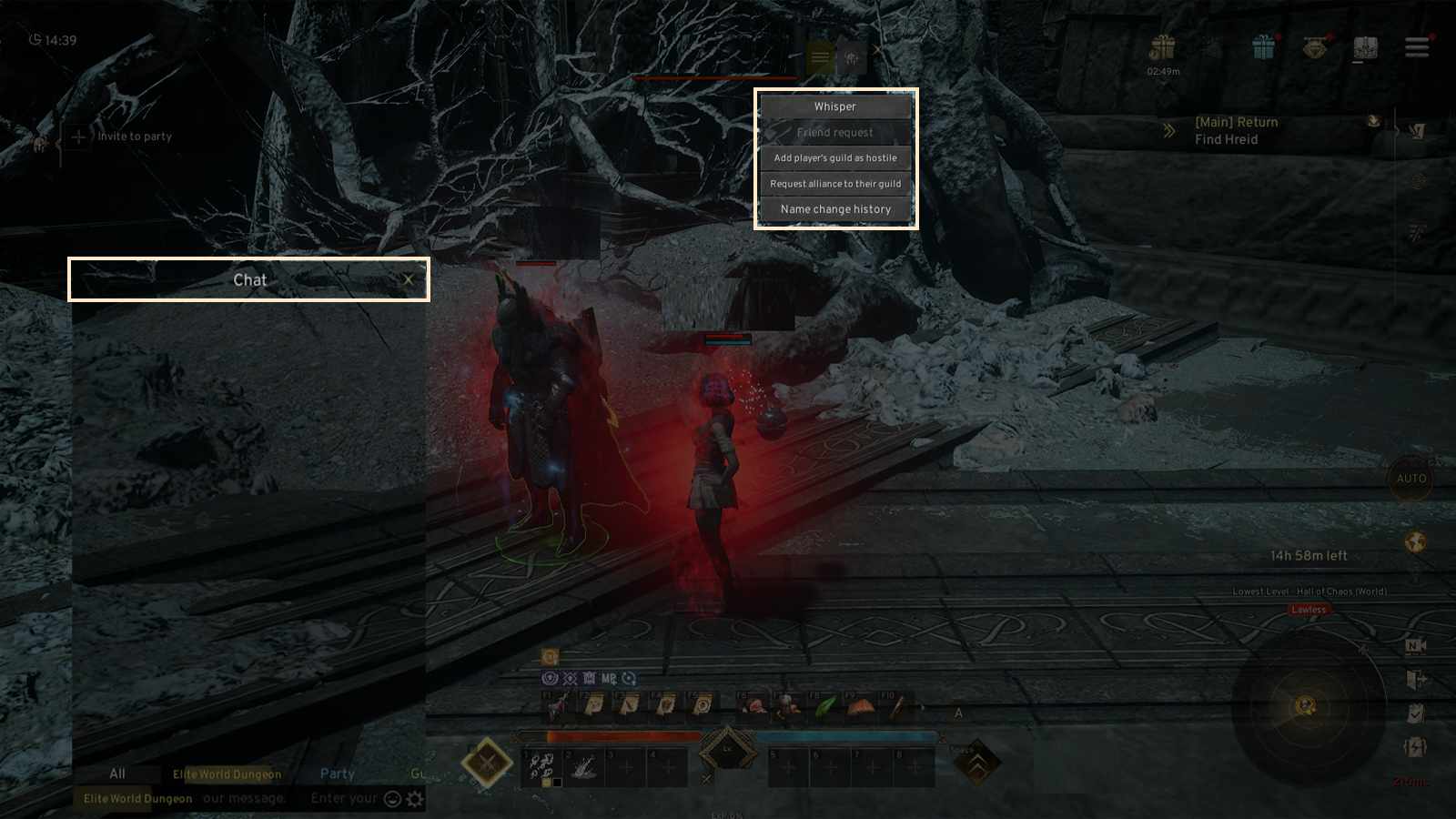
! For instructions on registering guild hostilities and alliances via the Guild menu, please refer to the [Game Guide - Guild].
◈ Canceling Hostility & Alliance Registration
- Only the Guild Master and Vice Guild Master can cancel hostile or allied guild registrations through the Guild menu.
- In the [Guild Info] tab, tap the X button on the right side of the hostile guild list.
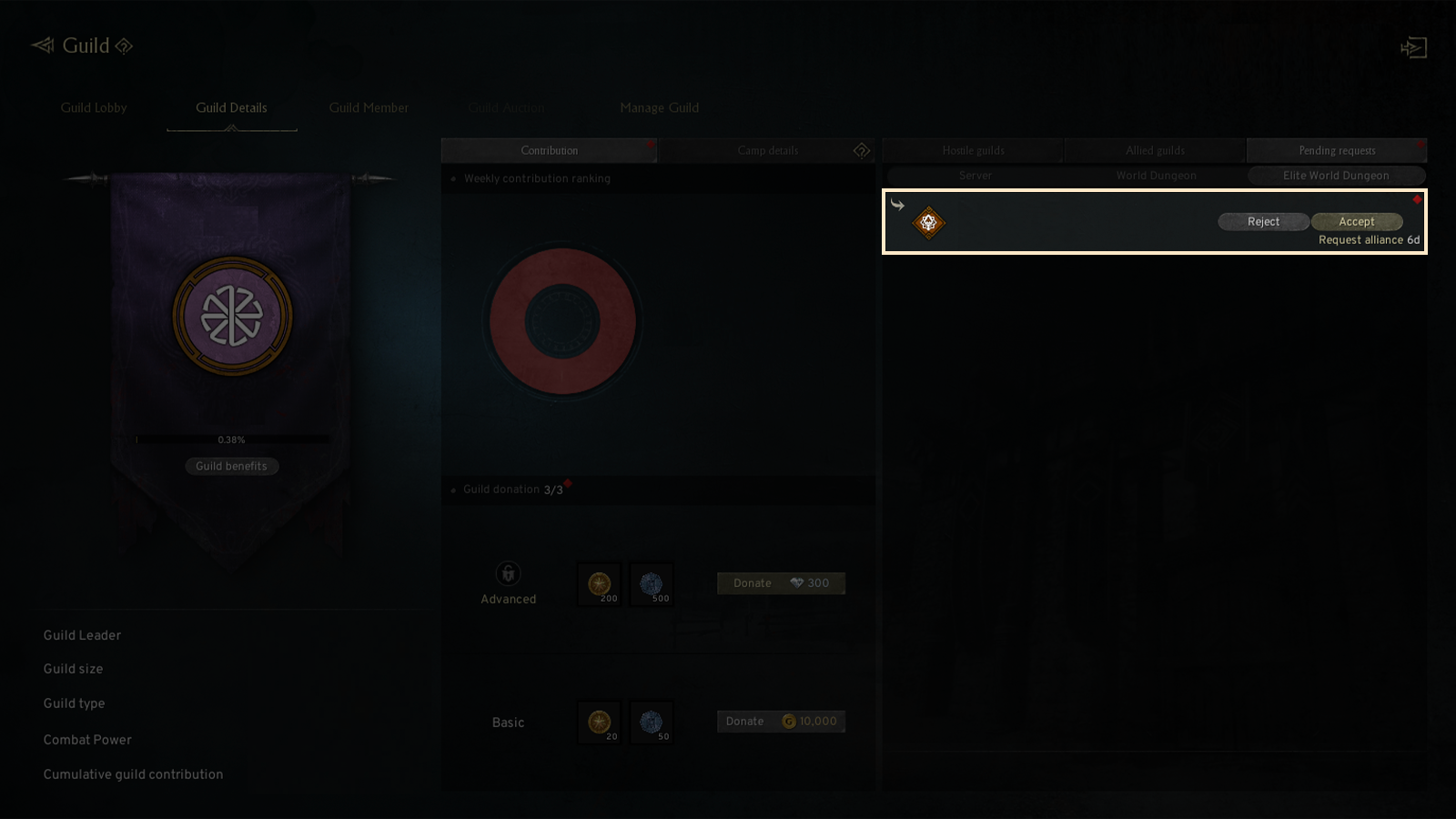
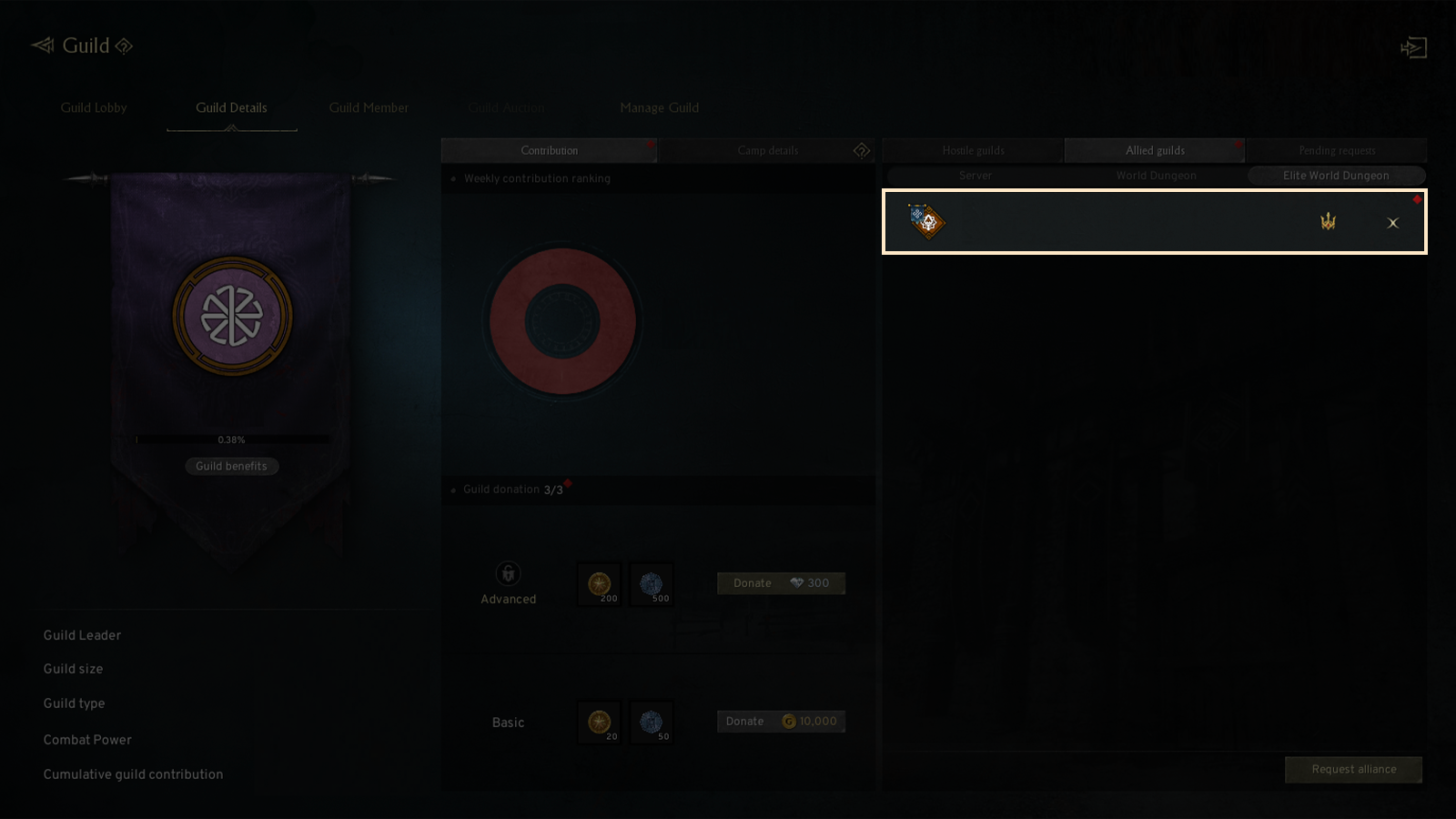
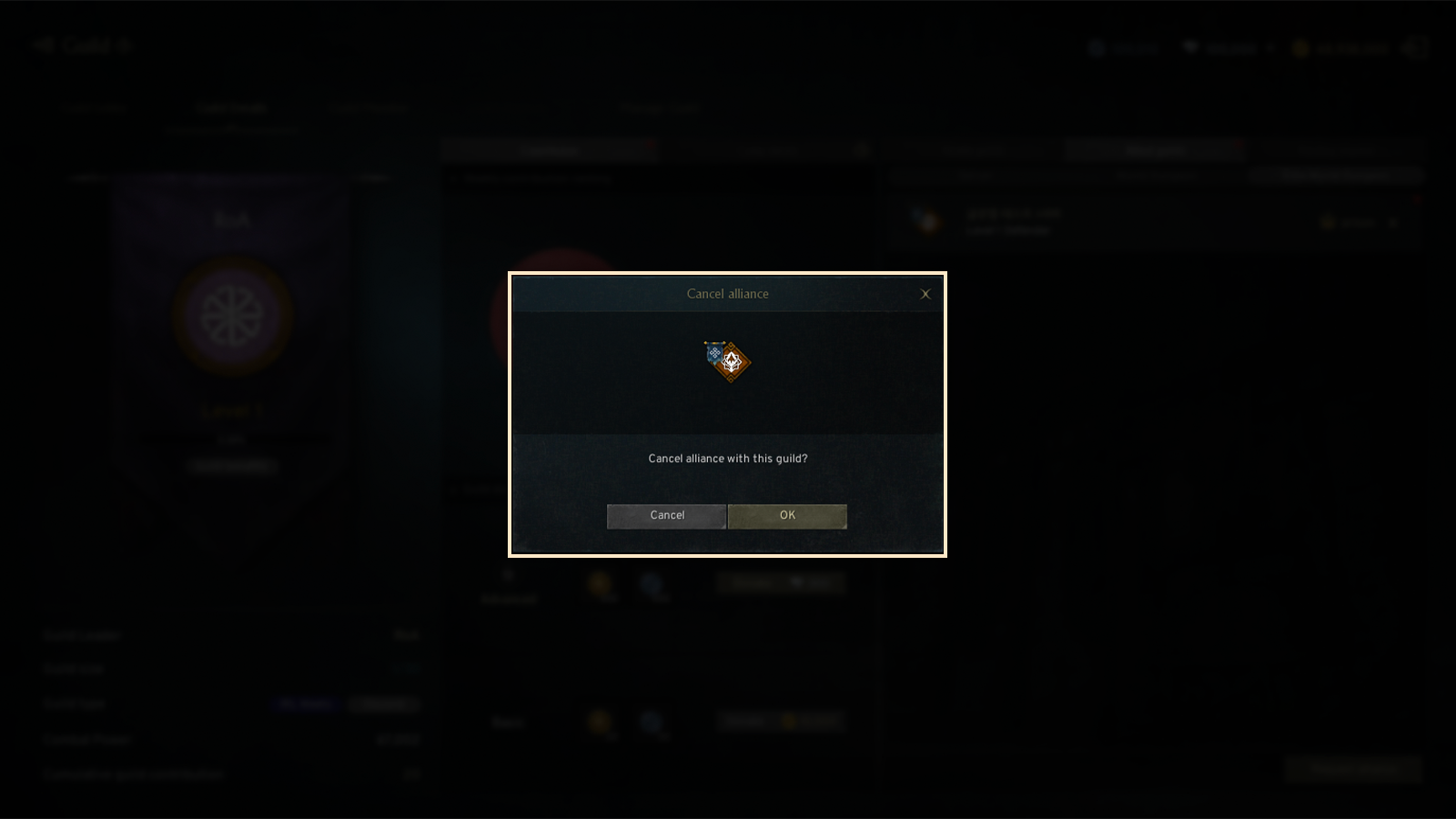
- After confirming in the popup, a notification message will appear in the center of the screen, and the hostile guild will be removed immediately.