
With Idle Mode and Power Saving Mode, you can enjoy added convenience and improved gameplay efficiency.
Explore these features to optimize your gaming experience.
■ Contents
1. Power Saving Mode
2. Idle Mode
1. Power Saving Mode
◈ Details
- Power Saving Mode minimizes battery consumption by turning off the game screen.
- In Power Saving Mode, the regular game display is turned off and replaced by the Power Saving interface. AUTO Battle remains active and operational even after switching to Power Saving Mode.
- Clicking the [Battery] icon will instantly switch the game to Power Saving Mode.
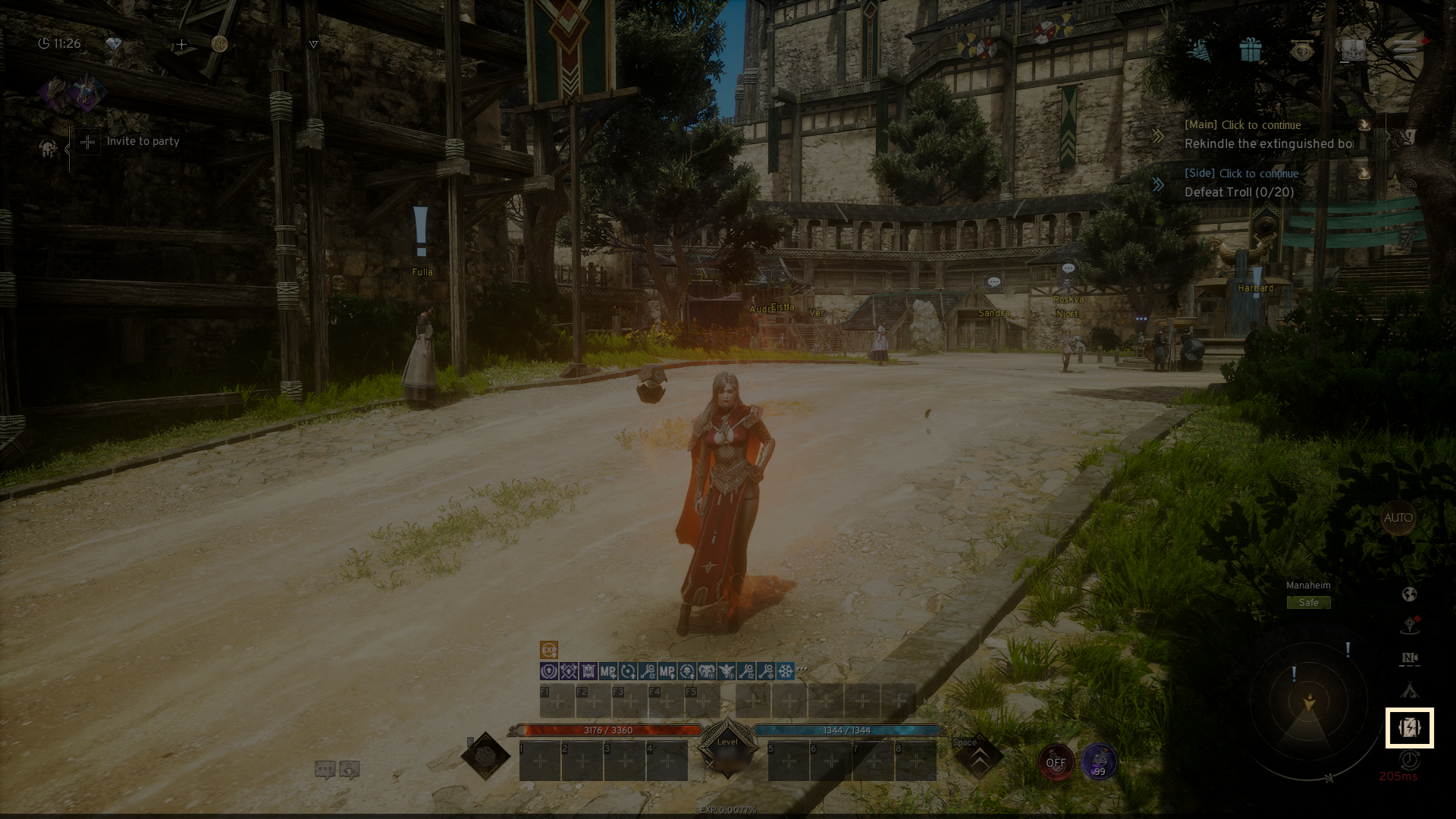
- Power Saving Mode can be set to engage automatically after a designated idle time.
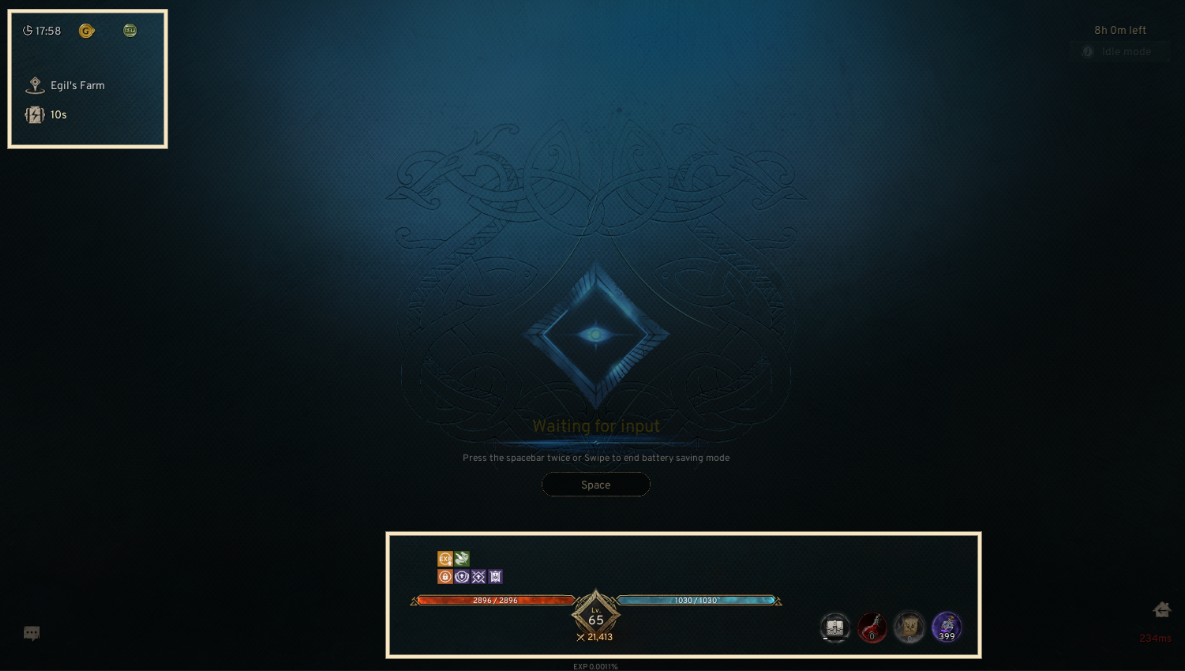
- To deactivate Power Saving Mode, double-click the spacebar or swipe the screen.
- In Power Saving Mode, key details such as your location, Power Saving Mode time, buffs, and HP/MP status remain visible.
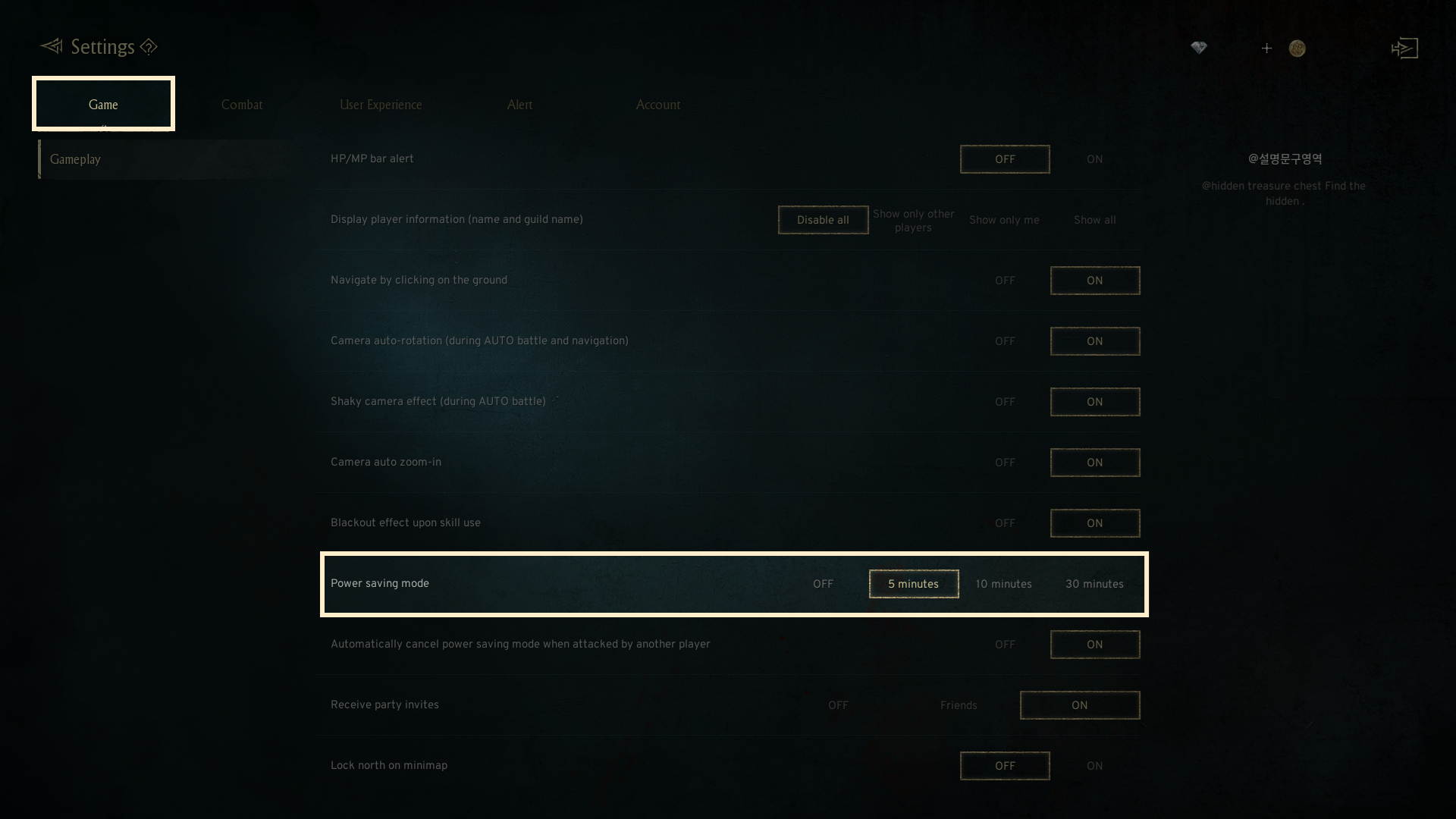
- In the [Game] tab from Settings, you can turn off Power Saving Mode or customize the activation timer to suit your preferences.
2. Idle Mode
◈ Details
-Idle Mode lets your character continue AUTO battle for a limited time after game is closed.
- Idle Mode can only be activated during AUTO battle and is removed in Towns.
-Click the clock icon on the right side of the screen to activate Idle Mode.
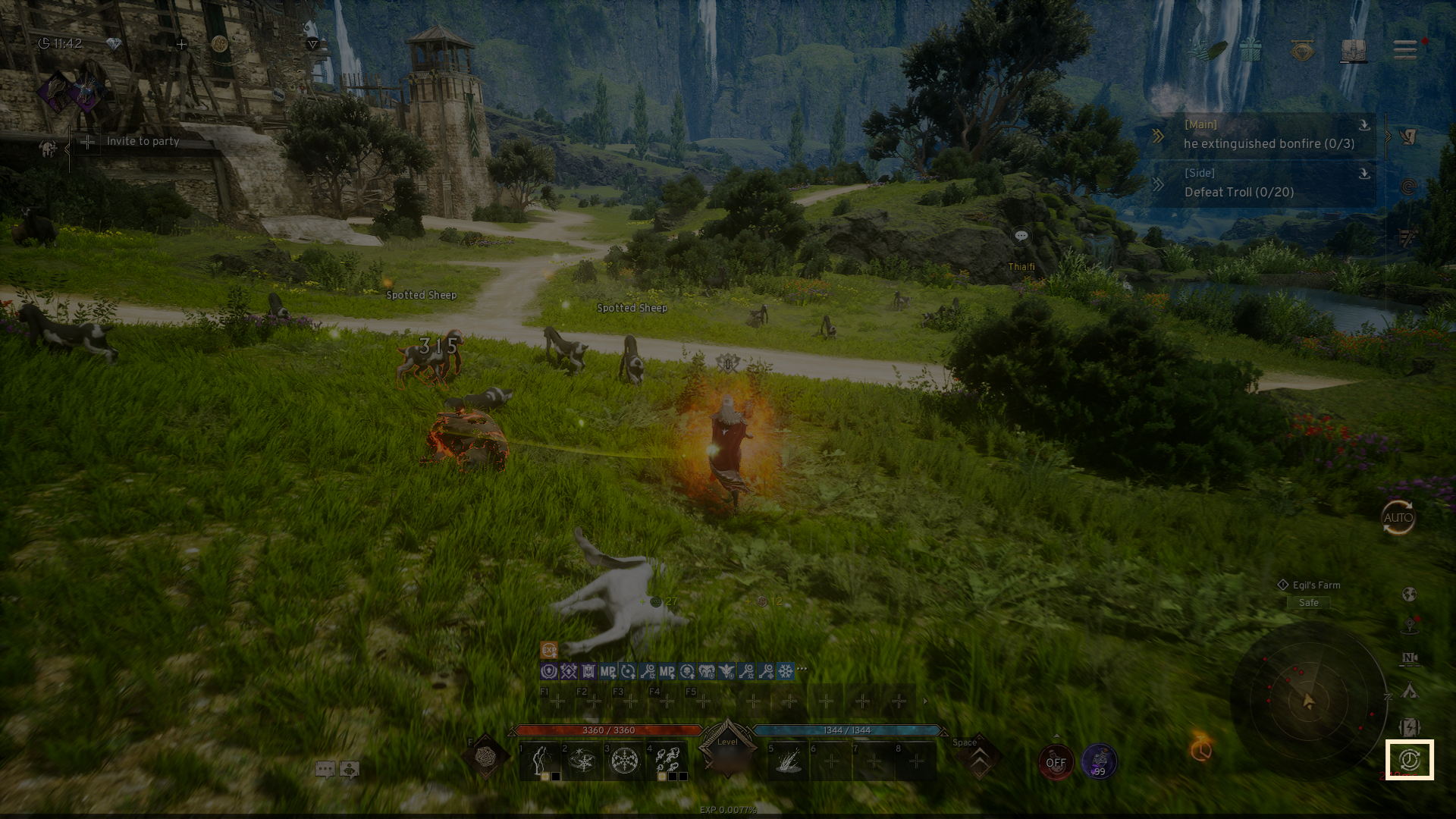
- Activating Idle Mode allows AI to handle AUTO battle while the game is closed.
- The feature is available for a maximum duration of 8 hours.
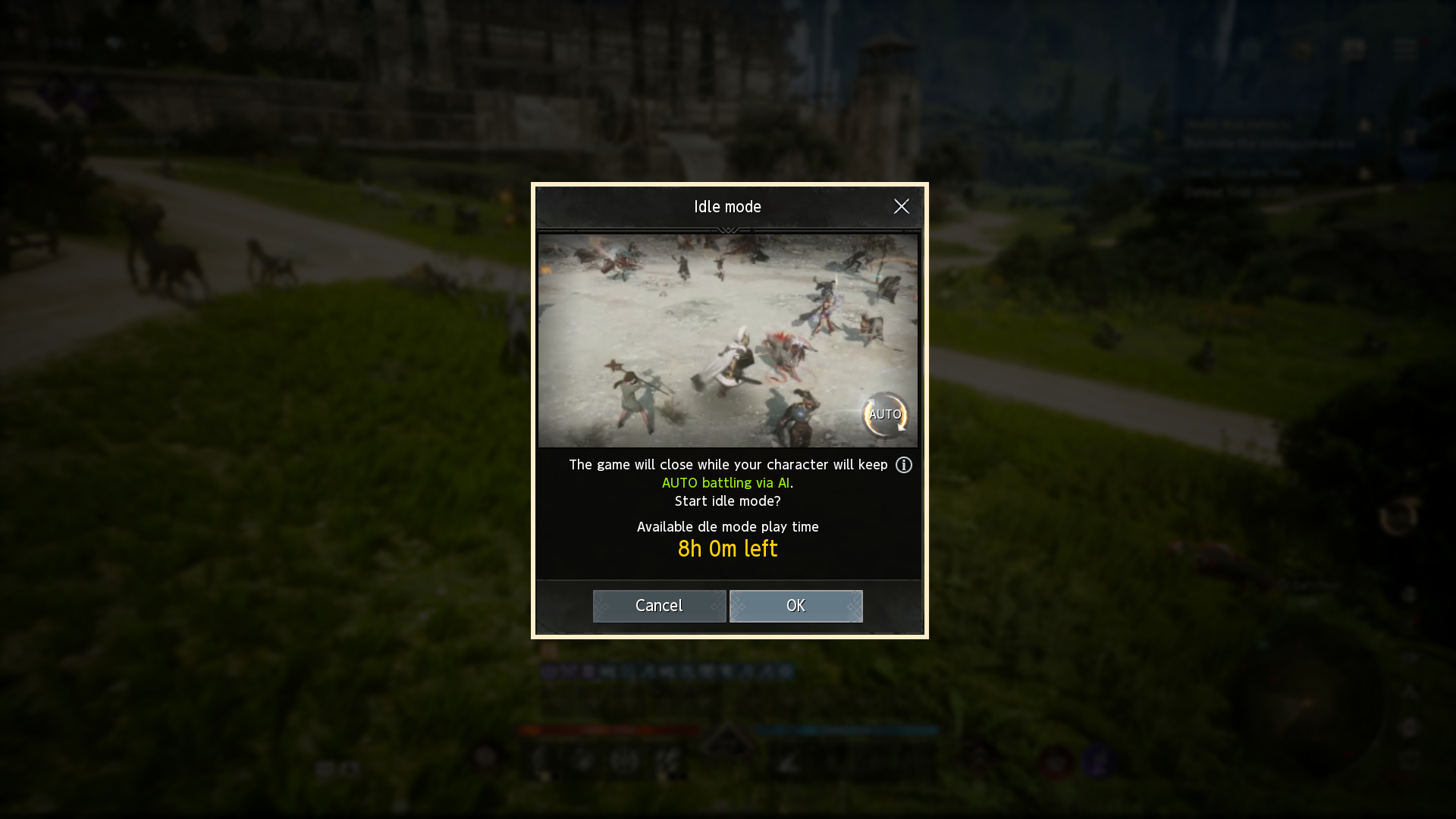
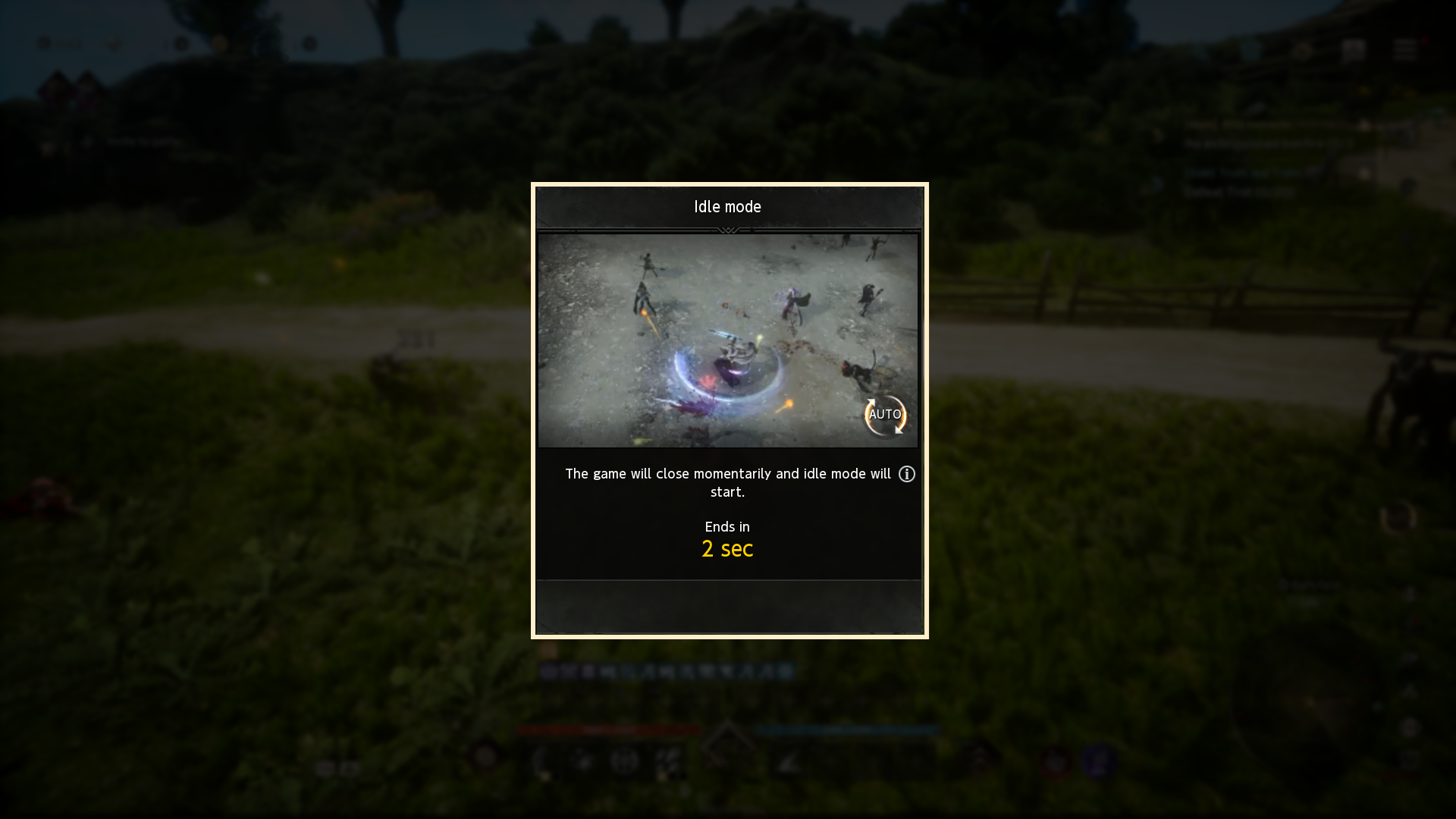
- Click 'OK' to close the game and enable Idle Mode.
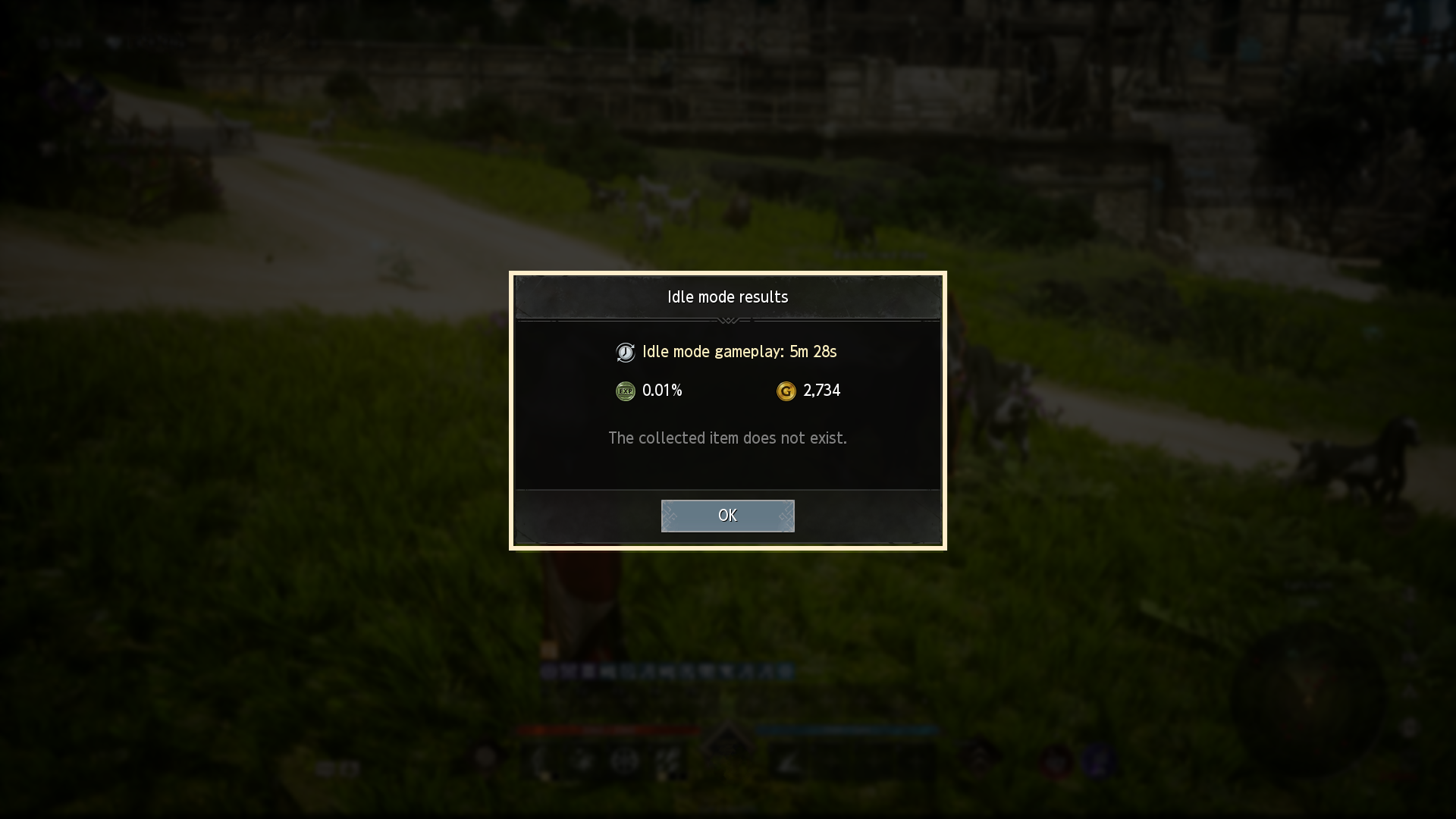
- The Idle Mode results, such as playtime and acquired rewards, will be shown when the game is restarted.
If you need additional assistance, don't hesitate to contact our customer center through the button below.