
The Trading Post allows you to trade items with other Heroes using Diamonds.
If you're struggling to craft or obtain the items you want,
you can use the Trading Post to get crafting materials and items.
■ Contents
1. Trading Post
2. Buying Items
3. Selling Items
4. Trading Post Notes
1. Trading Post
◈ Details
- The Trading Post allows you to trade items with other Heroes.
- Tap the menu (☰) in the top-right and select 'Trading Post' to access the tab.
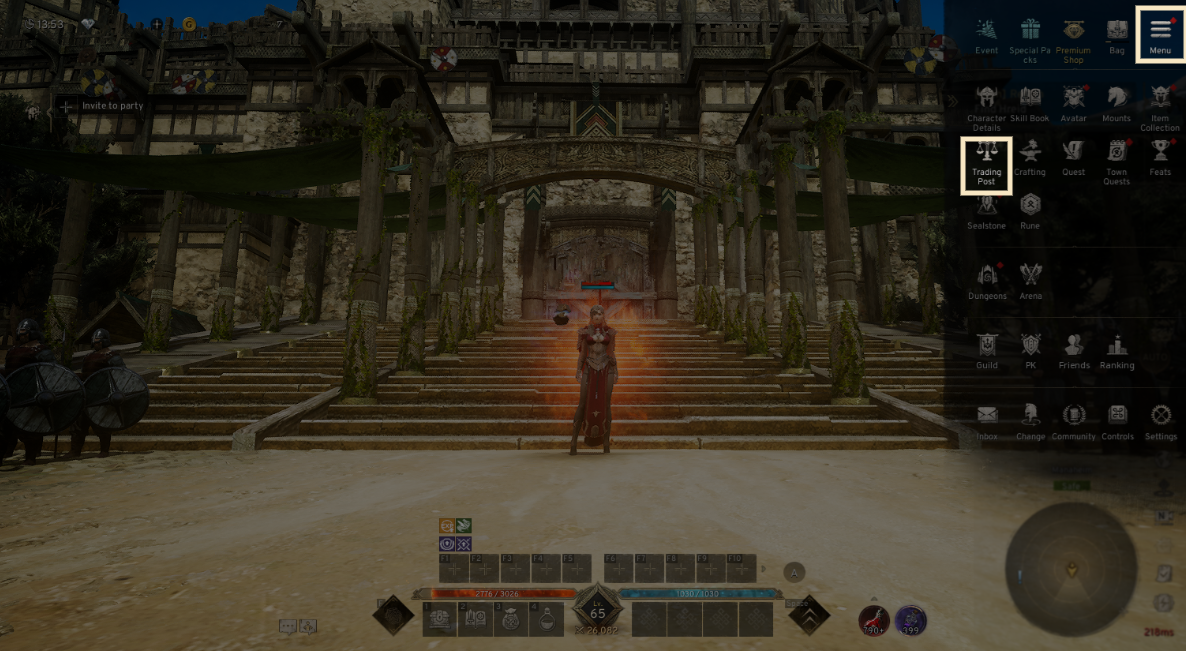
2. Buying Items
◈ How to buy
- You can buy weapons, armor, accessories, materials, Skill Books, consumables, and Collecting loot at the Trading Post.
- The [Main] tab of the Trading Post displays recommended items and those you have added to your Favorites list.
- Use the [Search] tab to find the items you wish to buy.
! You can only buy items listed for sale on your server.
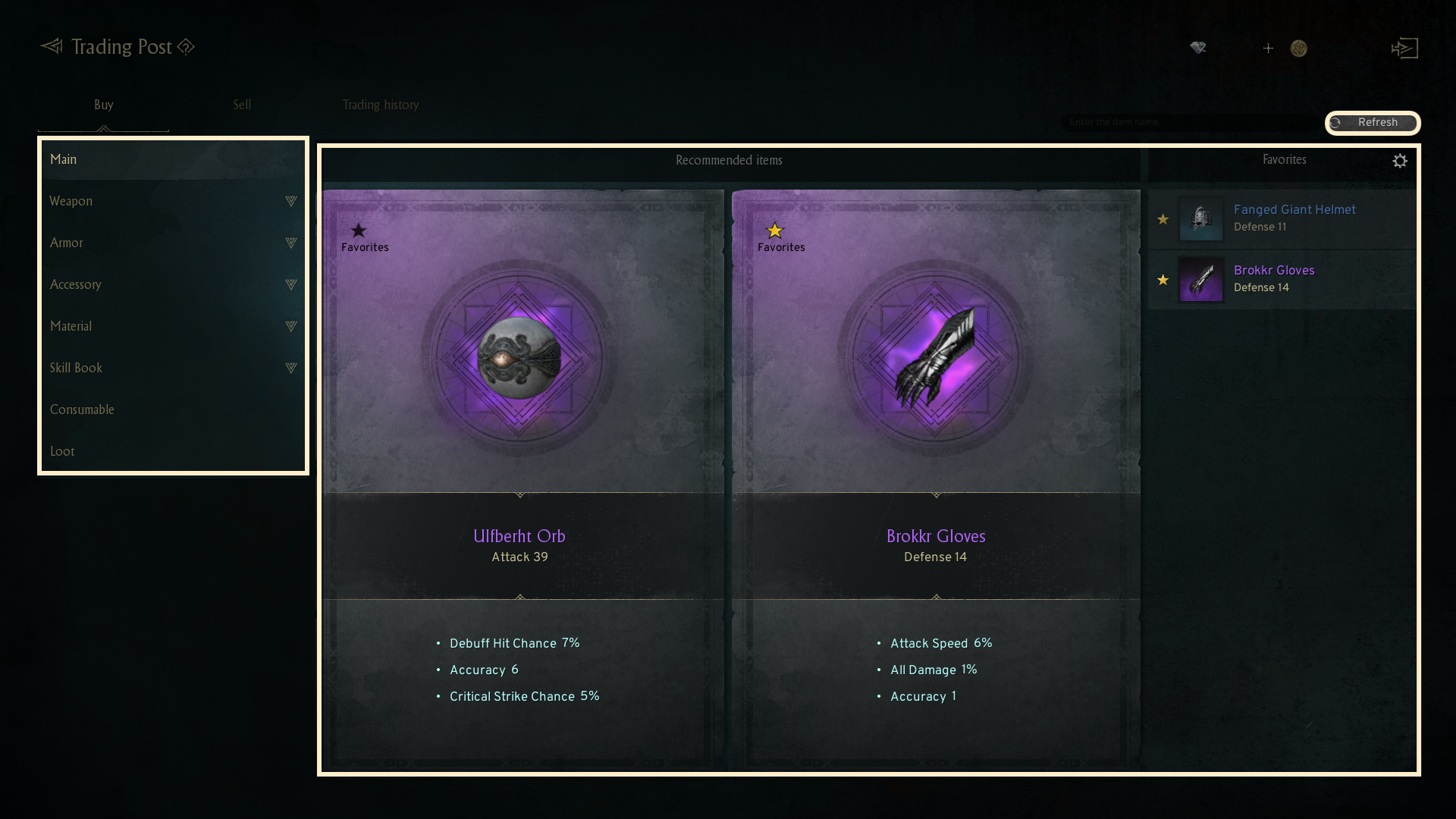
- In the [Buy] tab, you can check the list of items listed by other players, sorted by category.
- You can add an item to your Favorites by checking the star icon on the left of the item.
- By clicking the [Search within results] button, you can configure the search options for the Trading Post.
If you select [Show only listed items], only items that are currently listed in the Trading Post will appear.
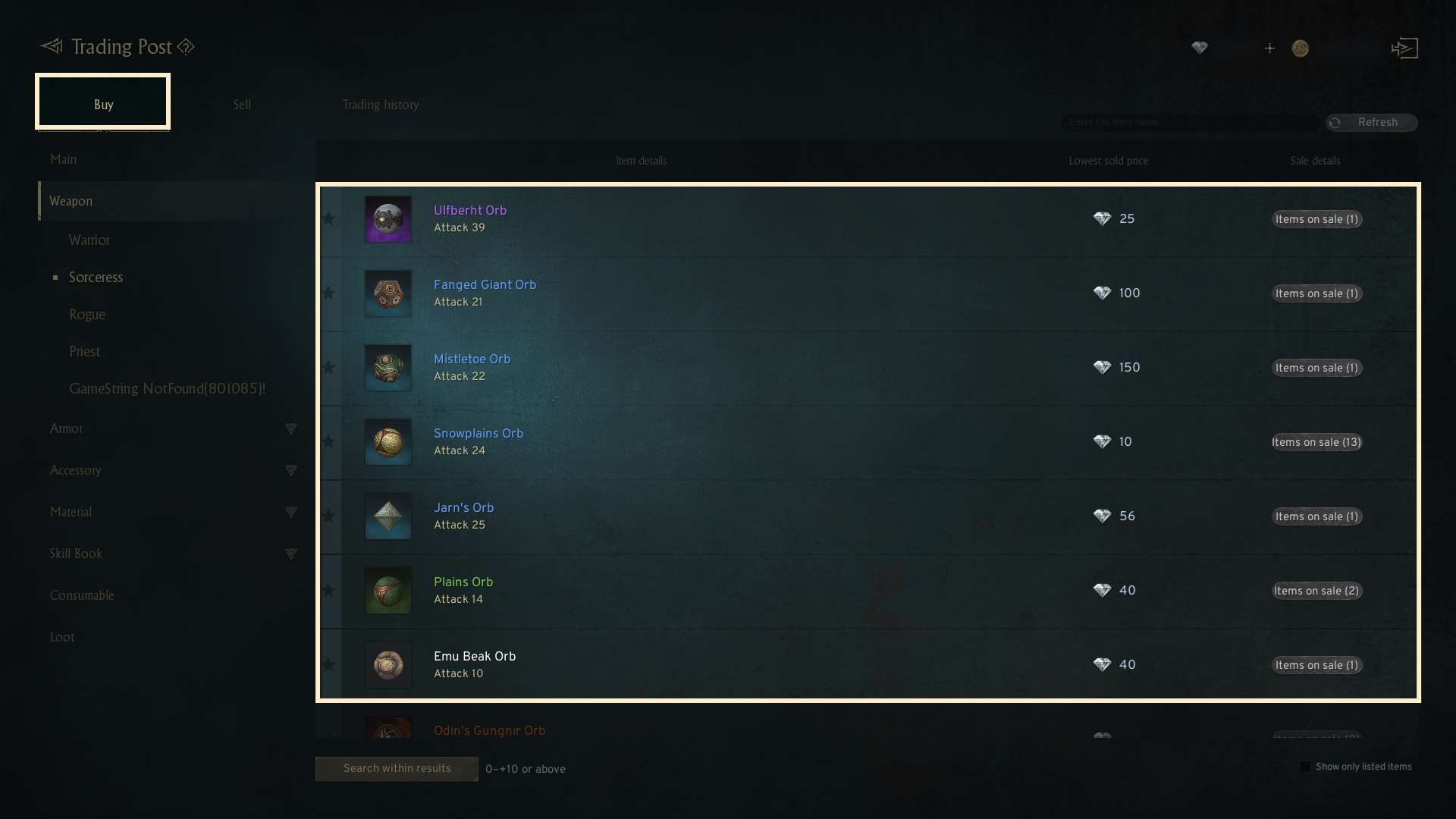
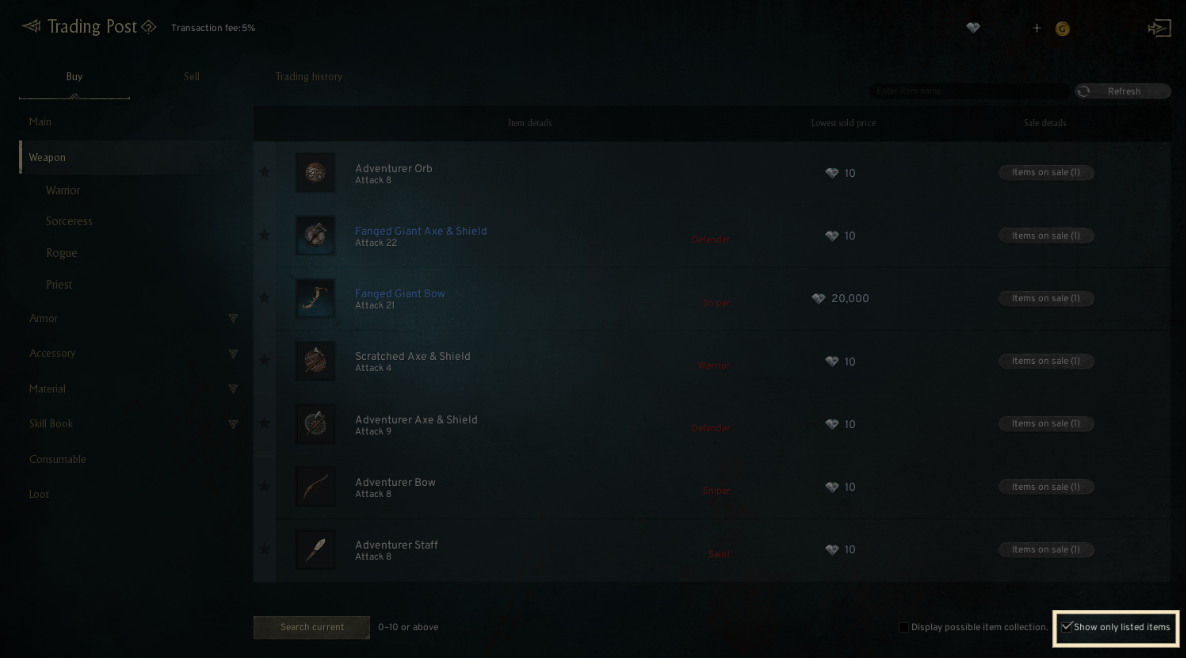
- After choosing the desired item, press 'Buy' in the popup to make the purchase.
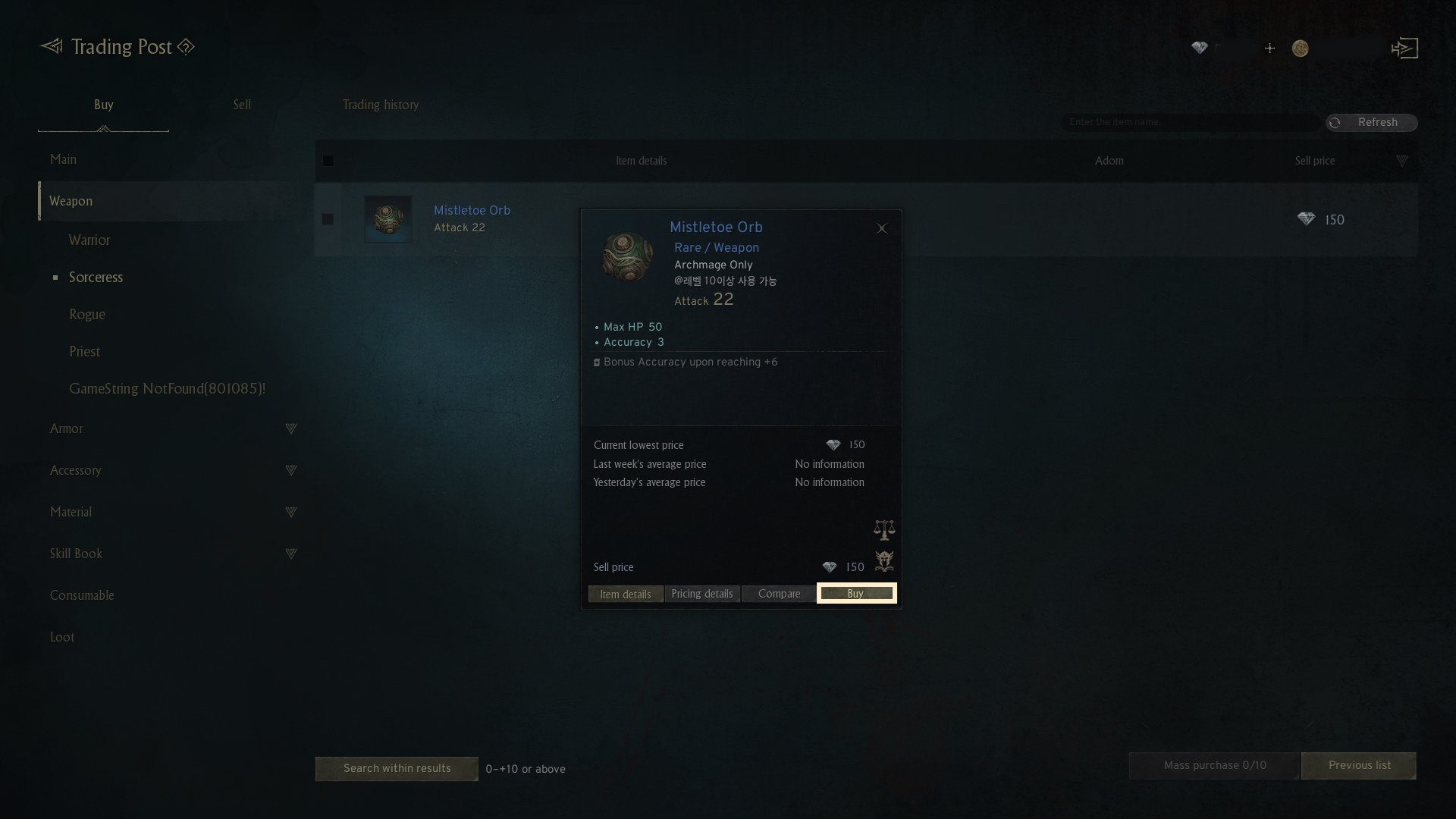
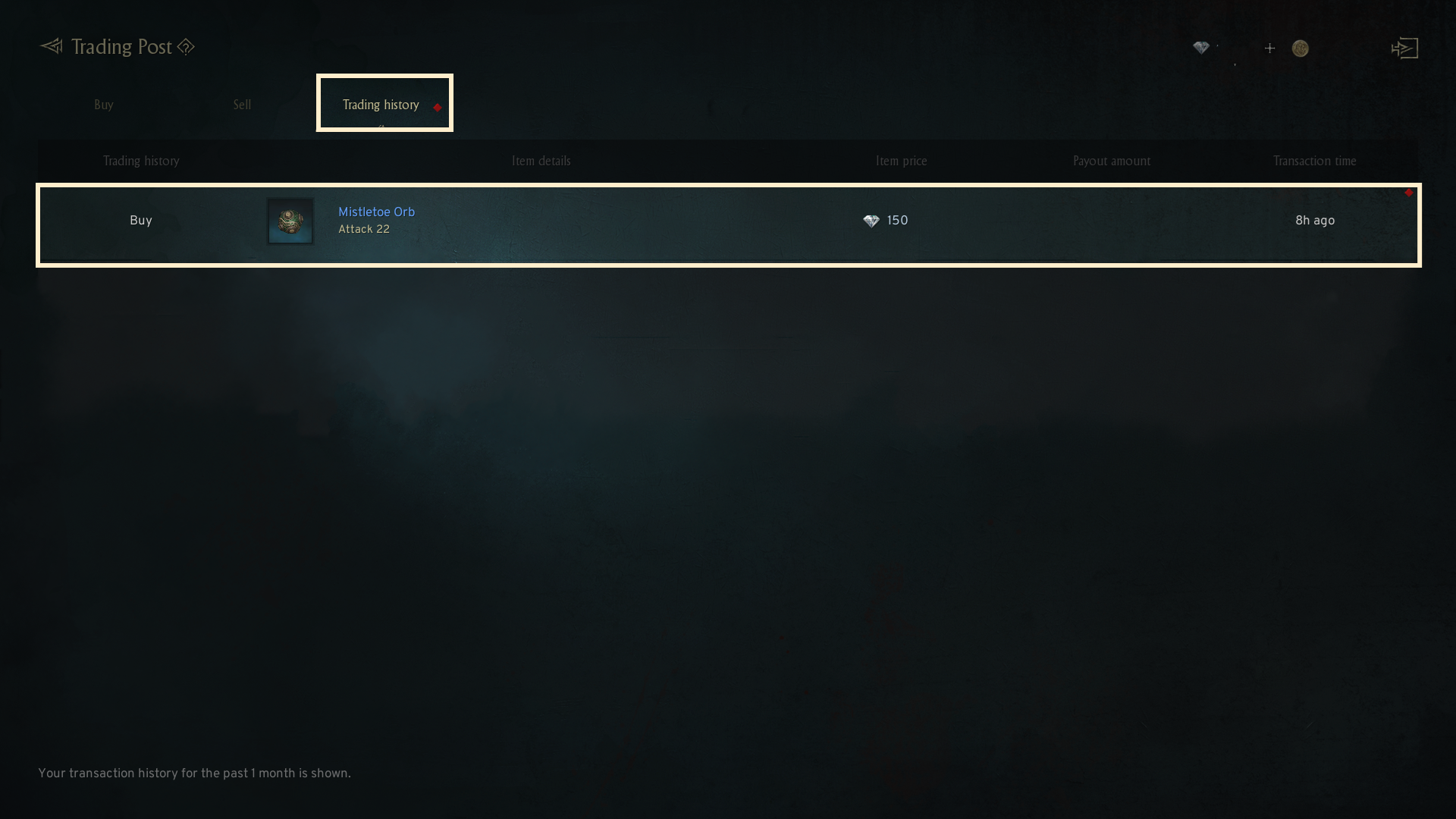
- Once the item is successfully purchased, it will be delivered directly to your Bag. The [Trading History] tab shows a record of your purchases and sales.
- Each entry is kept for a maximum of a month.
3. Selling Items
◈ How to sell
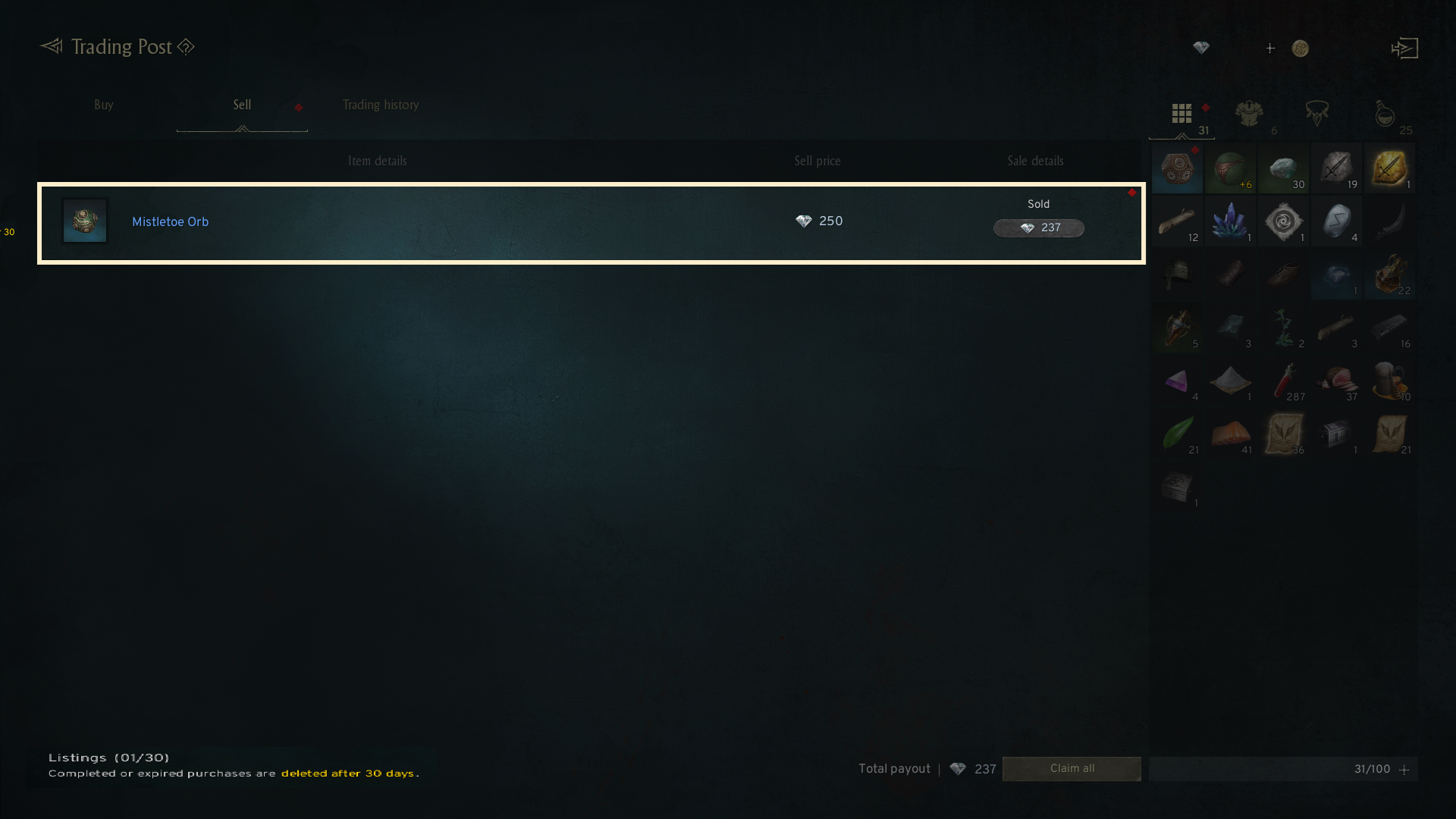
- You can list items for sale in the Trading Post by reviewing the item information, current market price, and deciding on the quantity and price for your items.
- All Bound-items are not eligible for sale in the Trading Post.
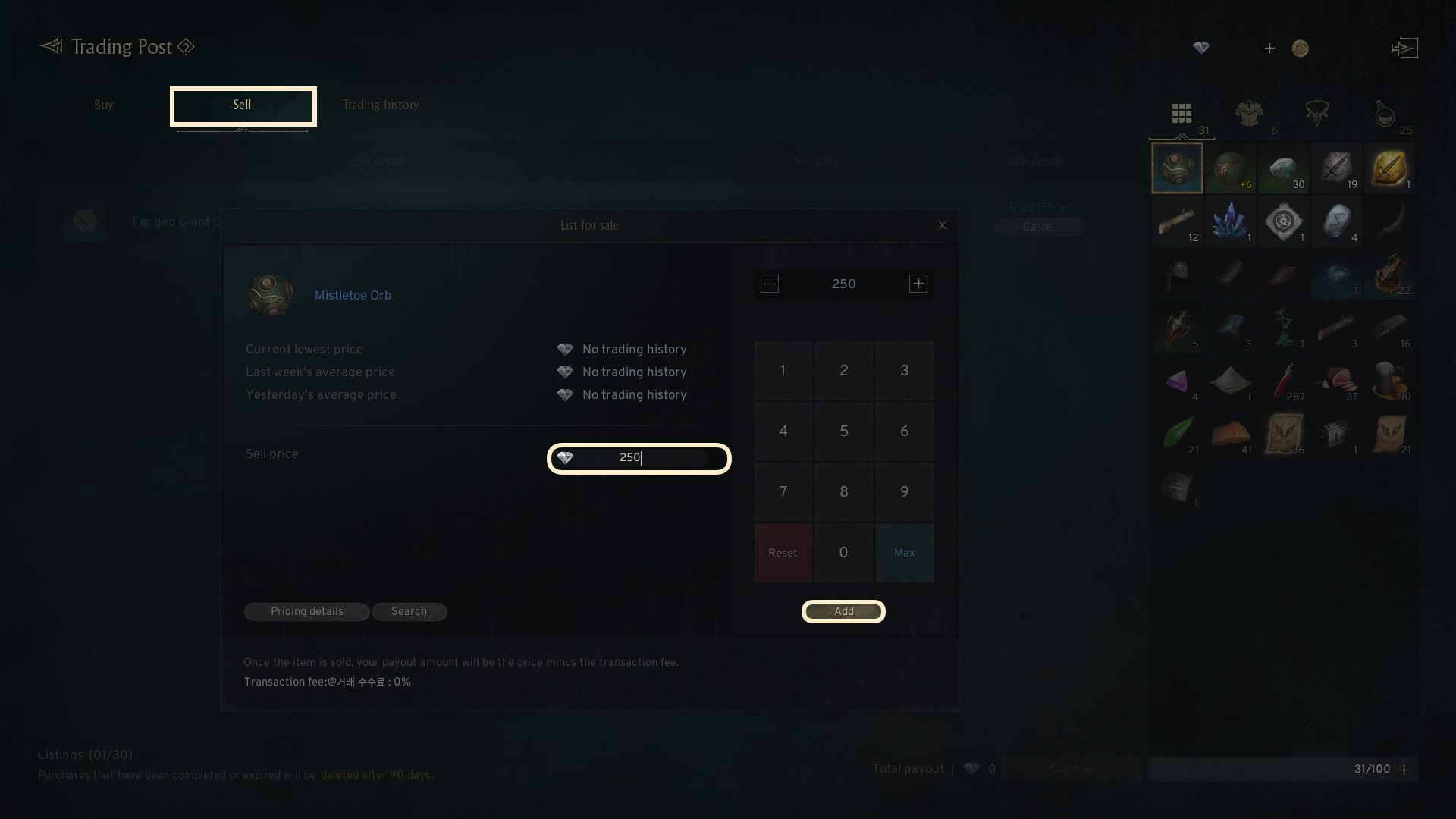
- When you click [List for Sale], the item will undergo a set preparation time before it is available for sale.
- When listing item, you can view the current lowest price, the average price from last week, and yesterday's average price.
- If a listed item is not sold within a certain time, you can re-list it for sale.
- A certain fee will be charged when selling an item.
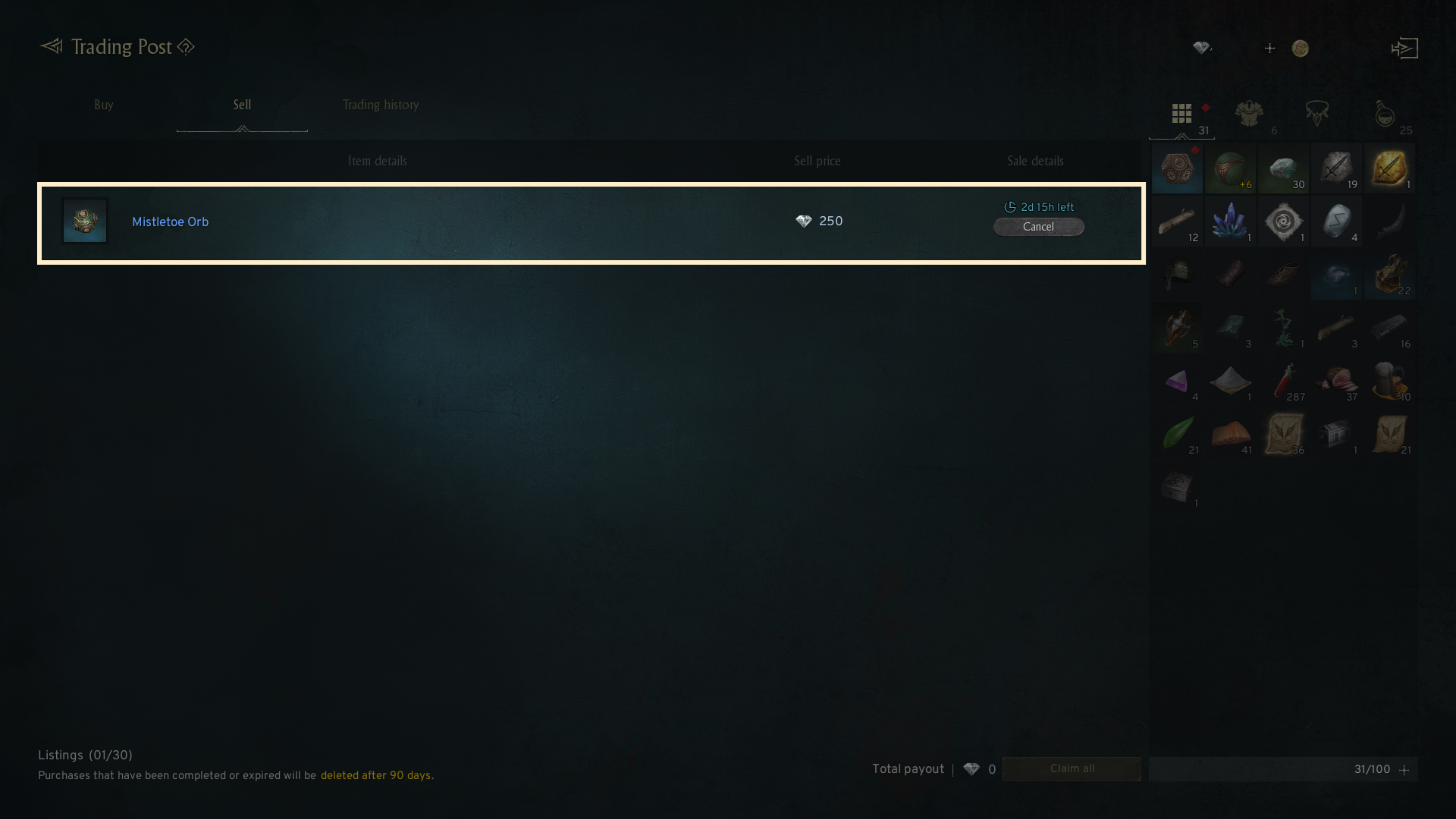
- When you sell an item in the Trading Post, the amount you receive will be the sale price minus the transaction fee in the [sell] tab.
- Sold items or items with expired listings will be automatically sent to your mail 30 days after the transaction.
4. Notes for Trading Post
- The Trading Post only allows transactions using diamonds.
- Favorite items can be accessed directly without the need to choose a category.
- You can filter your search by enhancement level and grade through the search options.
- When an item is successfully listed and sold, a certain amount of gold and diamonds will be deducted as fee.
If you need additional assistance, don't hesitate to contact our customer center through the button below.