
In the Premium Shop, you can purchase equipment, currencies, items,
and bundles necessary for progressing in the game, as well as summon Avatars and Mounts.
■ Contents
1. Premium Shop
2. Bundle
3. Summon
4. General offers
5. Mileage
6. Stash
7. Special Packs
8. Quick Buy
1. Premium Shop
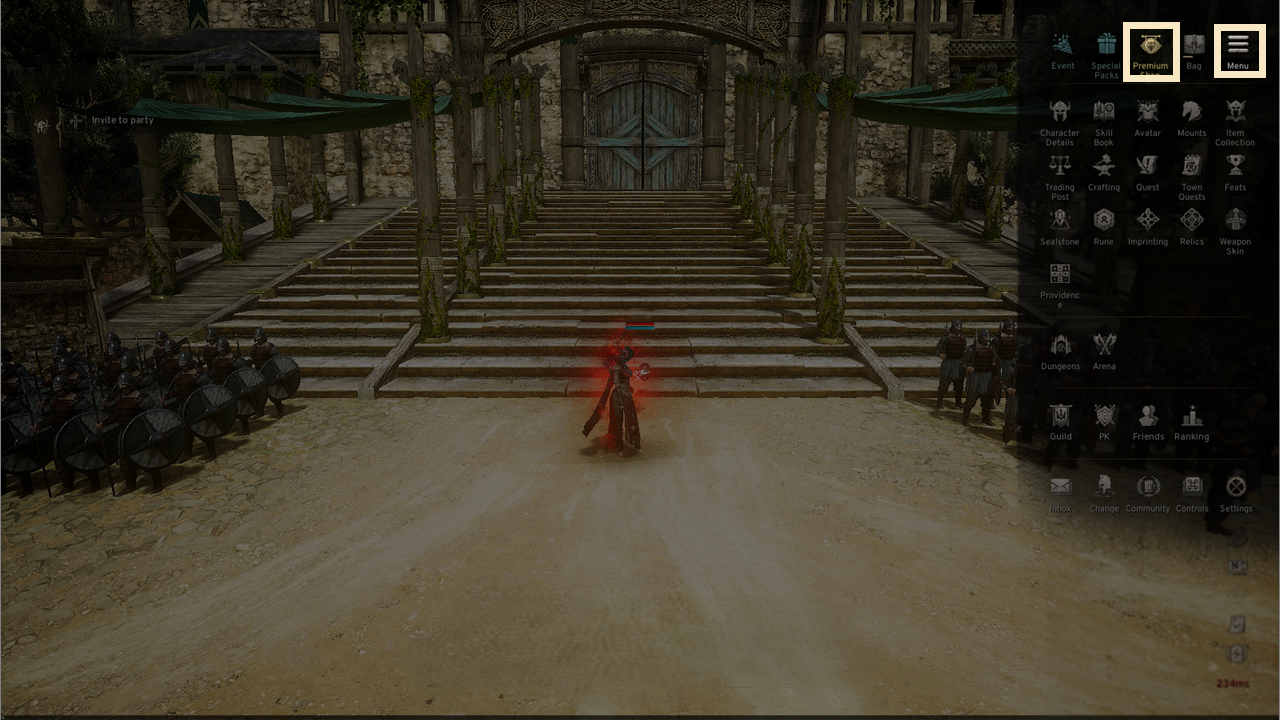
◈ How to use
- Tap the menu (☰) in the top-right and select 'Premium Shop'.
2. Bundle
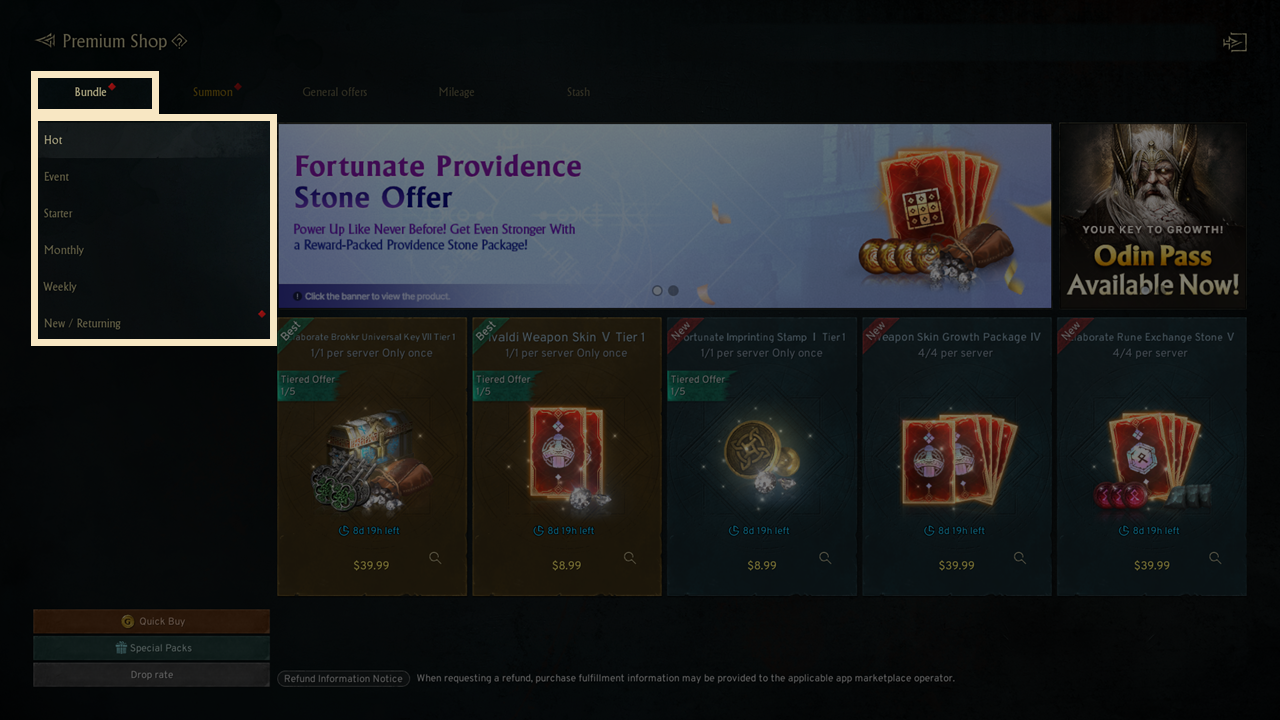
◈ Details
- The Bundle section includes Hot, Event, Starter, and Monthly/Weekly tabs, allowing you to buy item bundles
- Popular Bundles are showcased in the 'Hot' tab
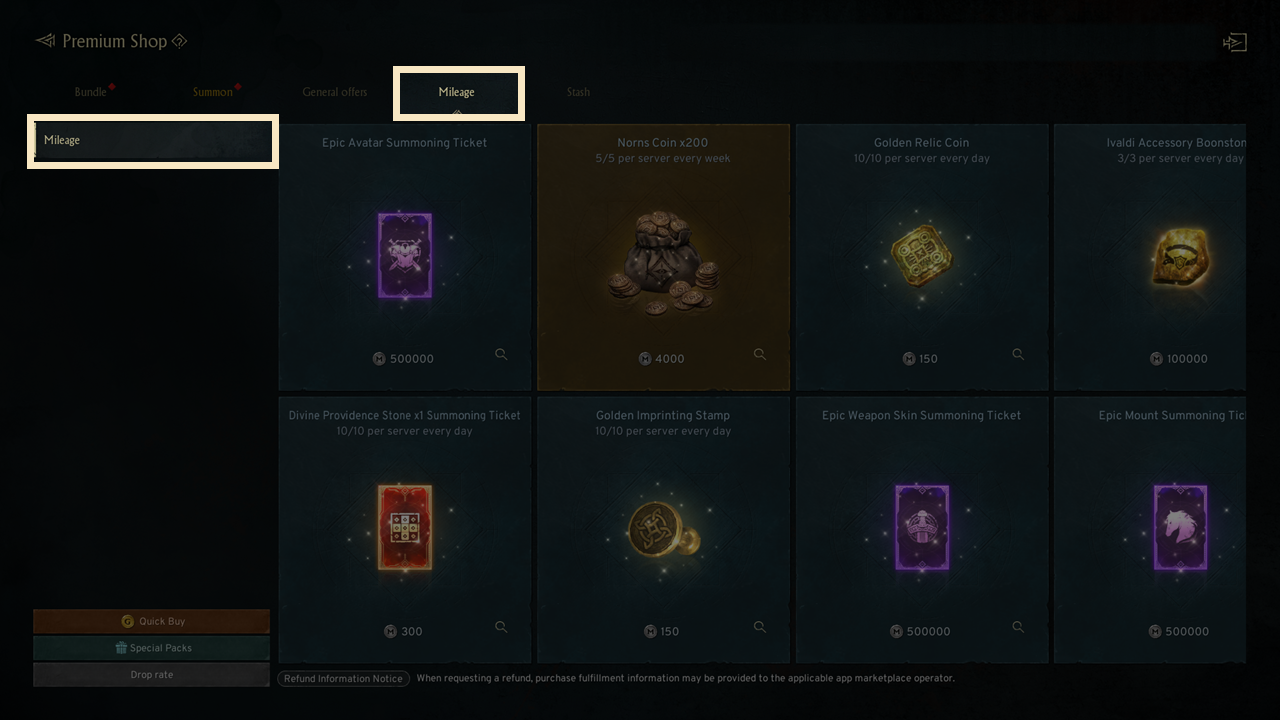
- Mileage points are earned with certain purchases and can be redeemed in the 'Mileage' tab.
3. Summon
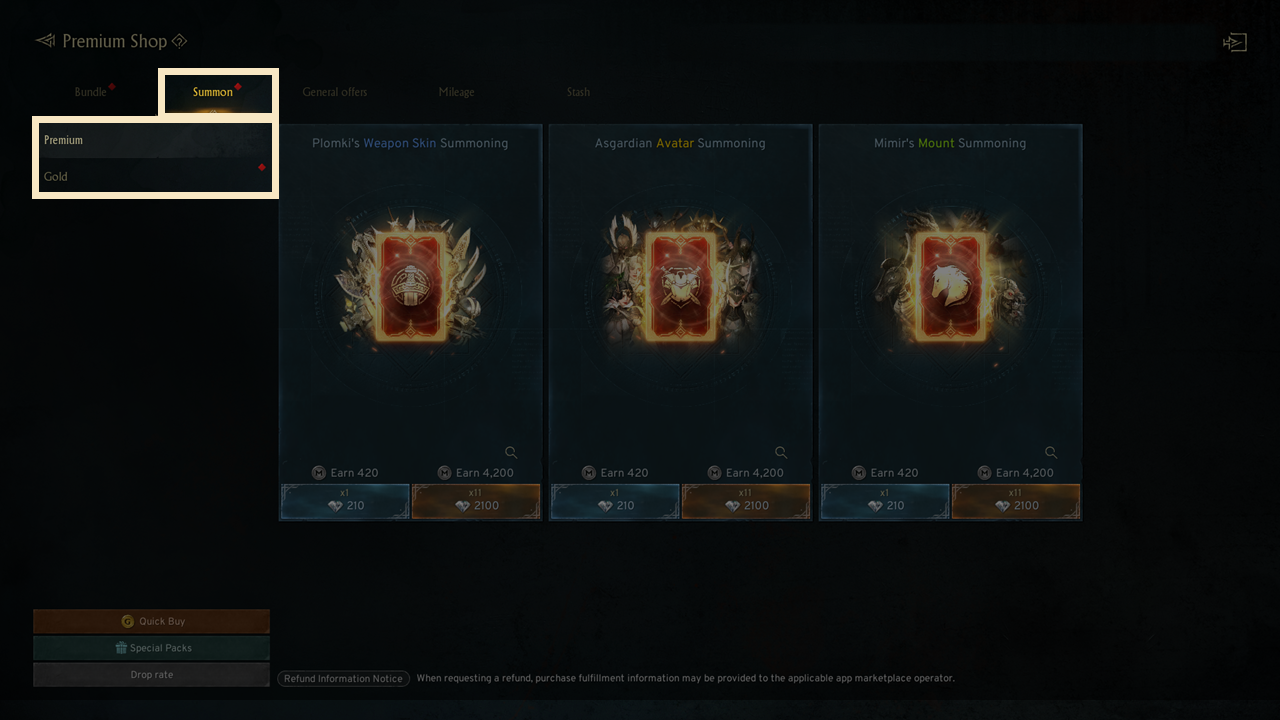
- The Summon tab allows you to summon Avatars, Mounts, and Weapon Skins.
! Avatar, Mount, and Weapon Skin summoning is unlocked upon completing designated quests.
- Gold Summon products are restricted until you achieve the required level.
4. General offers
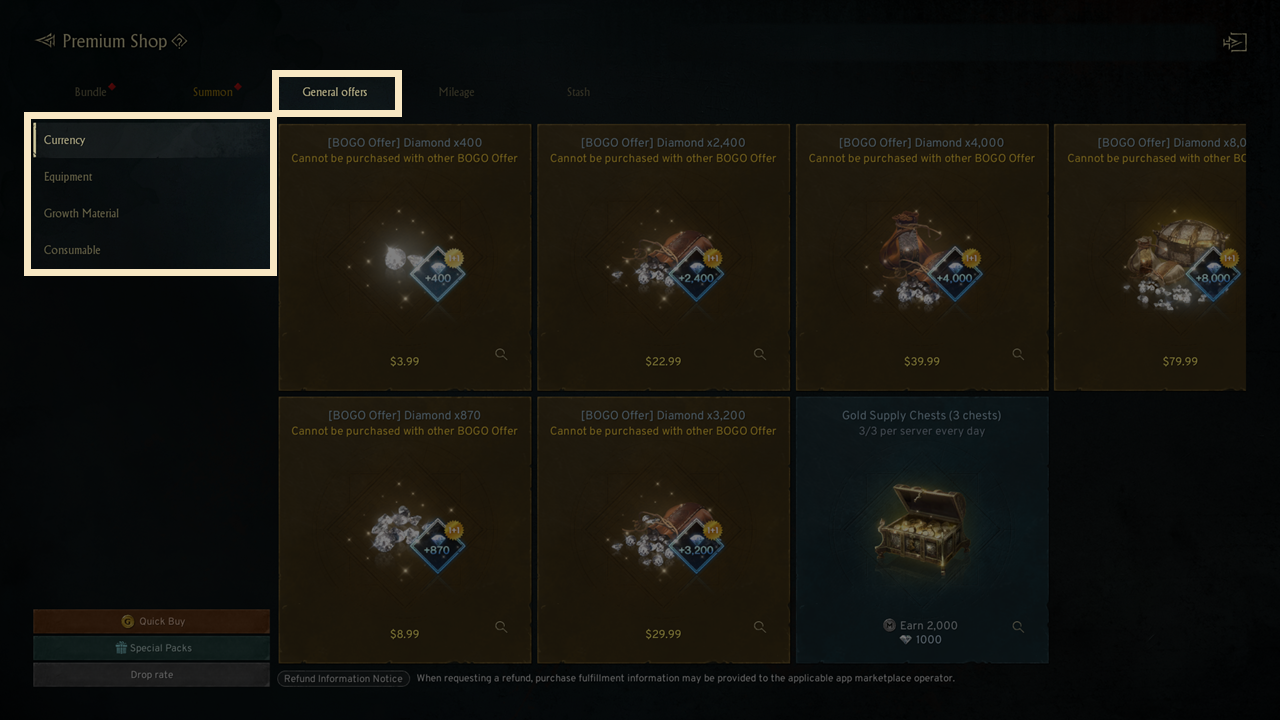
- The General tab allows you to acquire essential items for gameplay, such as currency, equipment, enhancement and crafting materials, and consumables.
5. Mileage
- Earned mileage from purchases can be exchanged for new items.
6. Stash
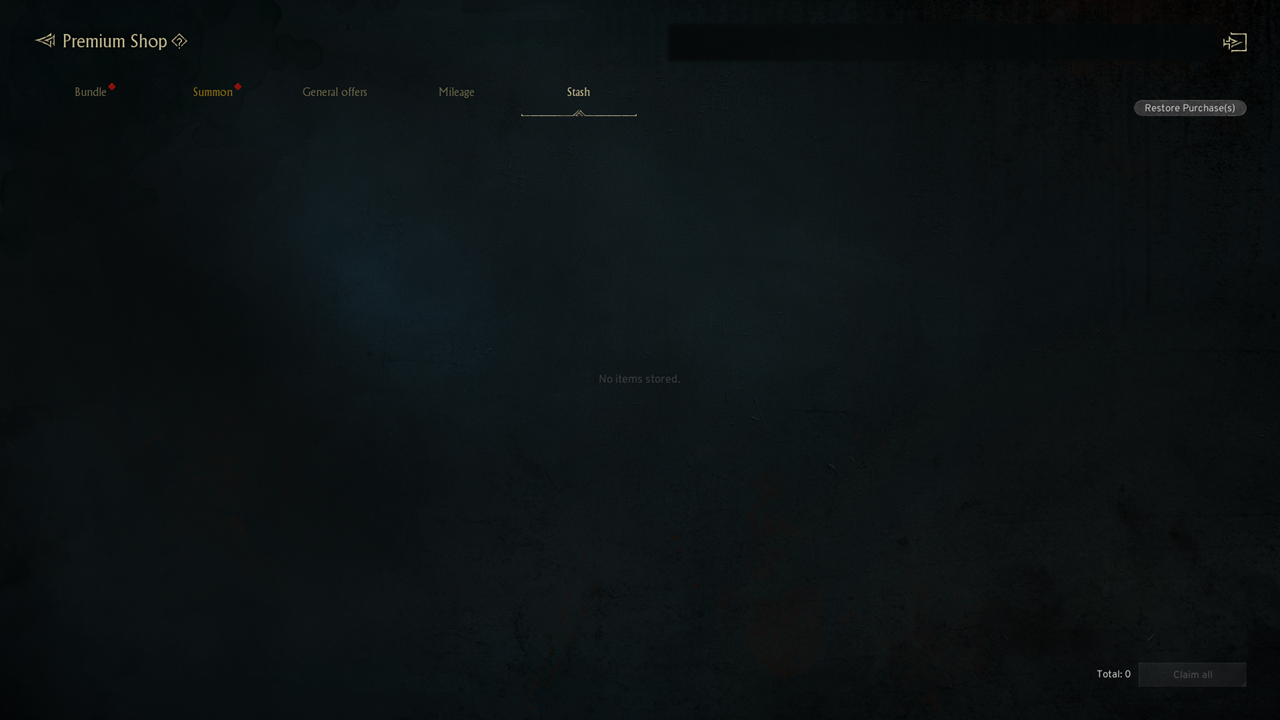
- Paid items, including currency and bundles, will be delivered to your Stash upon purchase.
- To claim items, click "Claim" for specific items or "Claim All" to collect everything at once.
- If a purchased item is not delivered, use the 'Restore Purchases' option in the upper-right corner to resolve the issue.
7. Special Packs
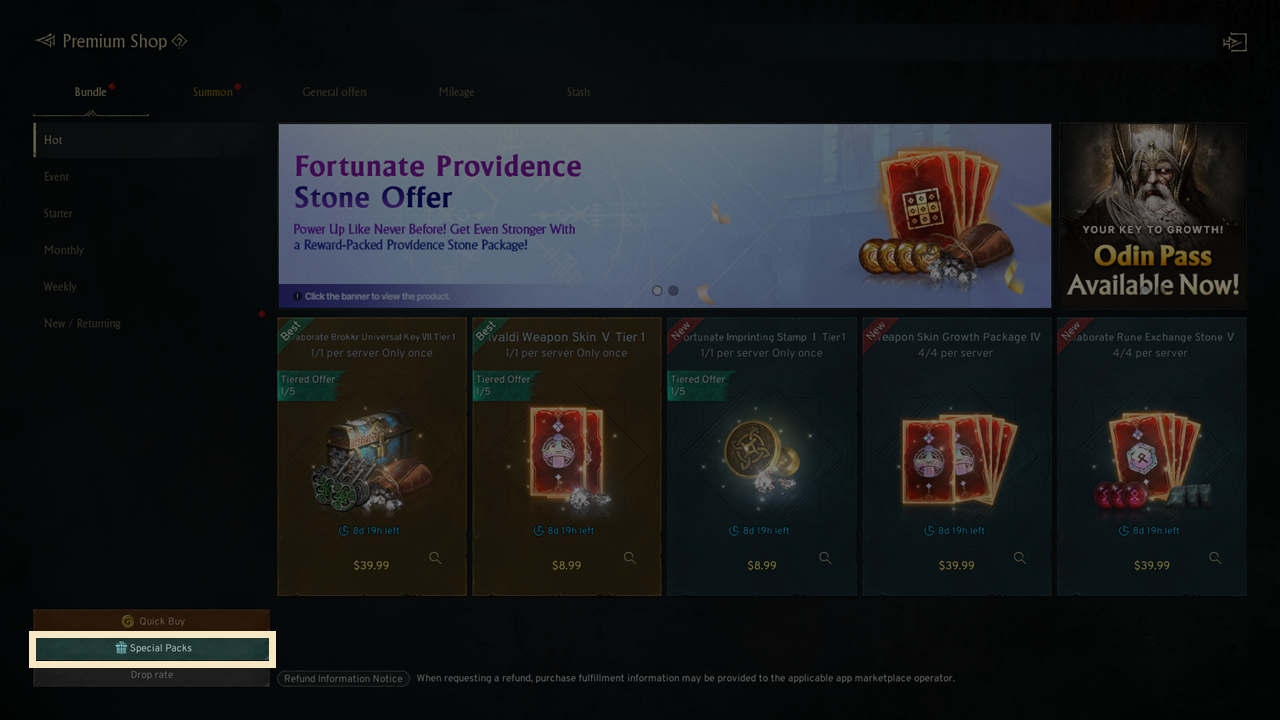
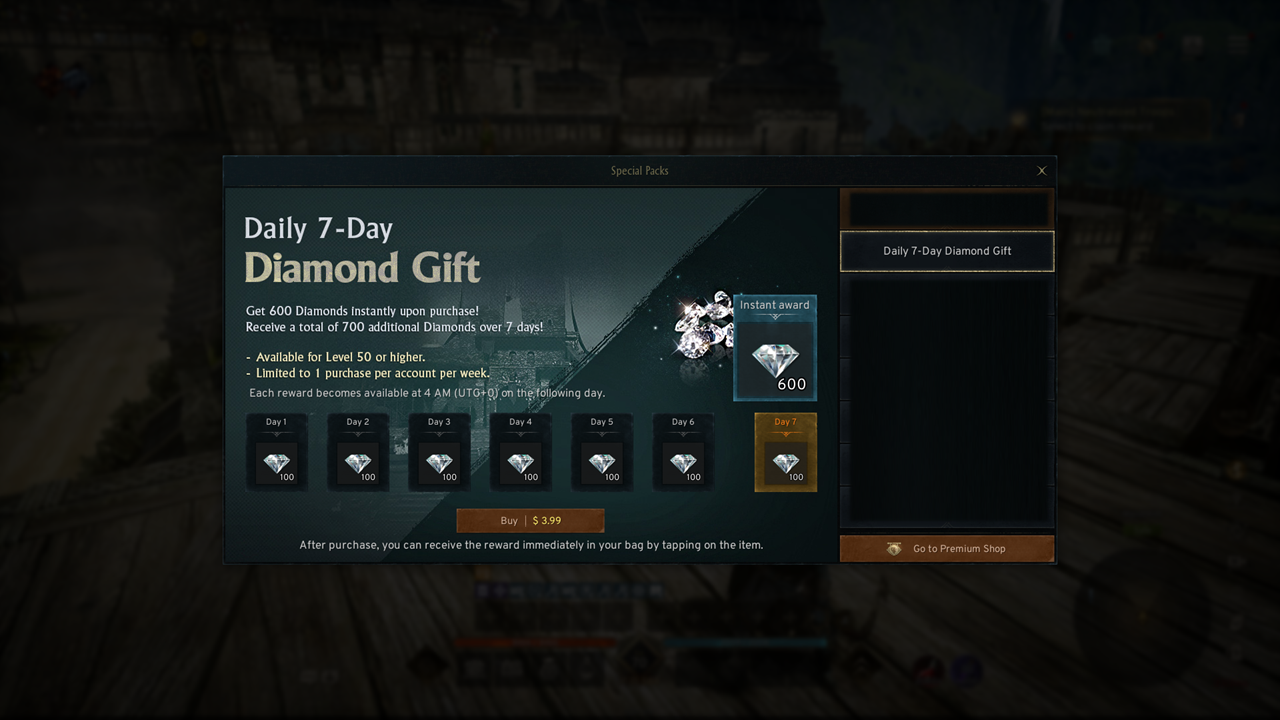
- By clicking on the 'Special Packs' button at the bottom left of the Premium Shop, you can check out special items.
- Click the gift box icon on the main screen to discover special items available for you.
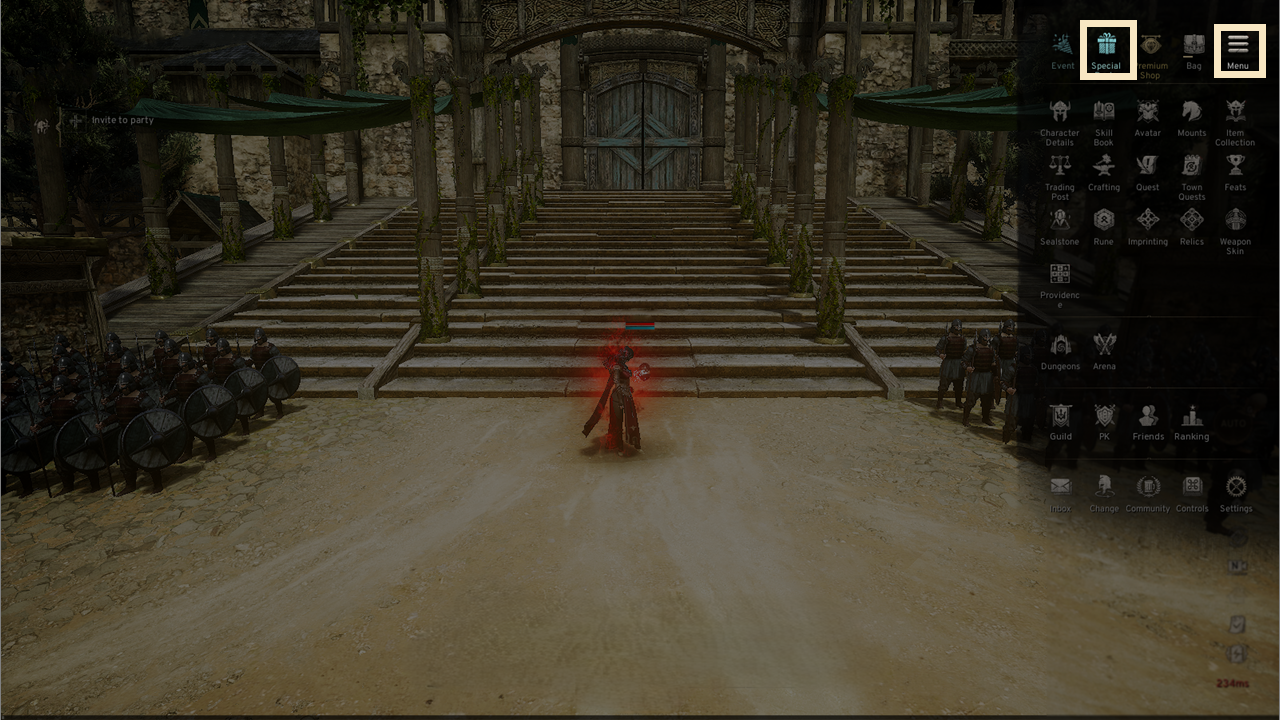
- The Special Packs offer special items like the Odin Pass and Milestone Level Packages for purchase.
8. Quick Buy
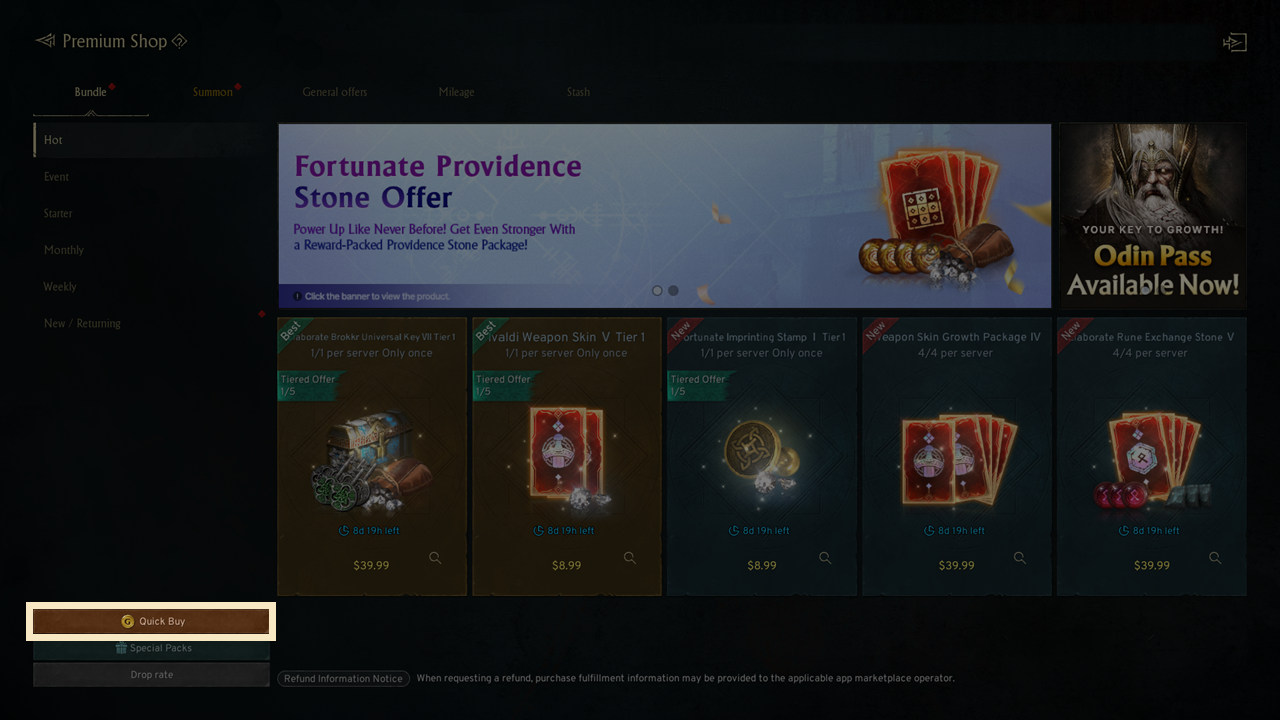
- By clicking the Quick Buy button, you can buy Gold purchase items sold in the Cash Shop in bulk.
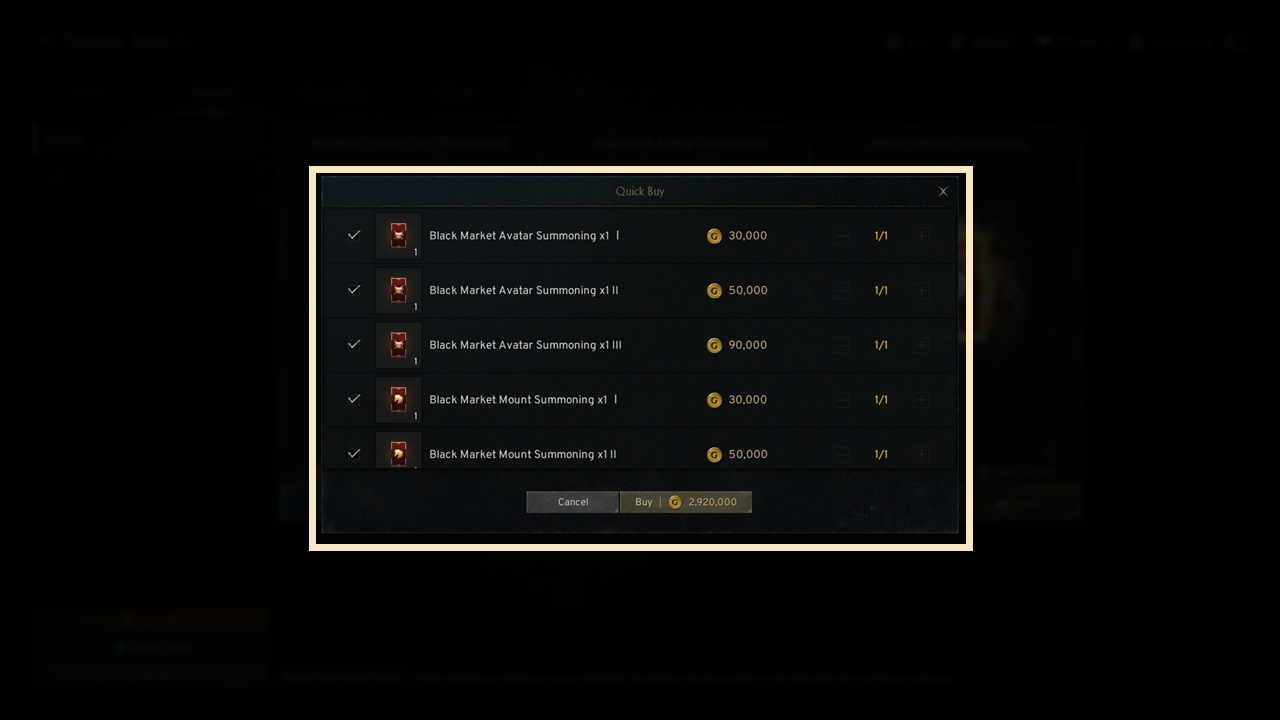
- All items that can be purchased with Gold are automatically selected for Quick Buy, and you can uncheck any items you do not wish to purchase before buying.
- You can also adjust the Quantity of items when purchasing.
- When purchasing Gold Summoning Tickets, the Summoning Tickets will not be delivered to your inventory and will be used for the Summons immediately.
If you need additional assistance, don't hesitate to contact our customer center through the button below.