
The Consumables Merchant is a merchant who sells consumables.
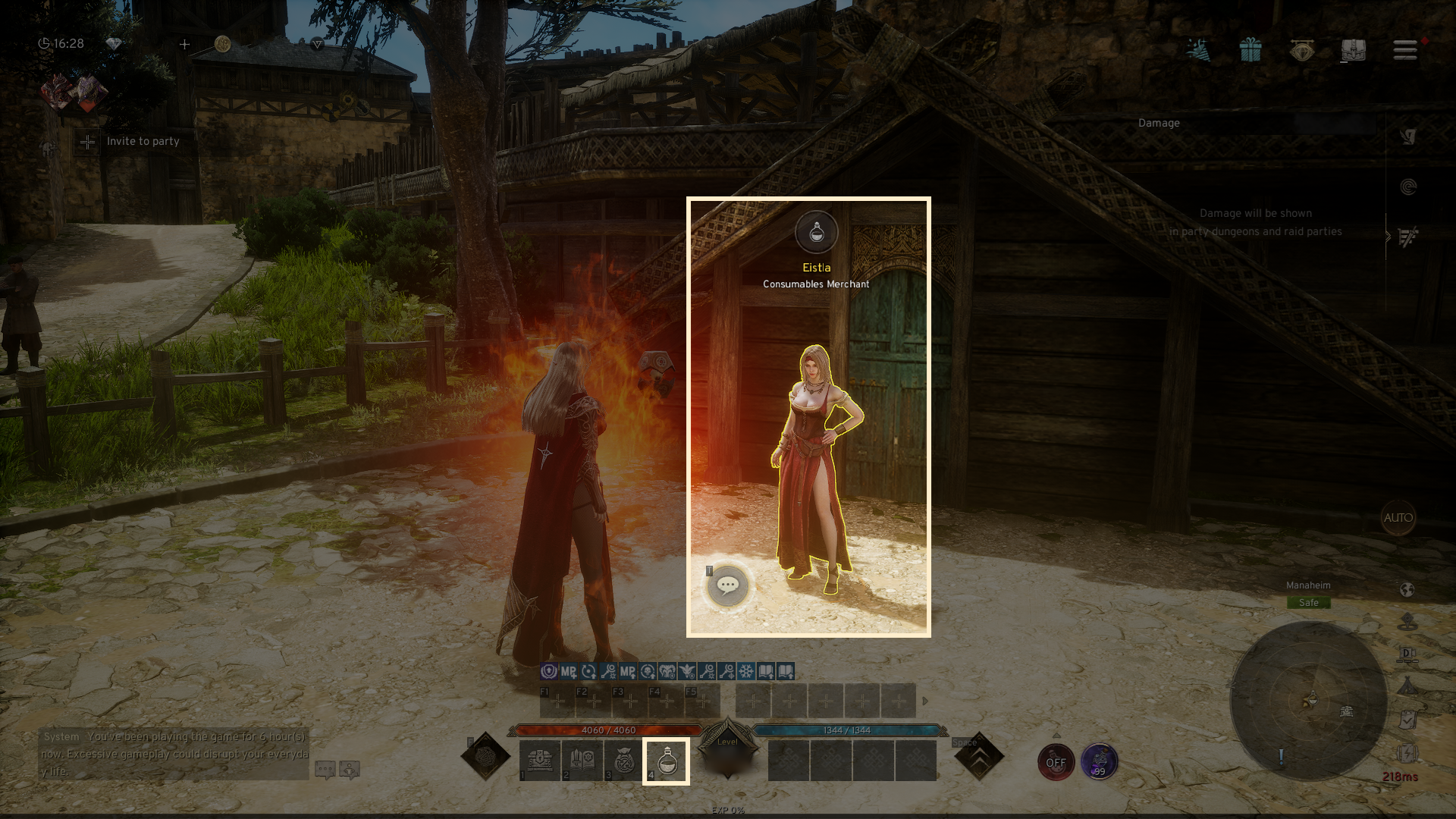
You can purchase items from the Consumables Merchant placed in each town,
and to make purchases, you will need gold.
■ Contents
1. Location
2. Item Purchase
3. Sell Item & Loot
1. Location
◈ Details
- By clicking the 'Consumables Merchant' button in the bottom right of the town, you will be moved to the Consumables Merchant.
2. Item Purchase
◈ How to purchase
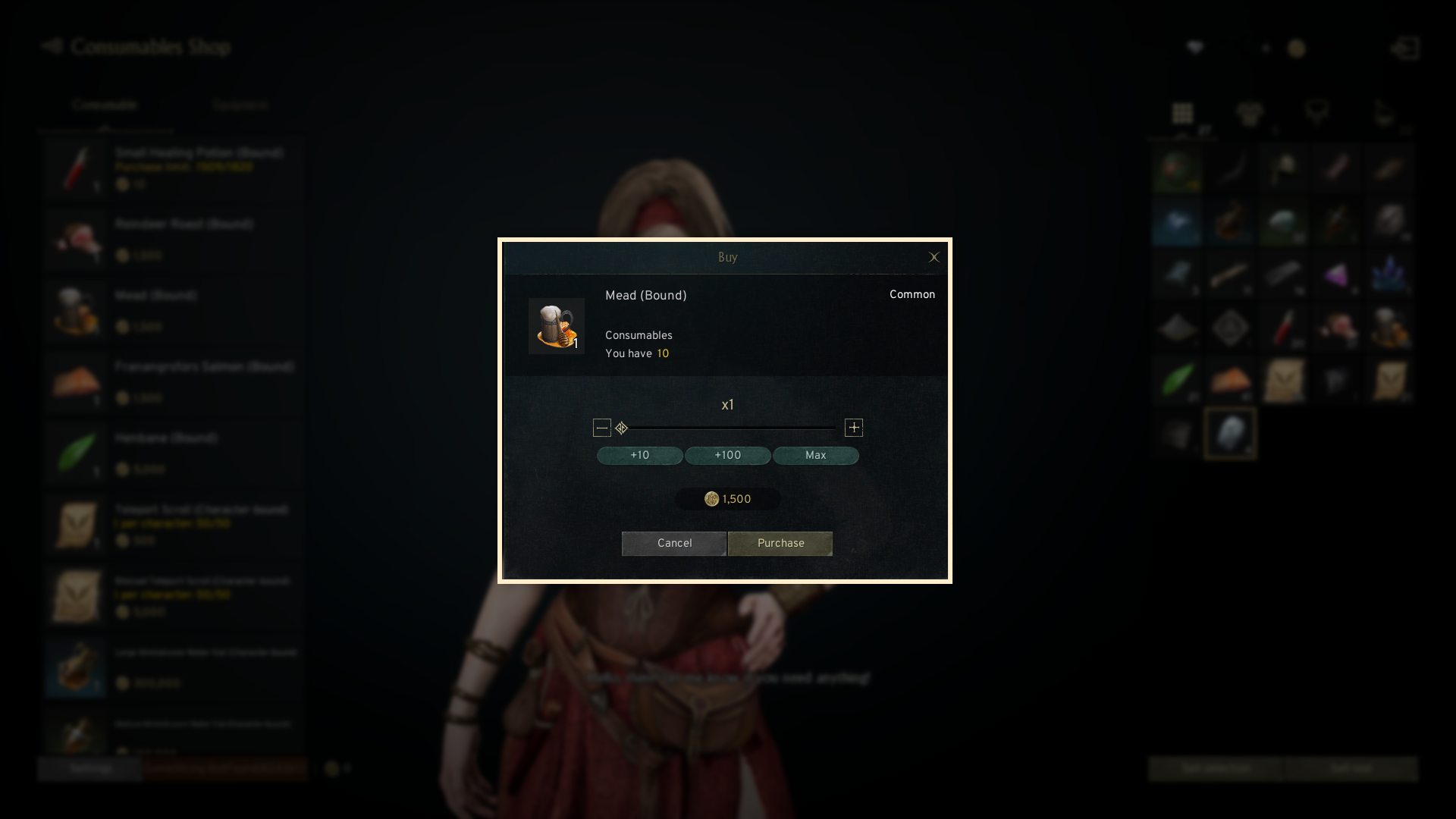
- You can purchase Equipment, Healing Potion, Buff Foods, and Teleport Scrolls via Gold.
3. Item Selling & Loot Management
◈ Details
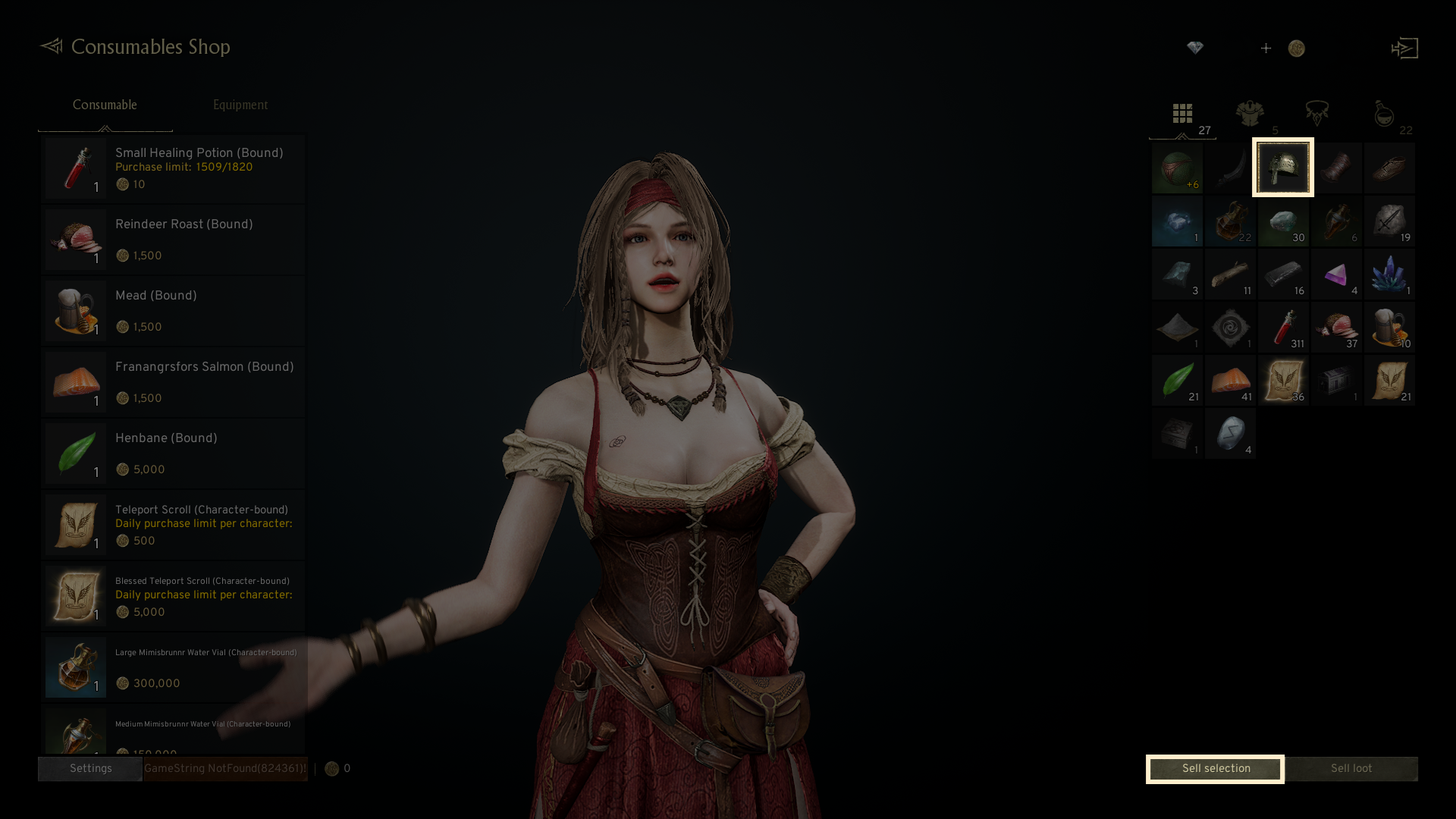
- Choose the item you want to sell and click the 'Sell selection' button to finalize the sale and earn a certain amount of gold.
- Sold items cannot be recovered for any reason.
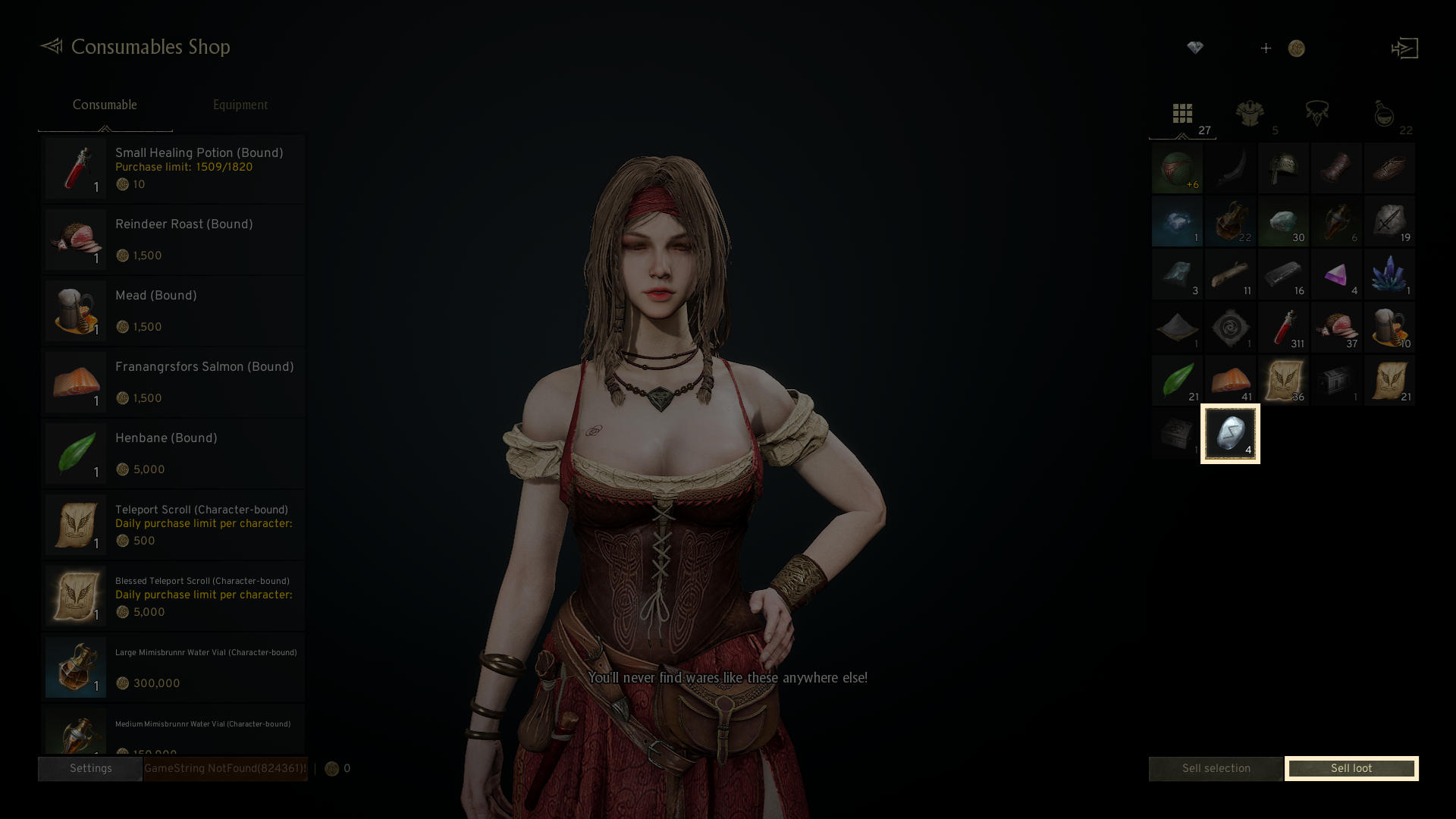
- By clicking the 'Sell loot' button, the 'Silver Seal' and 'Golden Seal' items will be sold, earning a certain amount of gold.
◈ Set Purchase
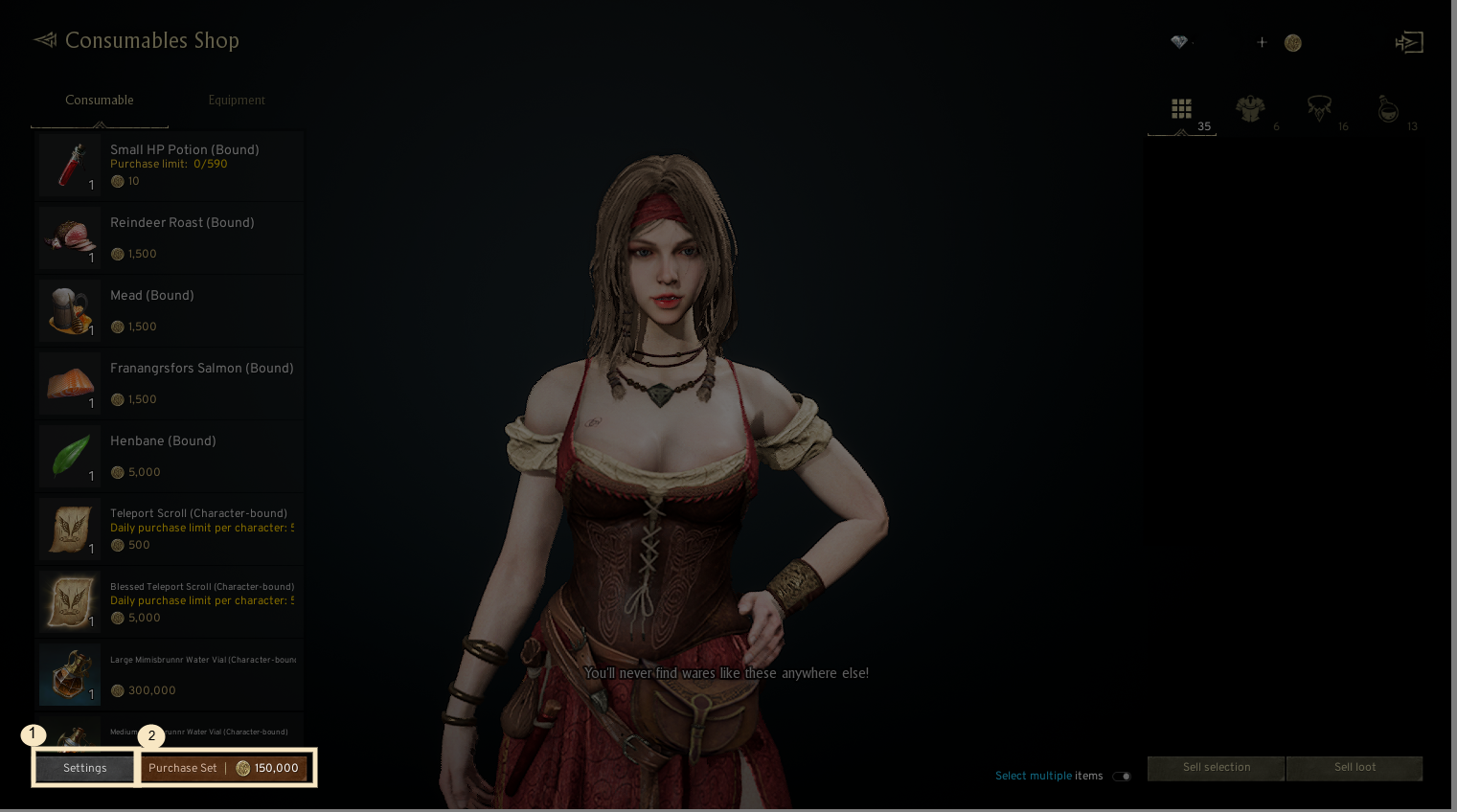
1. Settings: You can set the amount of each item from Consumable Shop.
2. Purchase Set: The button is activated after the Settings of Purchase Set is finished, and you can purchase the Set by clicking the button.
- In the Settings screen, you can set the purchase amount of each item, and Save to save your settings. After that, you can purchase the Set by clicking the button.
- When pressing the Reset Quantity Settings button, the amount you had set will be reset.
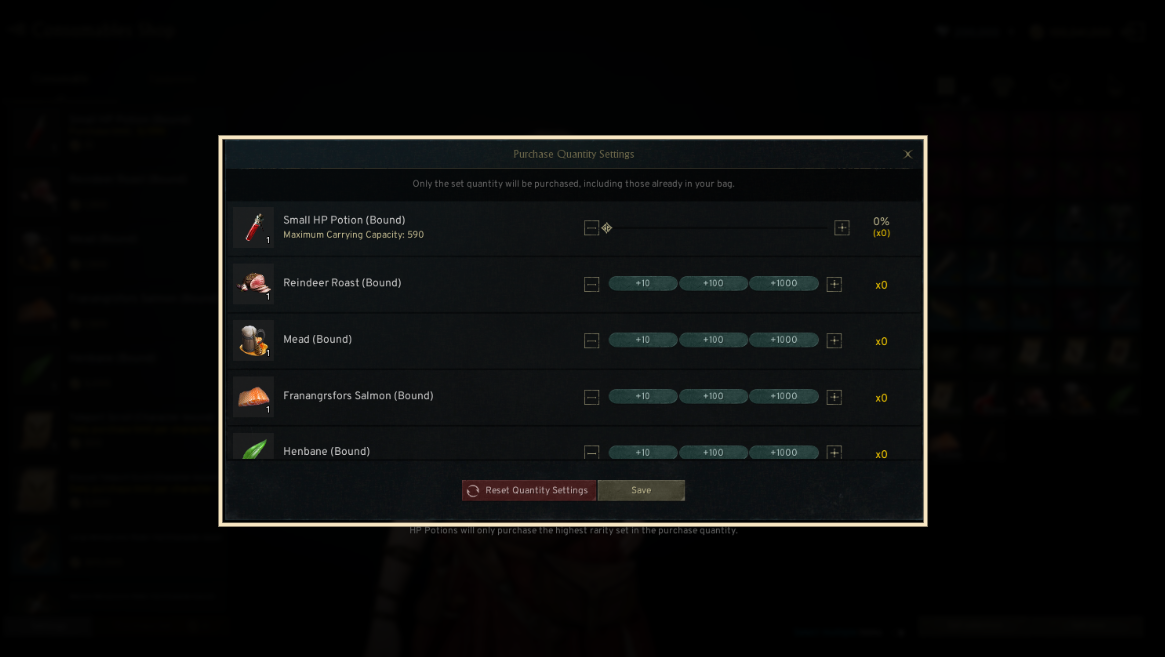
- The purchasing amount when using Purchase Set includes the items in the Bag.
- When purchasing HP Potions, only the highest graded Potions in the set will be purchased.
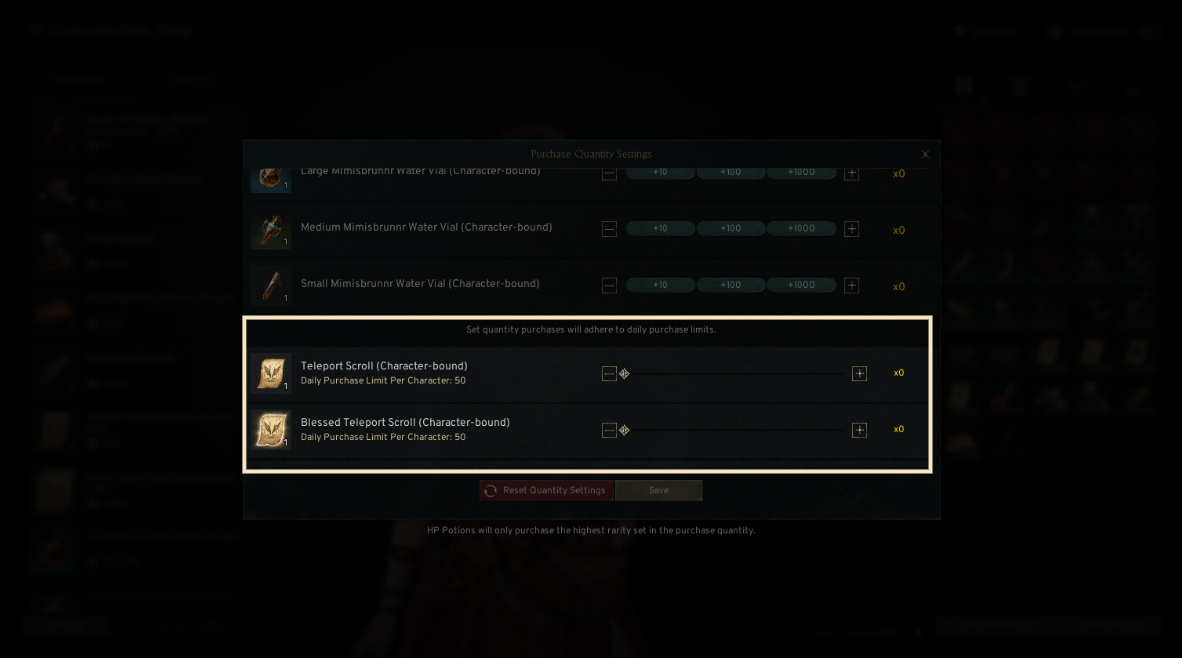
- Items with a Daily purchase limit will be purchased in the set quantity within the limit each time a purchase is attempted.
If you need additional assistance, don't hesitate to contact our customer center through the button below.