
Sealstones provide buff effects to your character.
By defeating the dungeon bosses in each chapter
and activating and enhancing their respective Sealstone, the Seal Essence buff effect is boosted.
You can extract the stats from the Sealstones into the Seal Essence
and use it to increase your stats for a set period.
■ Contents
1. Sealstone activation
2. Sealstone enhancement
3. Seal Essence
1. Sealstone activation
◈ How to activate
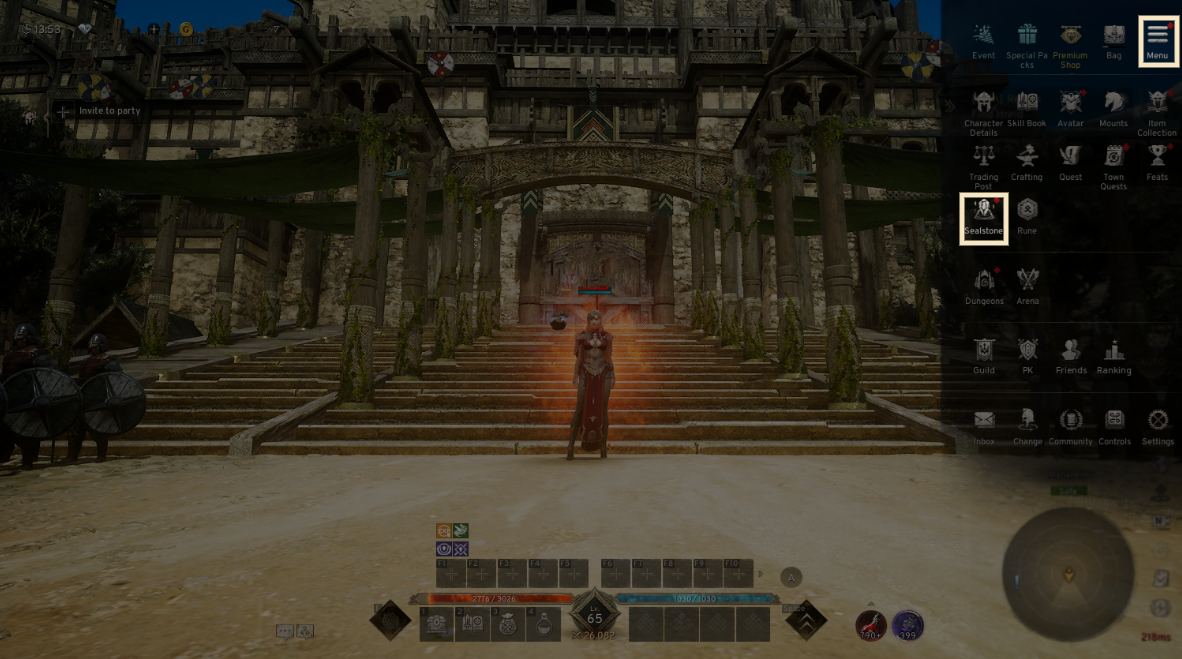
- Tap the menu (☰) in the top-right and select 'Sealstone' to enter the Sealstone tab.
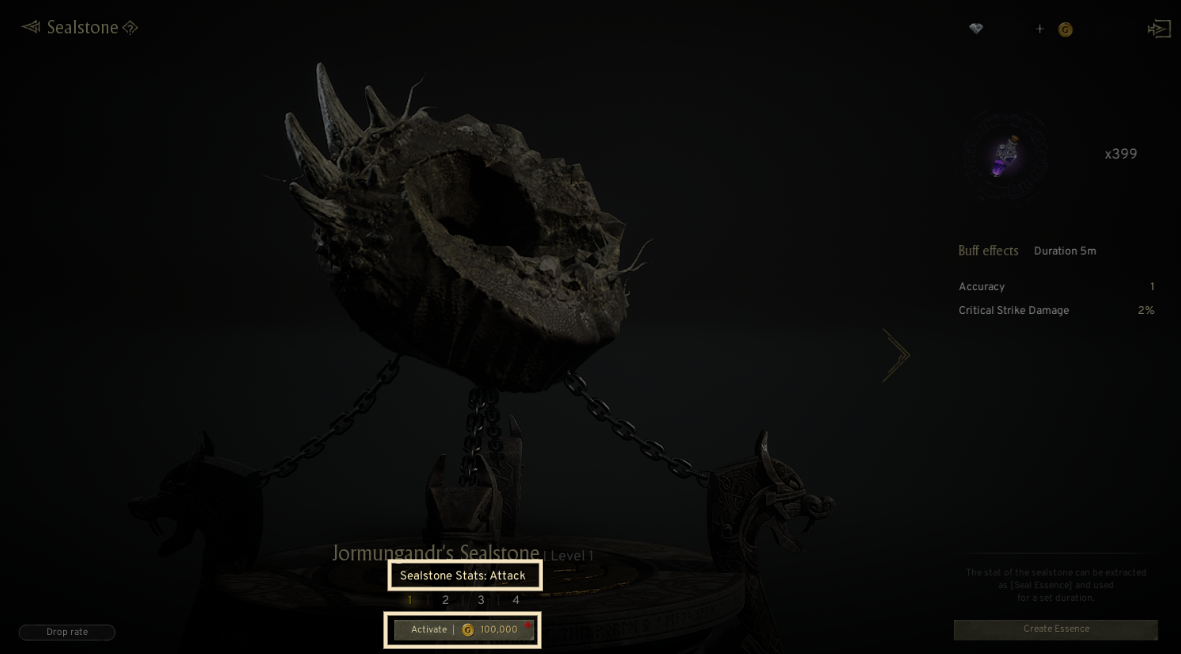
- Use the activation button at the bottom to activate the sealed Sealstones.
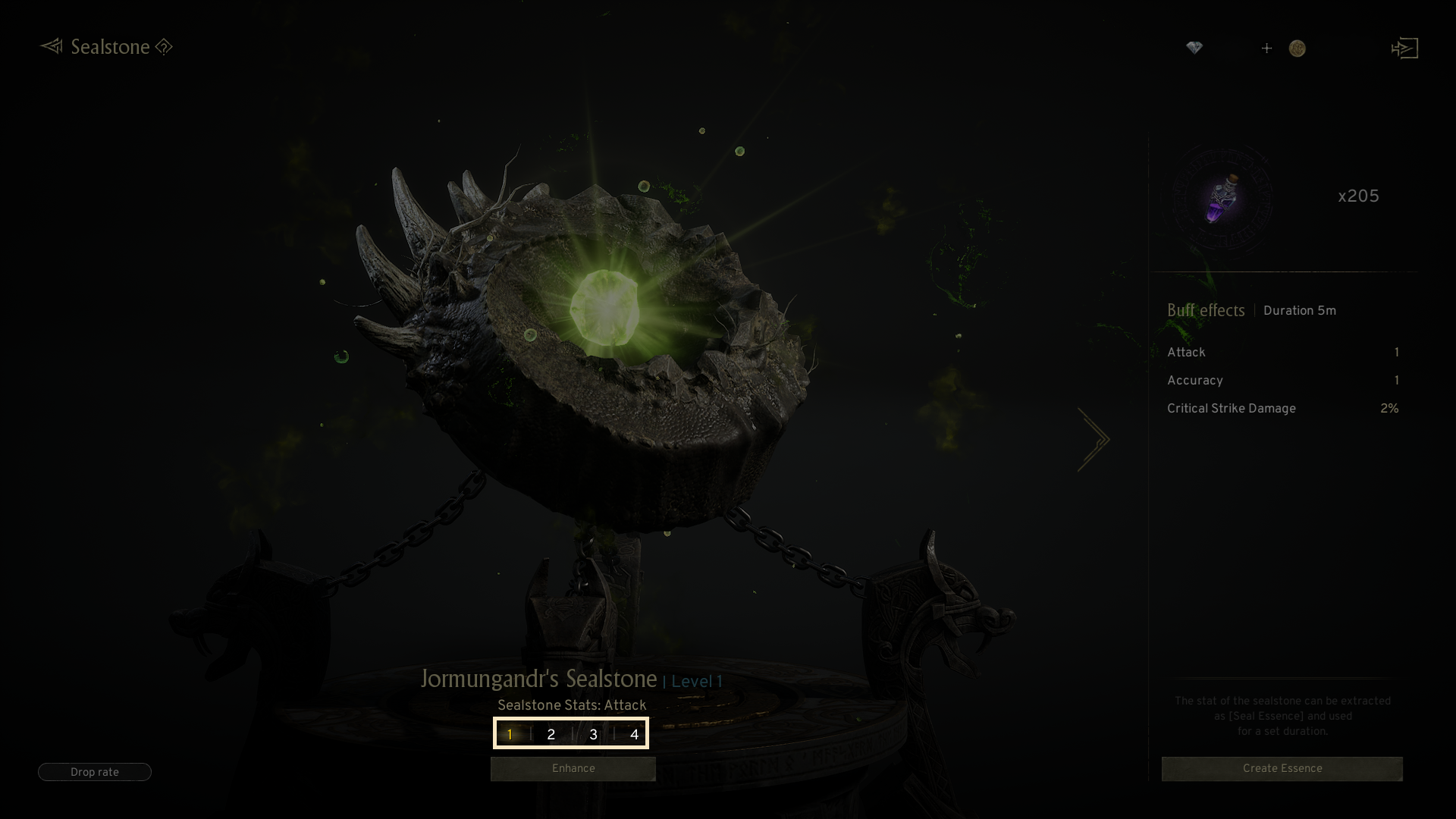
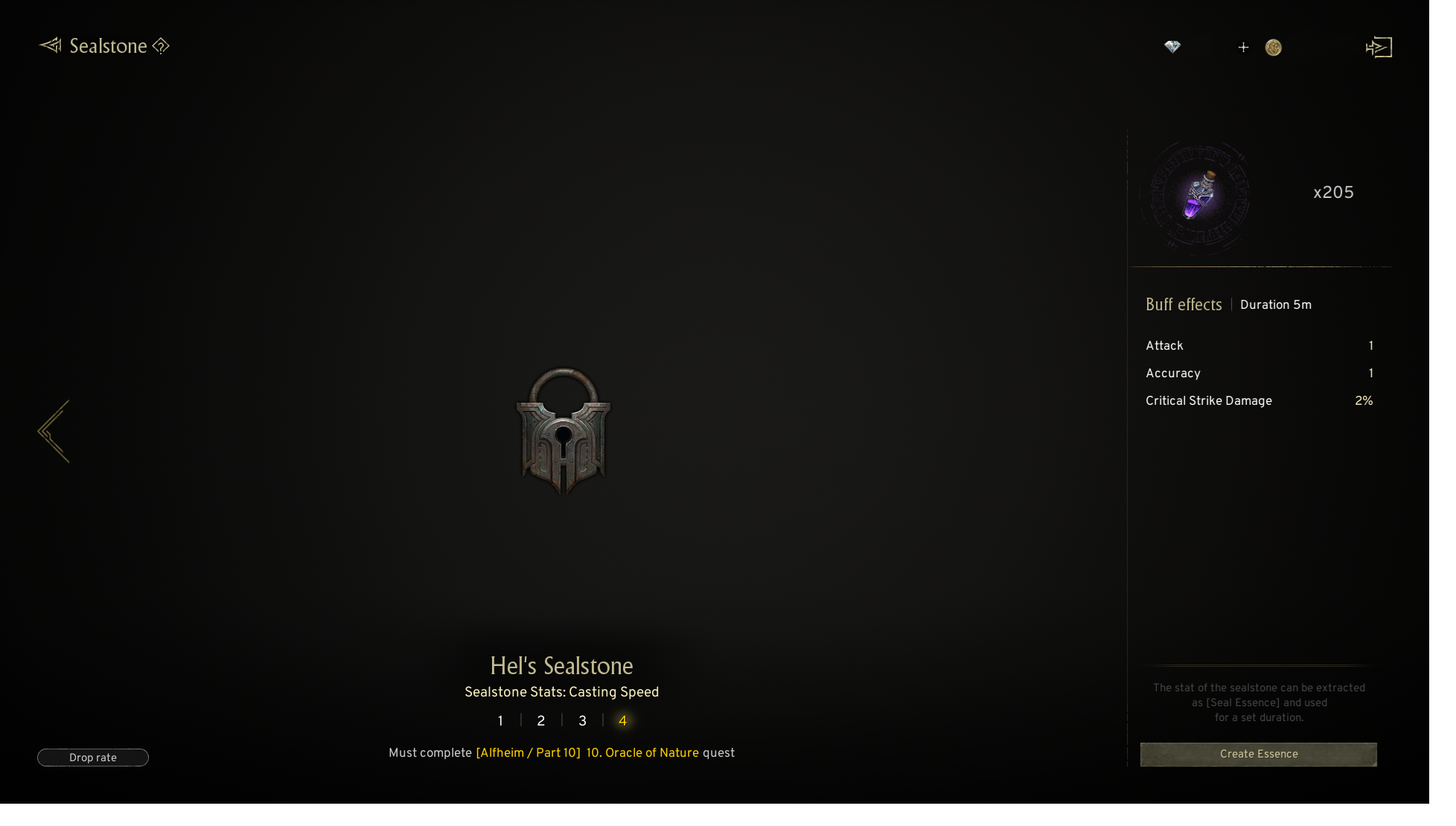
- There are various types of Sealstones, and you can check the ones you want by selecting the page.
2. Sealstone enhancement
◈ How to enhance
- Once the Sealstone is activated, you can enhance it to level 10 using the Enhance button.
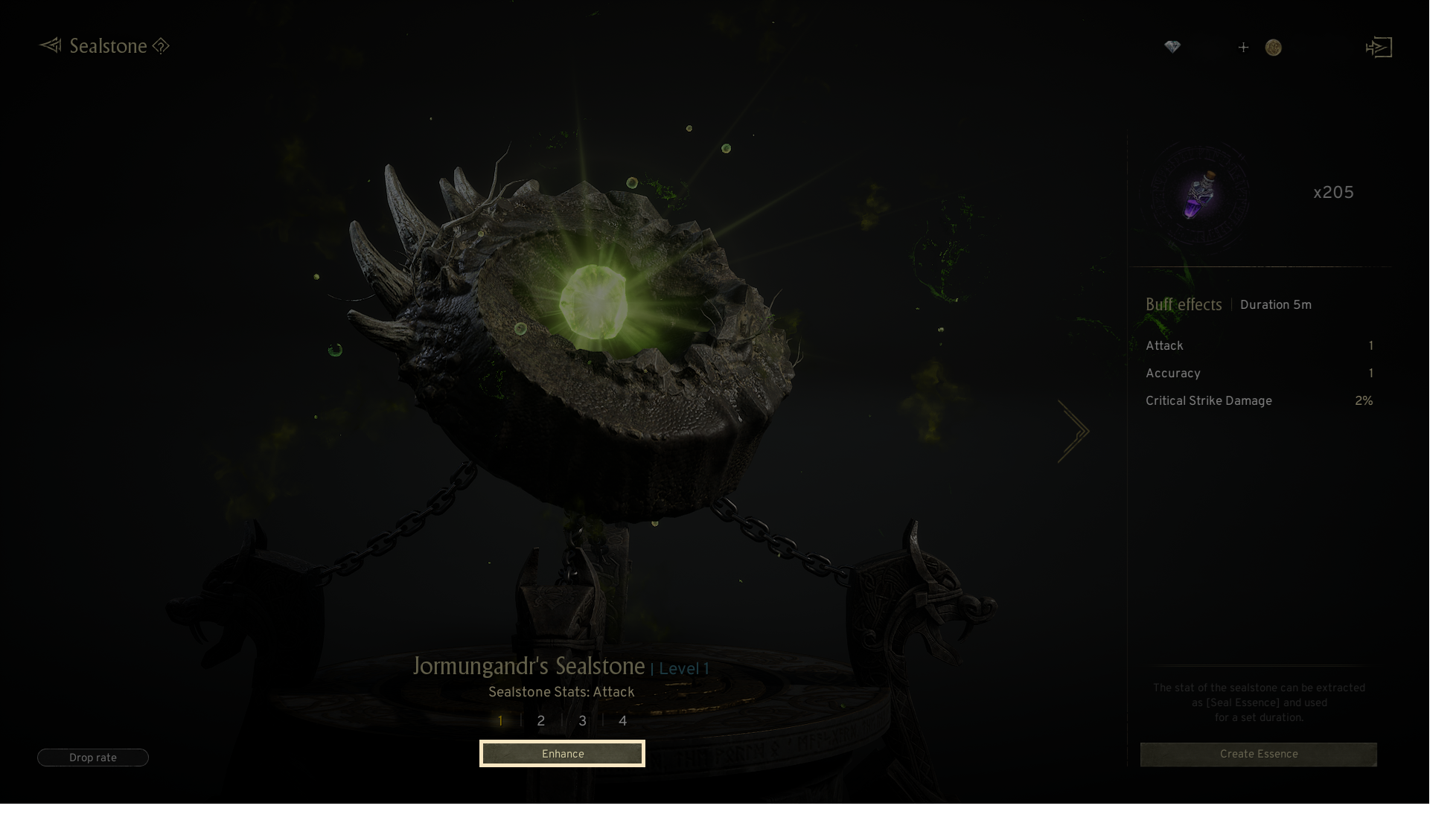
· Enhancing the Seaslstone uses gold and necessary materials.
· The listed stats will be further increased when enhancing the Sealstone.
· If enhancement fails at a certain level, the Sealstone’s level may drop.
- You can set the auto enhance level via the [AUTO enhance] button.
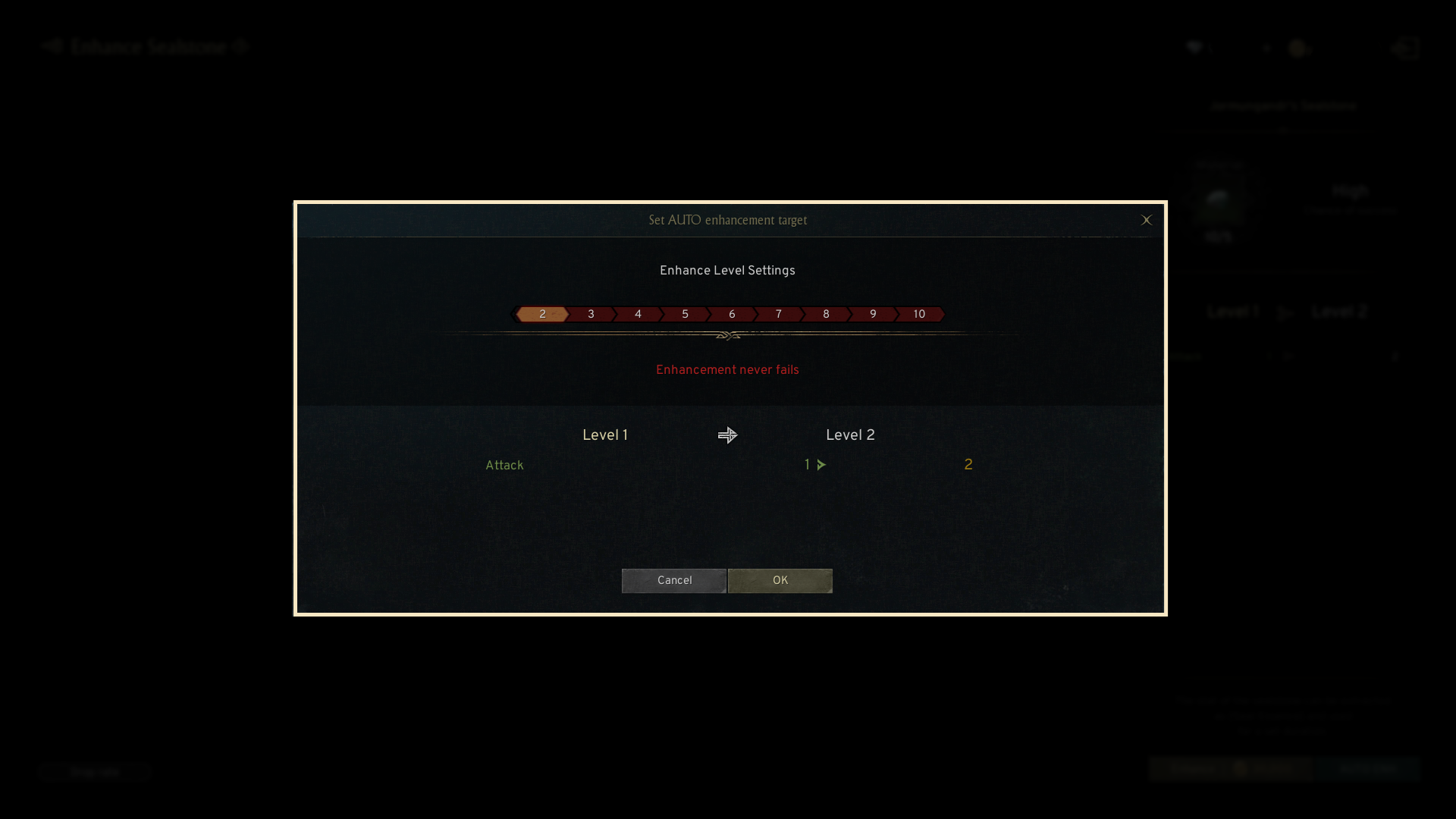
! The auto enhance can be stopped early if there are not enough Gold or required materials.
- Successful enhancement boosts the Sealstone’s buff effect.
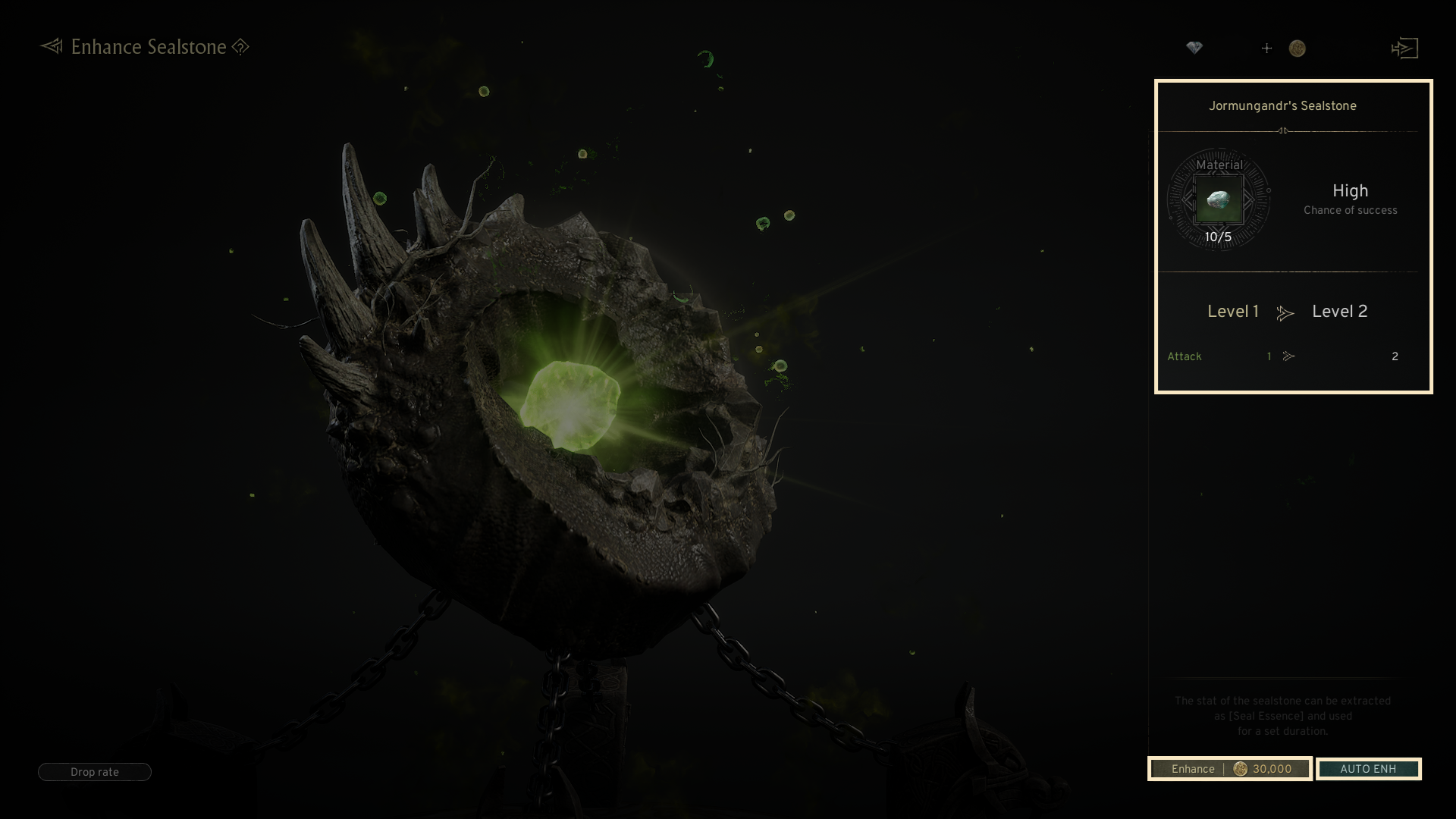
· Each Sealstone provides unique buff effects.
· In the enhancement attempt tab, you can view the buff effects granted upon successful enhancement.
· Sealstone buff effects are applied when using the Seal Essence.
3. Seal Essence
◈ How to use
- Using Seal Essence provides various buff effects for a set duration.
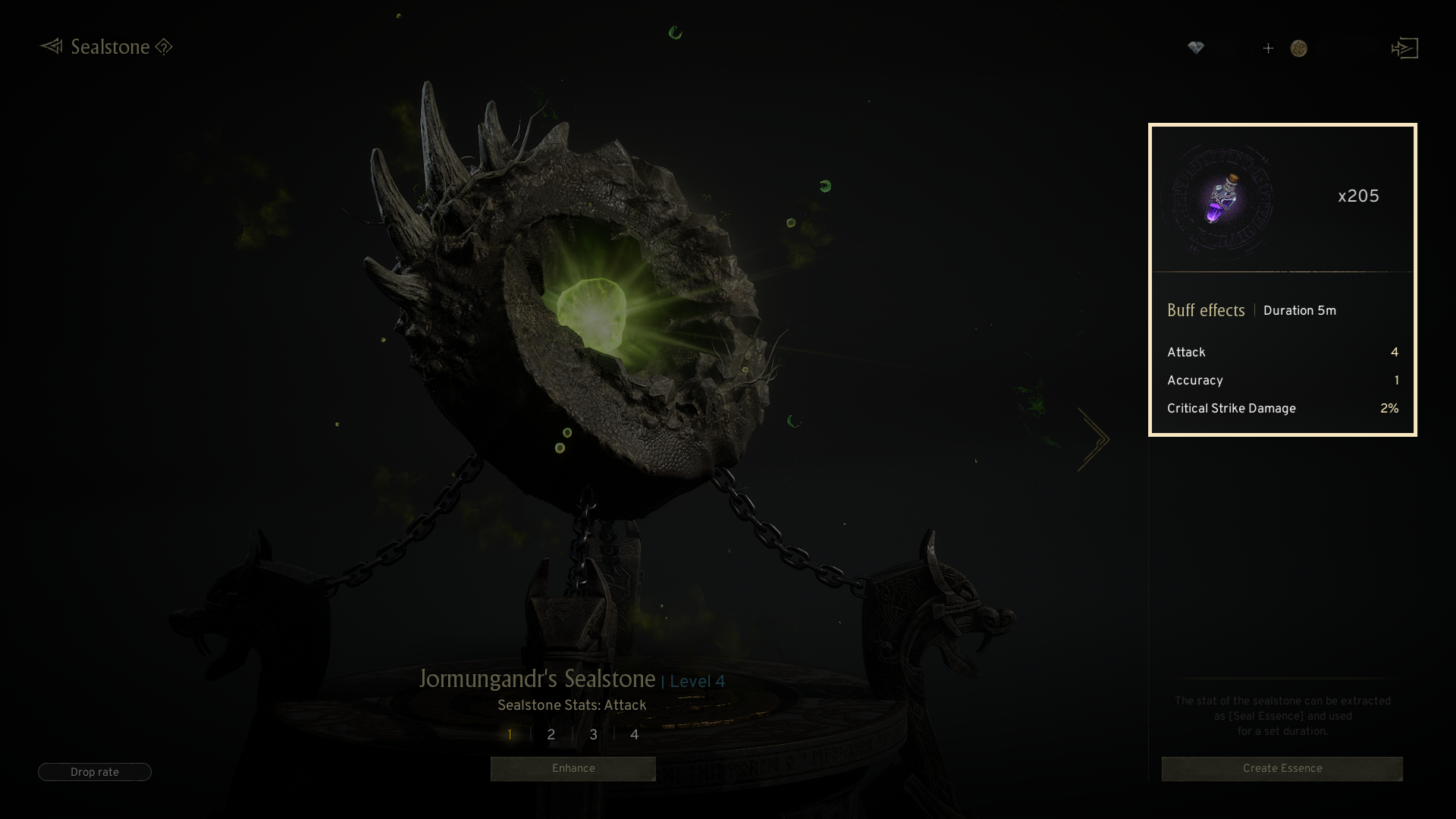
· The effects of activated Sealstone are granted to the Seal Essence buff.
· Any increased effects from Sealstone enhancements are immediately applied to the Seal Essence buff.
- To generate the Seal Essence, click the 'Create Essence' button in the Sealstone tab.
- Grindstone are required to generate the Seal Essence.
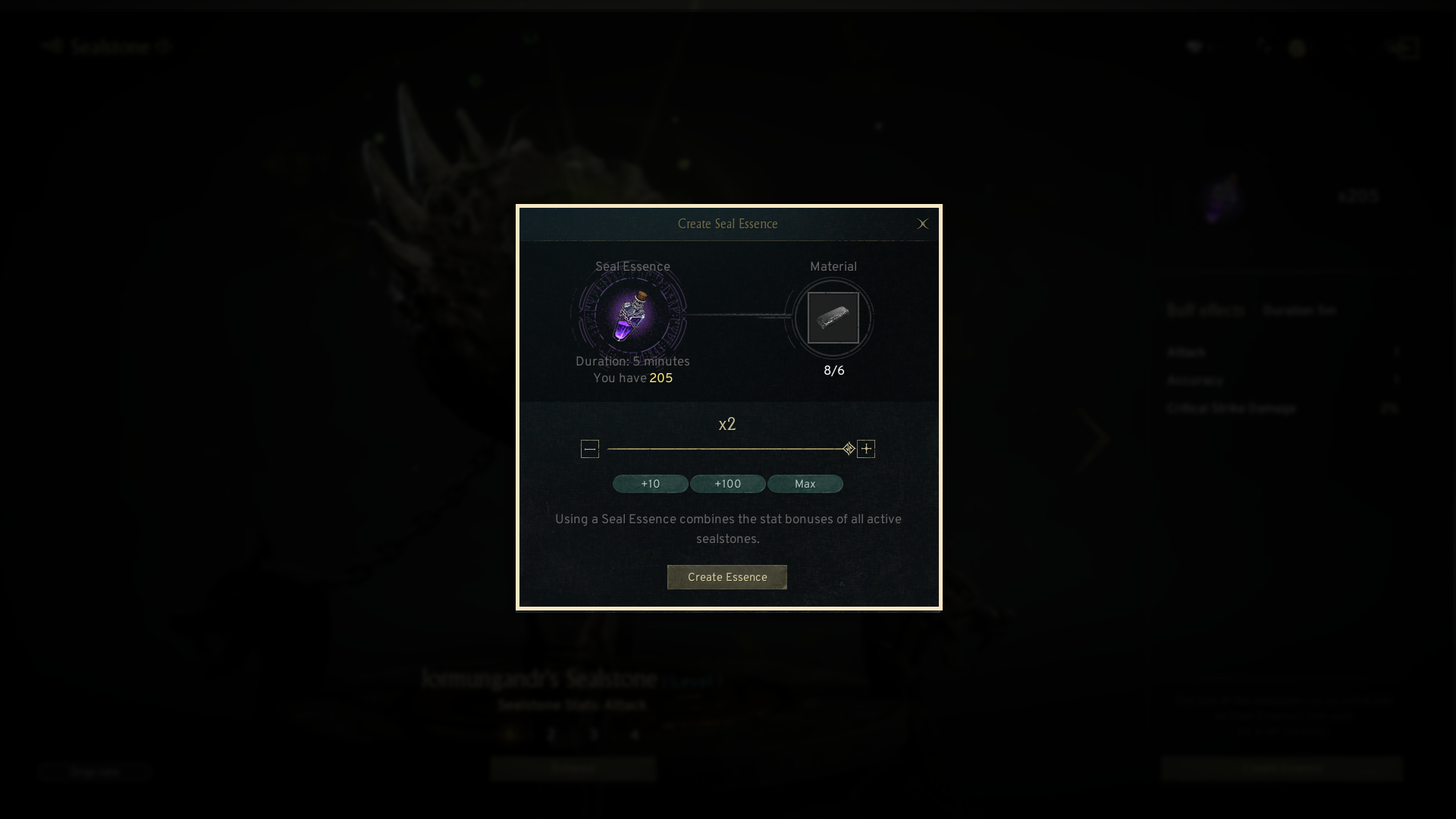
- The Seal Essence will be automatically added to the quick slot on the right side of the main screen when created.

· Clicking the Seal Essence icon will activate its use. (AUTO use)
· If the Seal Essence is active, clicking the icon will deactivate it.
If you need additional assistance, don't hesitate to contact our customer center through the button below.